I am the person who ...
harnesses the power of IT, Accounting, and Blogging for your success.
Freelancer by Day. Football Fanatic by Night.
#IT #Accounting #Blogging #WordPress #SEO #Buchhaltung #Steuern

Edy Werder is a driven solopreneur with IT and accounting expertise. He has built a successful career in both fields, using his extensive knowledge and skills to help businesses navigate the complexities of finance and technology.
In addition to his work as a solopreneur, Edy is also an avid blogger in the IT and WordPress niche. He shares his insights and expertise with others through his blog, providing solutions to problems and buying tips.
Edy often indulges in his passion for football when he’s not working or blogging. As a dedicated fan, he loves to follow his favorite teams and players, staying up-to-date on the latest news and scores.
My Websites
A selection of my blogs
FortiGate as a Secondary DNS Server for Active Directory
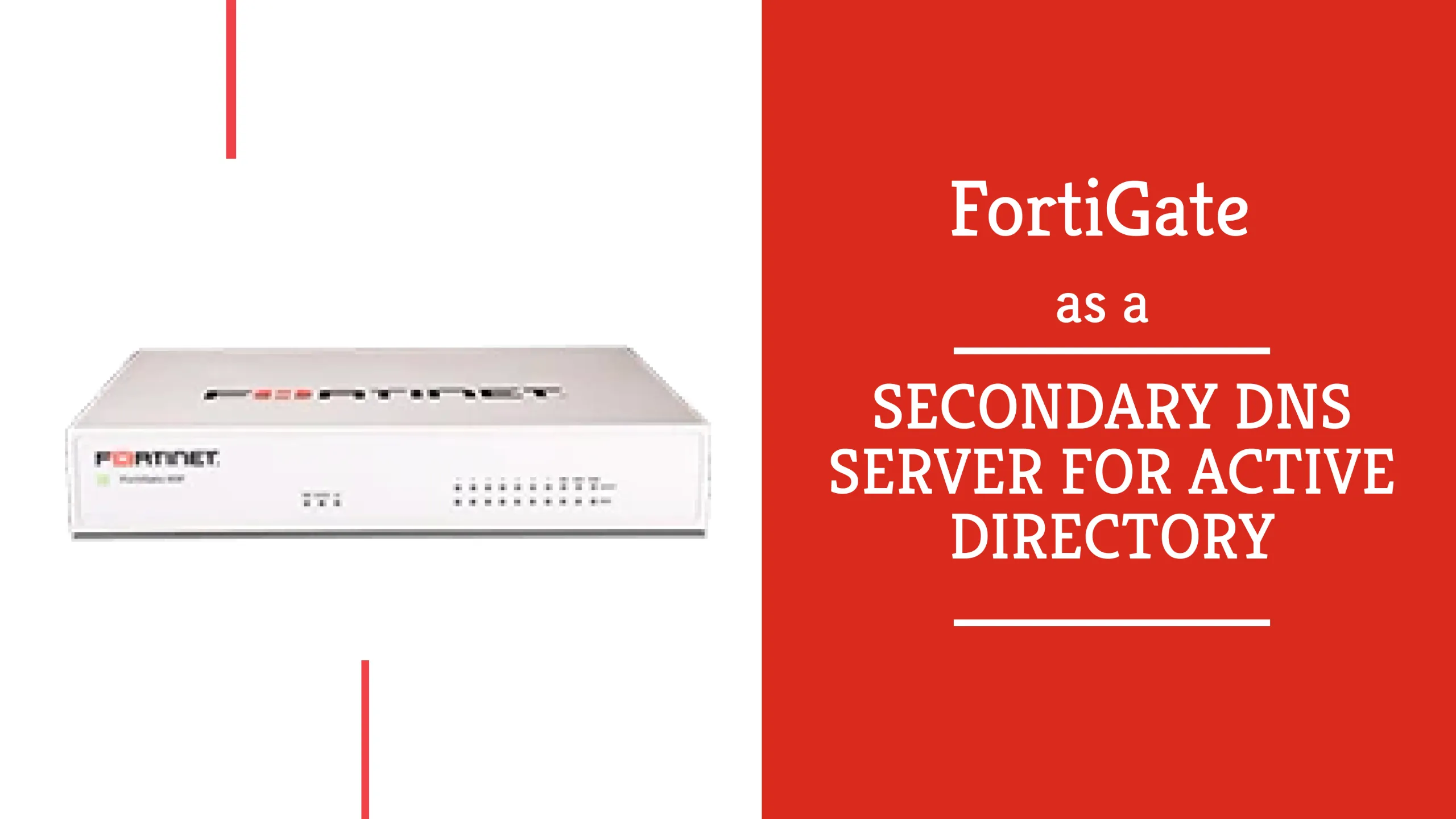
In my homelab, I run a single Active Directory domain controller. It holds the AD-integrated DNS zone and, until recently, my DHCP server too. It is a VM on a Proxmox node. When it goes down, every client loses DNS resolution and internet access, because the DC forwards everything it is not authoritative for to my ISP's resolvers.
How I Installed NUT on Proxmox for an APC UPS
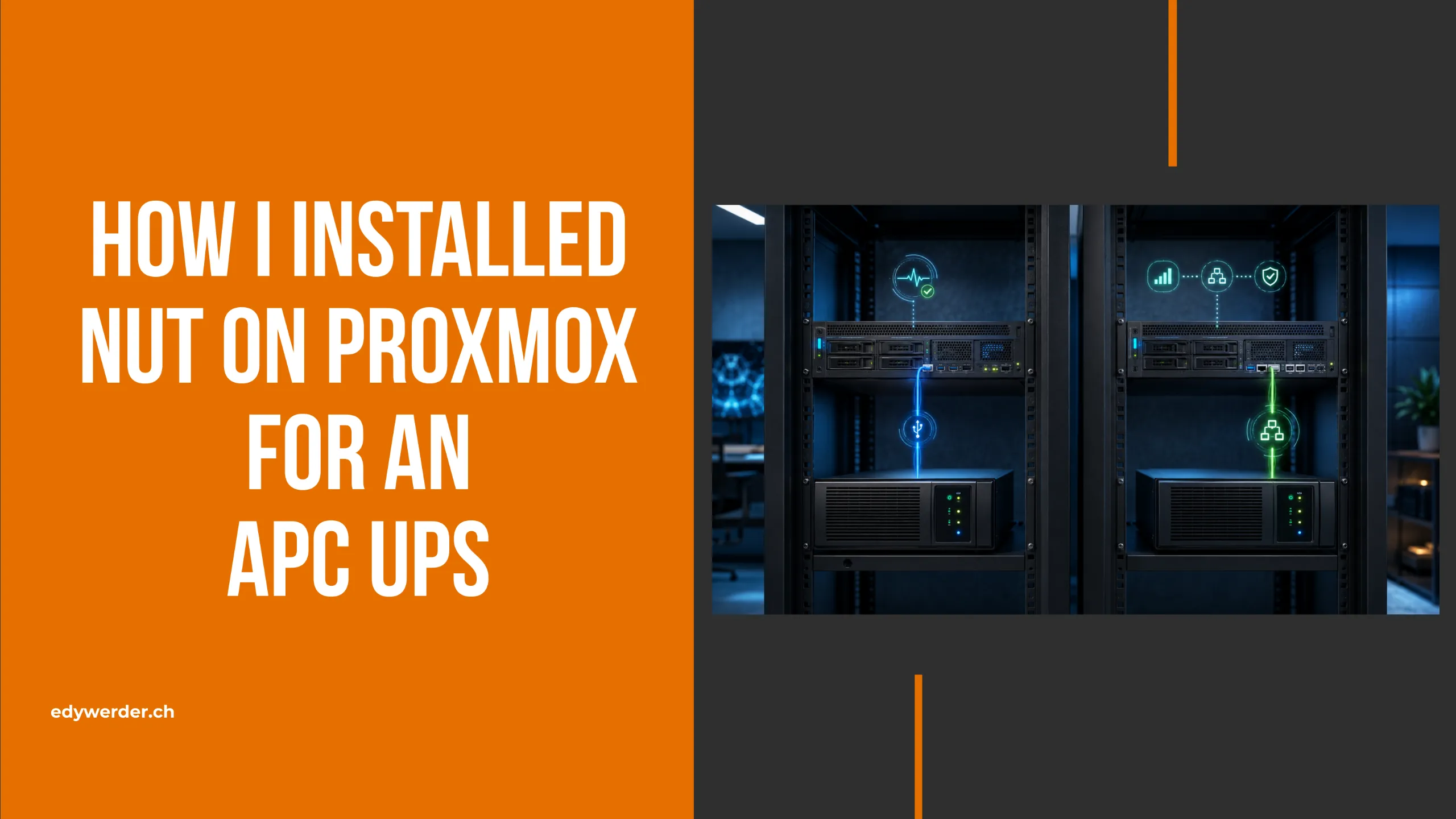
In this guide, I show you how to install NUT on Proxmox and protect your servers during a power failure. Network UPS Tools (NUT) can monitor an uninterruptible power supply and shut down the Proxmox host before the battery runs out.
Homelab Ideas: 25 Real Projects to Start and Grow Your Home Lab

Looking for homelab ideas? Here are 25 projects I either run in my own lab or have planned next, organized by where you start and how your lab grows.
Best Hypervisor for Home Lab in 2026 – I Tested 5 Free & Powerful Options
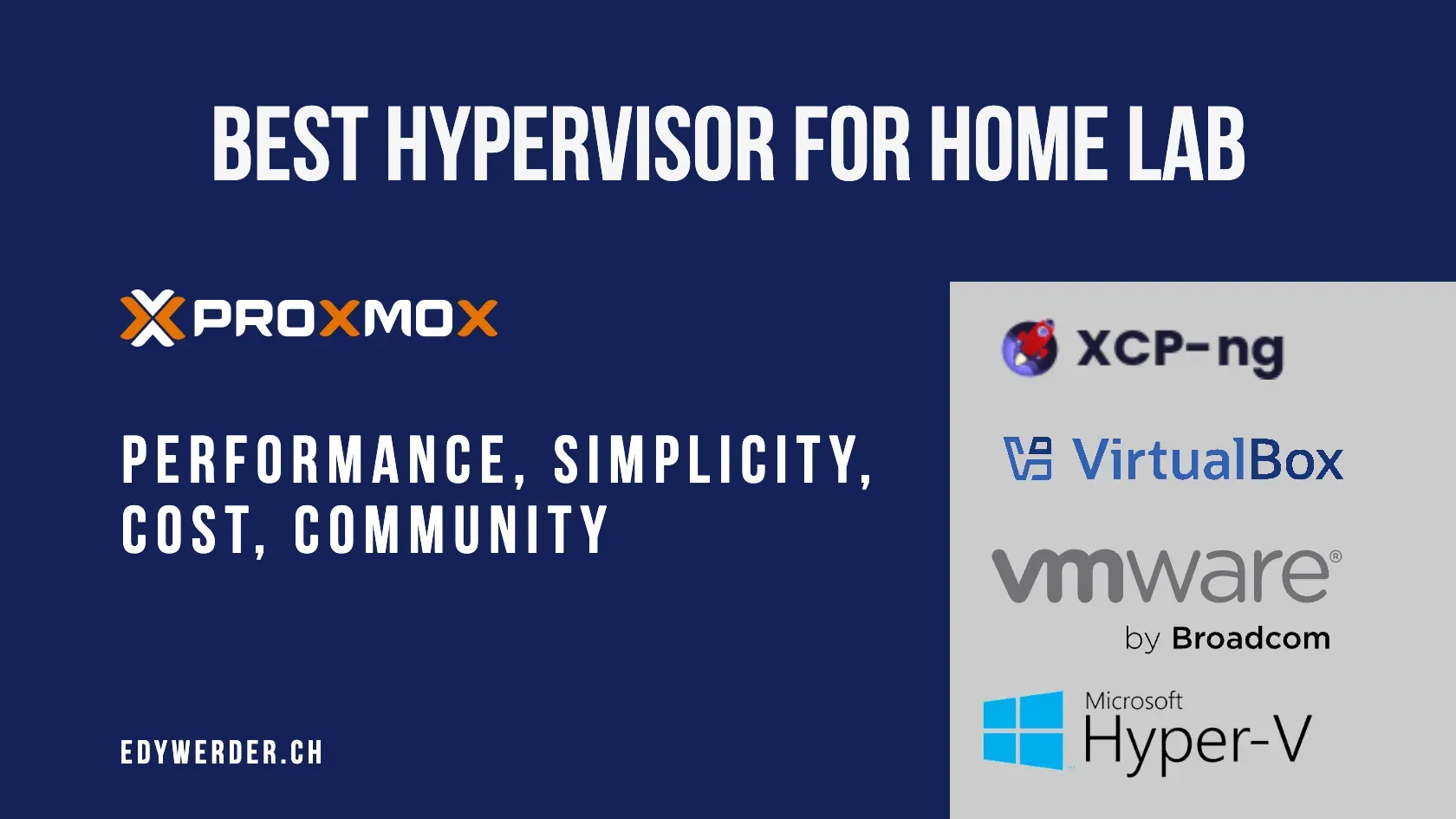
When I started building my home lab, choosing the right server was only half the story. The other half? Picking the best hypervisor. After all, it’s the hypervisor that actually runs your virtual machines—so it plays a huge role in how flexible, efficient, and manageable your home lab setup is.
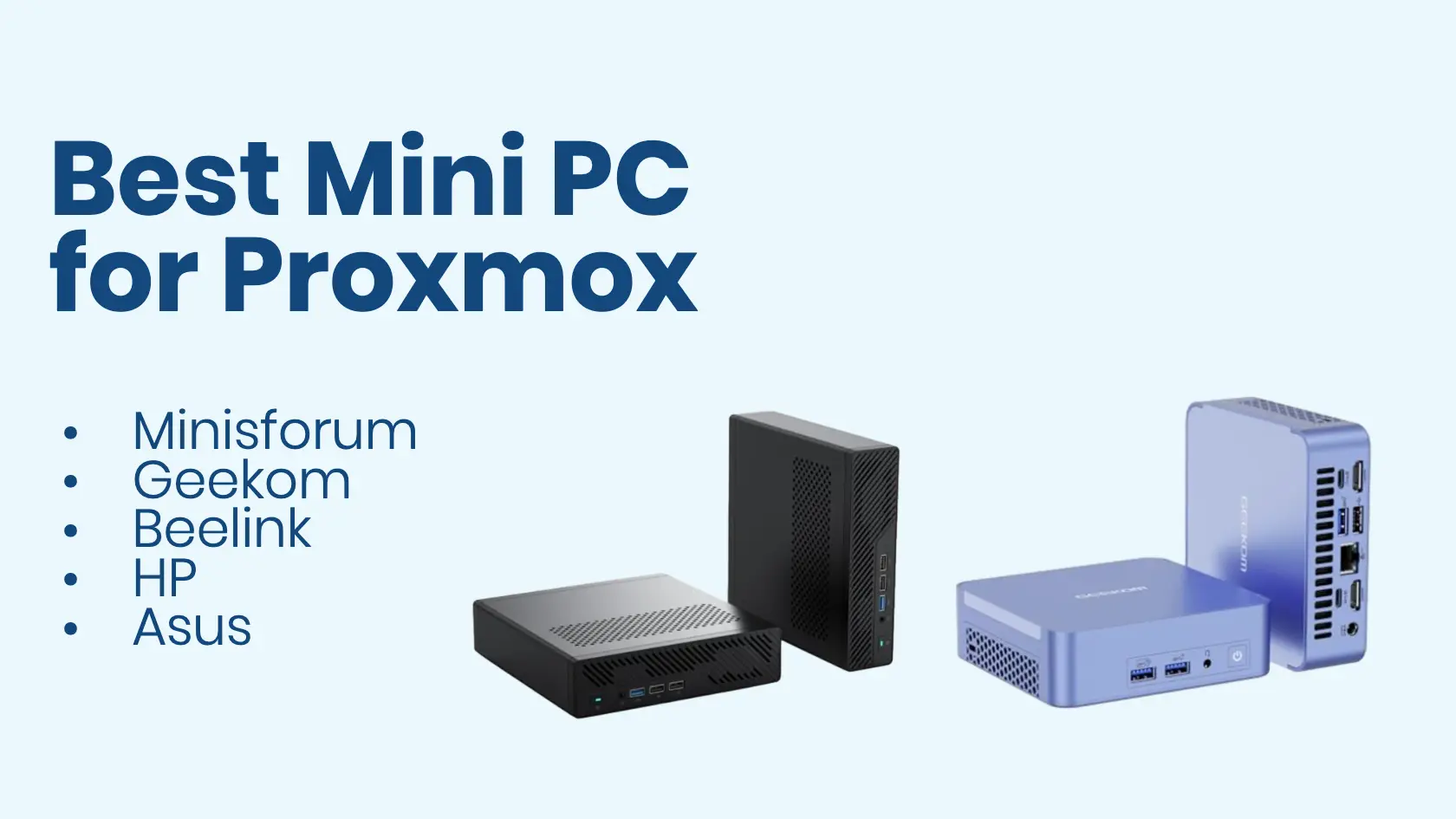
Best Homelab Firewall in 2026 – Software and Hardware Compared
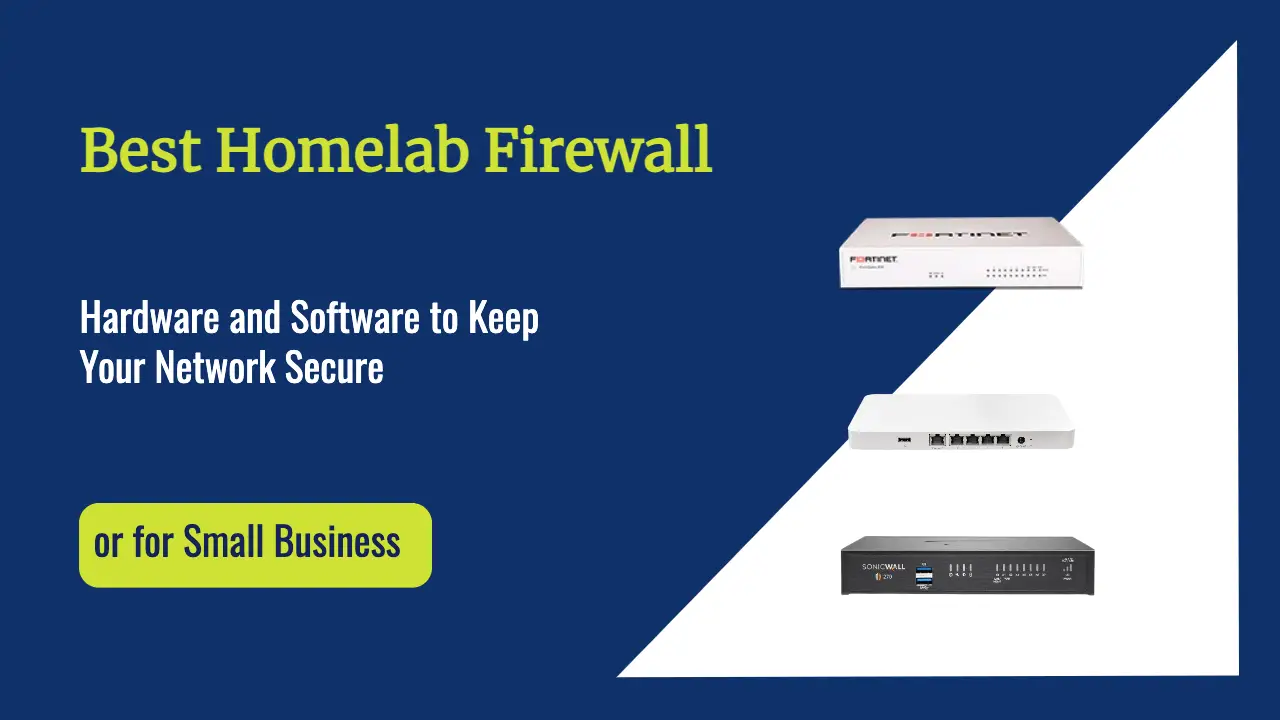
I run a FortiGate at the edge of my own homelab, in front of a Proxmox cluster and several VLANs. Before updating this guide, I asked the homelab community what they actually run in 2026.