By Edy Werder, a tech blogger with 20 years of experience in IT infrastructure
As someone who keeps up with the latest tech trends, I’ve had the opportunity to test out many different laptops. However, I’ve found that Dell consistently stands out from the rest. Even in 2026, there is still a lively debate between the Dell XPS and Latitude lines, as Dell offers tailored solutions for everyone, from avid gamers to business professionals in need of a reliable laptop.
Dell offers solutions to diverse preferences, delivering premium laptops and excellent performance tailored to your requirements.
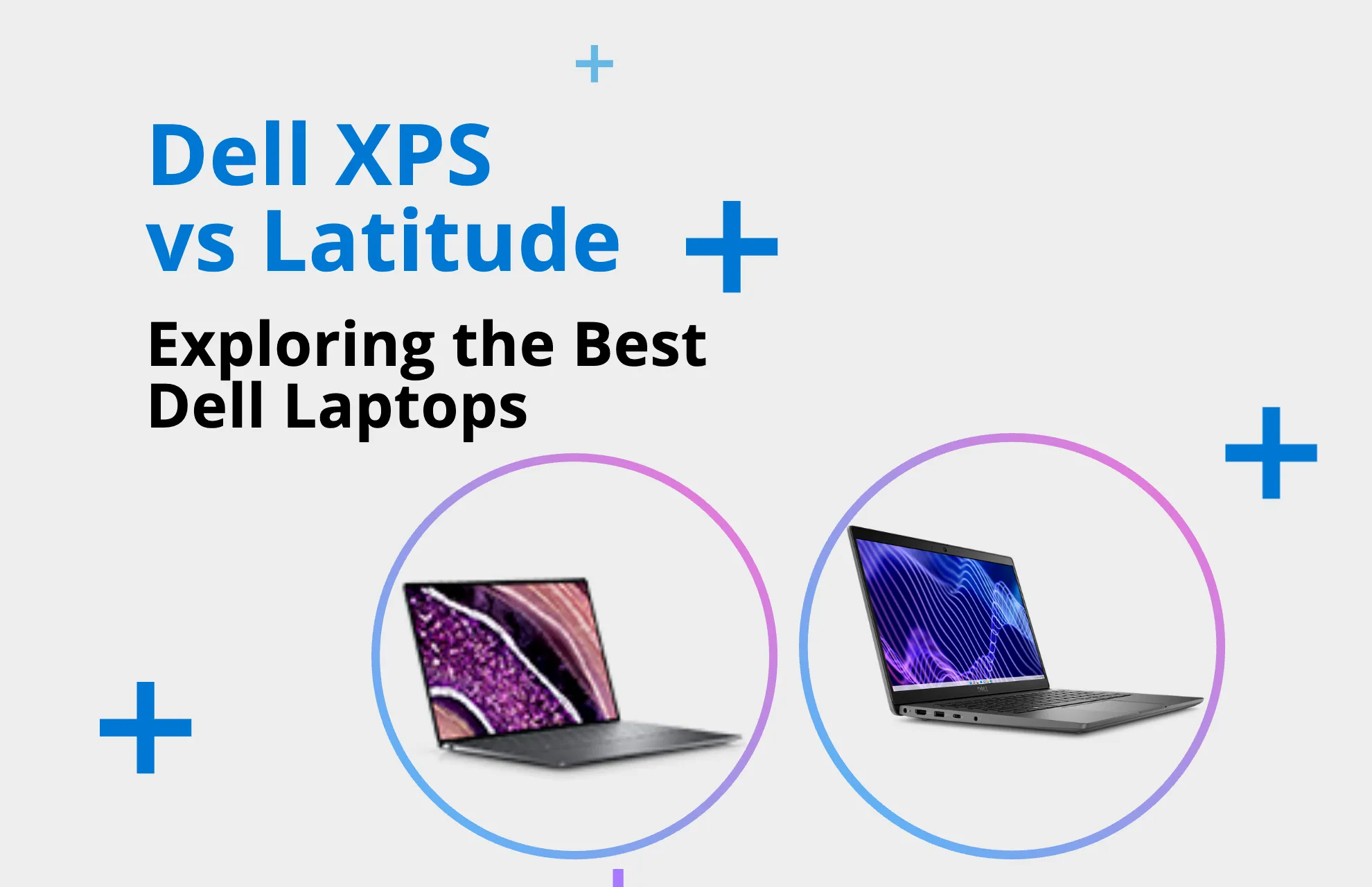
I’ve delved deep into the complex world of Dell’s renowned ranges, sorting through an array of XPS and Latitude laptops to uncover what makes each line distinct.
With the Dell XPS line, you can enjoy unparalleled portability and robust performance in an attractive package. The Dell XPS 13, XPS 15, and XPS 17 models have redefined what a laptop can offer.
The Dell XPS series is known for its sleek design, high performance, and top-notch graphics. It is an ideal choice for those who prioritize aesthetics and functionality. On the other hand, the Dell Latitude series is designed to cater to the needs of business users who require a durable, secure, and highly productive device that can keep up with their on-the-go lifestyle. Whether you need a laptop for intensive video editing or expanding business operations, choosing between an XPS and a Latitude laptop requires careful consideration of utility, aesthetics, and functionality.
Key Takeaways
Finally, I also briefly overview the Dell Vostro and Alienware line.
When someone asks me which Dell laptop to choose, I always consider the user’s specific needs, as each has distinct features. For instance, if we’re discussing the needs of a gaming enthusiast or a professional video editor, I suggest the Dell XPS line.
However, the XPS vs Latitude debate is more nuanced than it first appears; each caters to distinct market segments, and understanding this divide is crucial for making an informed purchase.
Dell’s XPS line offers cutting-edge innovation with its virtually borderless InfinityEdge displays, making it a staple among high-end laptops. Unsurprisingly, someone inquiring about the differences between Dell XPS and Dell Latitude is usually looking for a device capable of the highest level of performance for tasks like photo and video editing.
The Latitude range is known for its reliable performance and durability, making it a popular choice for business professionals. It boasts top-notch security features and enterprise-level build quality designed for professional use. But that’s not all; the Latitude’s impressive processing power means it can effortlessly handle demanding office tasks.
Dell offers versatile options across series. Whether you prefer the visually stunning XPS series or the robust and secure Latitude series, there’s an optimal solution for everyone.
The XPS is renowned for its stylish exterior and powerful interior, making it the choice for users demanding high-end features such as an edge-to-edge keyboard and incredible screen resolutions.
Conversely, the Latitude is designed for users who prioritize durability and security features, which are essential for professional environments. This focused strategy is what distinguishes Dell from its competitors.
My advice varies depending on the model you choose. If you are looking for a laptop for creative purposes or personal use, the XPS line is the better option as it offers a wide range of models. On the other hand, if you are a professional or a business person needing extensive options, the Latitude line would be a better fit for you.
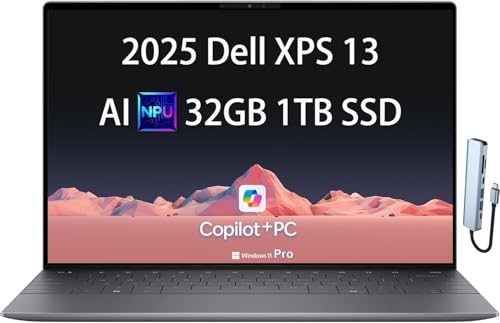
The Dell XPS series is designed to offer robust performance and style for users looking for a premium laptop experience. This series comprises the XPS 13, XPS 15, and XPS 17, showcasing a seamless blend of power and elegance. The XPS laptops are recognized for their innovative features and are ideal for those demanding high-end performance for both work and play. Compared to the Latitude series, the XPS line is often considered a top choice for users seeking top-tier capabilities and sleek design.
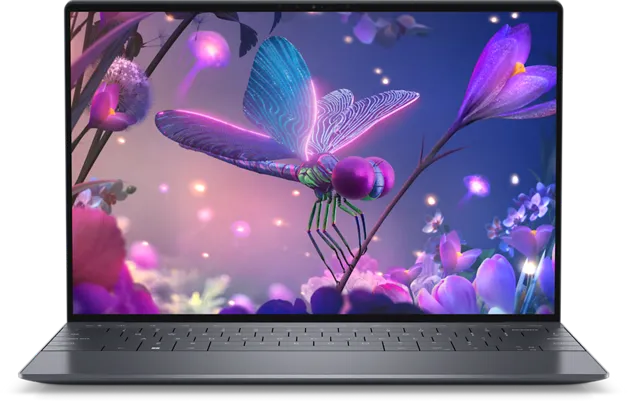
As an avid tech enthusiast, I’ve witnessed XPS laptops set benchmarks with their cutting-edge Intel processors. Boasting the latest CPU advancements, these XPS models fuse the formidable 13th-gen Raptor Lake and 12th-gen Alder Lake processors, offering performance capabilities that cater to the most demanding computational tasks and handling complex workloads with remarkable efficiency.
Including NVIDIA’s RTX GPUs in XPS laptops draws in gamers and creative professionals looking for discrete graphic capabilities. NVIDIA’s RTX series provides the muscle needed for high-resolution gaming and enables rapid rendering times for video editing projects, converting the XPS into a versatile powerhouse.
| Features | XPS 13 | XPS 15 | XPS 17 |
| Processor | Intel 12th-gen | Intel 12th-gen | Intel 13th-gen |
| GPU | Intel Iris Xe | NVIDIA RTX | NVIDIA RTX |
| Display | 13.4″ FHD+ | 15.6″ 3.5K OLED | 17.0″ 4K UHD+ |
| Portability | Lightweight, Compact | Slim with GPU Power | Performance in a Larger Screen |
The XPS 13 laptop boasts a sleek and minimalist design. It features an edge-to-edge keyboard and a trackpad that only appears when needed. This innovative approach enhances the user’s experience and is a great example of Dell’s commitment to innovation in premium laptop design.
The 2-in-1 model in the XPS lineup is a perfect example of the flexibility today’s users demand. It can quickly transform from a laptop to a tablet, making it an ideal solution for those who are always on the go and require a device that can adapt to their dynamic lifestyle without sacrificing performance or portability.
Dell XPS 9315 Detachable 2-in-1 Laptop (2022) Touch | 13" 2880x1920 QHD+ | Core i7-1250U - 512GB SSD Hard Drive - 16GB RAM | 10 cores @ 4.7 GHz Win 11 Pro Silver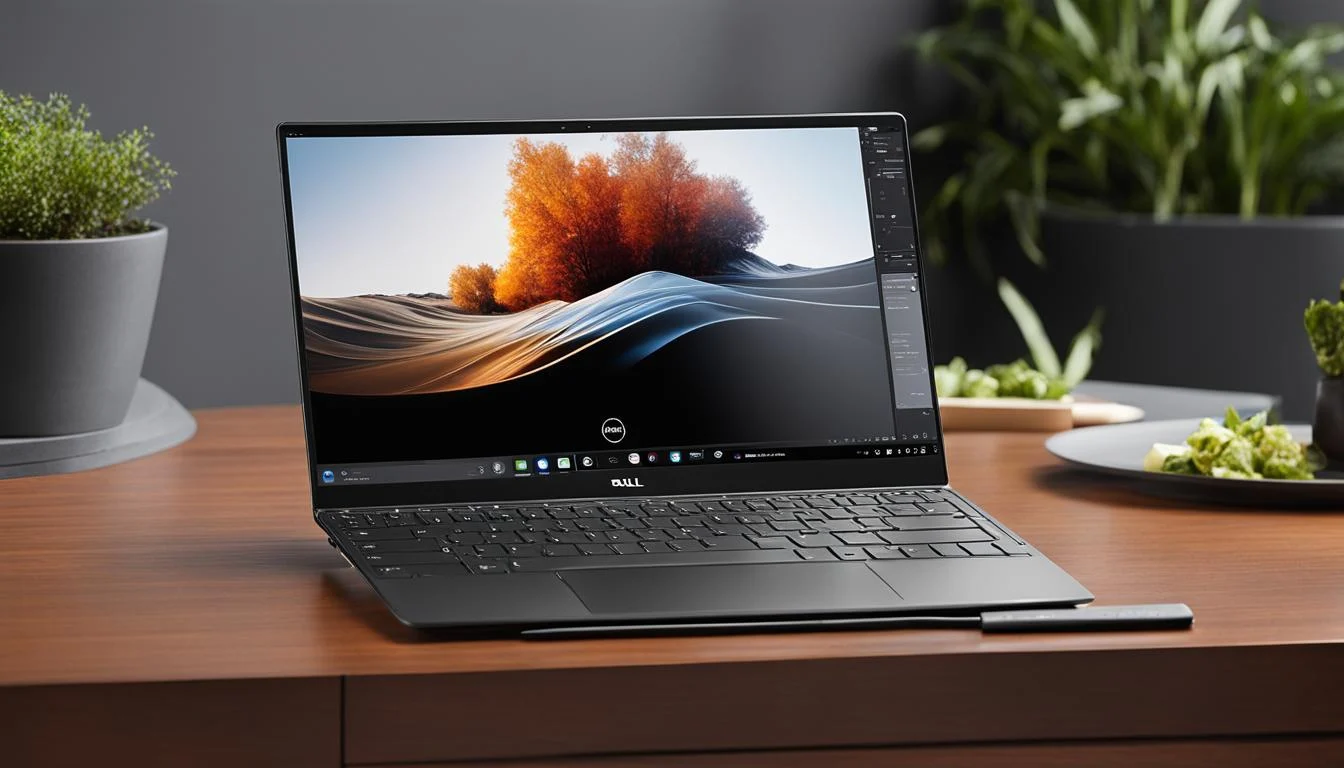

As a business professional, the reliability and performance of my work devices are paramount to me. That’s why I always go for Dell Latitude laptops. They’re specifically designed for professionals like me, ensuring durability for everyday use and boosting productivity with top-notch connectivity, strong security features, and robust hardware.
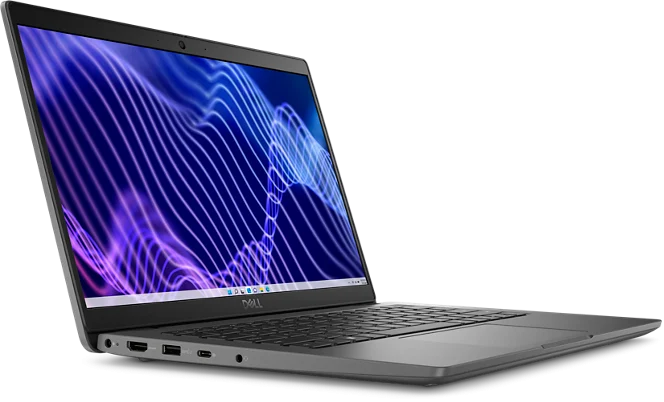
The key to productivity in a business laptop lies in its ability to stay securely connected. Take the Latitude 9520, for instance. It’s a standout in the Dell Latitude series, offering cutting-edge connectivity options like Wi-Fi 6, 5G LTE, and various ports. It means I’m always just a click away from my next opportunity. Equally important are the solid security measures it comes with. From biometric authentication to Dell’s SafeGuard and Response, these features give me the peace of mind essential for any business computing.
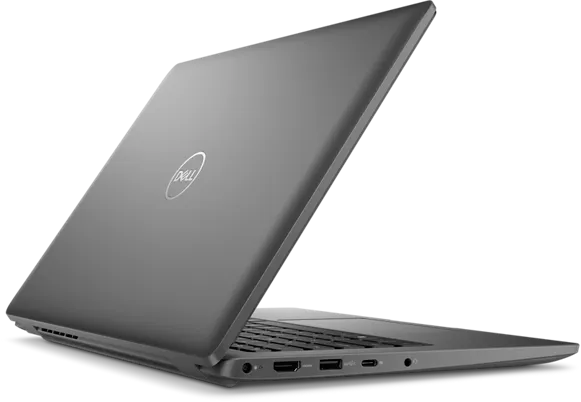
I appreciate Dell Latitude laptops’ blend of premium features and affordability. The Latitude 14 is a perfect example. It balances cost with performance. While it competes with the sleeker Dell XPS line, it provides a sturdy build and practical features suited for professional use. This makes it an attractive, budget-friendly option for anyone needing a dependable laptop.

When comparing Dell XPS and Latitude laptops, I consider several key factors that suit different needs. With its ultra-slim design and top-tier specs, the XPS series is perfect for those wanting a high-end gaming laptop or creative work. The XPS 13, for example, is great for carrying around without losing out on performance. It has powerful processors, plenty of RAM, and speedy SSD storage.
On the other hand, Latitude laptops are my go-to for business purposes. They’re built to last and have excellent connectivity options like Thunderbolt 4, USB-C, and HDMI ports. Plus, with Intel Iris Xe graphics, they’re powerful enough for professional tasks, making them a reliable choice for business use.
It comes down to what I need when deciding between a high-performance Dell XPS and a secure, well-connected Dell Latitude. Do I want the XPS’s exceptional performance or the Latitude’s business-oriented reliability? This choice will ultimately shape the tool supporting my work and leisure activities.
Ultimately, one must deliberate whether the XPS’s premium build and gaming prowess align more closely with their day-to-day needs than the Latitude’s business-oriented reliability and connectivity. It’s not just about choosing a laptop; it’s about choosing a partner that complements your digital lifestyle.
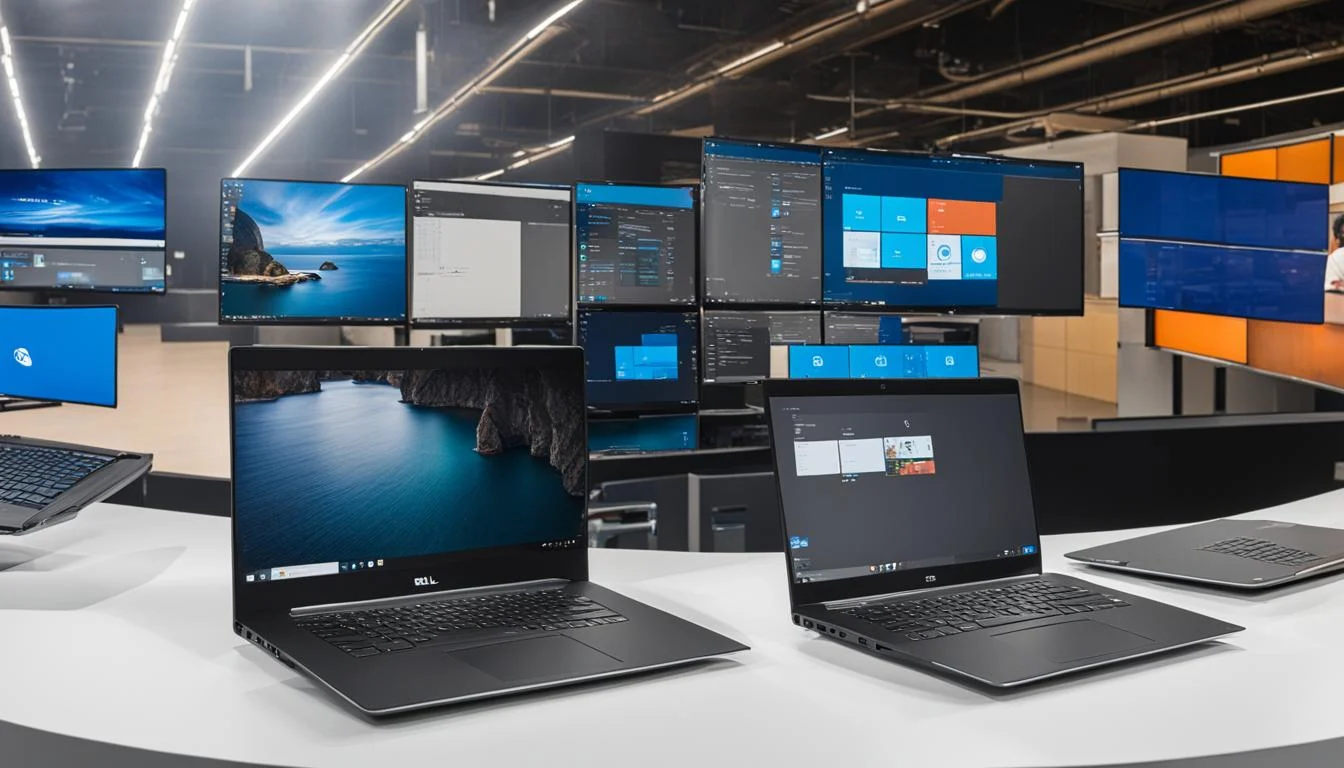
Dell’s Inspiron and Vostro laptops play key roles in their laptop ecosystem. They meet the needs of a broad audience, from individual users to small businesses. I’ll explore how each series delivers versatility and value.
Dell designed the Inspiron series for budget-conscious individuals needing reliable performance. These laptops handle everyday tasks like photo editing and entertainment. They feature robust Intel or AMD Ryzen CPUs, sufficient RAM, and integrated graphics options for smooth operation.
The Dell Vostro line targets business users looking for affordability without losing key features. Vostro laptops are durable and perform consistently. They offer Ethernet, USB-A, and HDMI ports for connectivity. Ideal for businesses, they have full HD displays and SSD storage for multitasking, all at an affordable price.
Whether for home projects or office work, Dell’s Inspiron and Vostro laptops excel in a market that values economy and efficiency. From editing photos on an Inspiron with Intel Iris Xe graphics to handling business tasks on a Vostro, Dell offers laptops that fit your needs and budget without skimping on quality.

In high-performance computing, Dell stands out with its Alienware and G-Series lines. These lines serve a wide range of gamers, from hardcore to casual. They offer top-tier hardware like Intel CPUs, NVIDIA RTX GPUs, and fast refresh rate panels. Dell’s commitment to superior gaming performance is evident in these lines.
Alienware is a powerhouse in gaming hardware. Take the Alienware m18, for example. It has a 4K UHD display, Intel’s 13th-gen CPUs, and Nvidia’s RTX 3060 or higher. This combination ensures an epic gaming experience. Alienware laptops also have DDR5 RAM and speedy SSD storage. Their advanced cooling systems and customizable RGB lighting show Alienware’s blend of innovation and gaming artistry.
The G-Series targets a different gaming audience. These laptops offer solid performance at a more affordable price. They have strong CPUs and GPUs, high refresh rates, and long battery life. I appreciate their balance—they’re easy to carry yet powerful enough for intense gaming. The G-Series includes essential ports like Ethernet, HDMI, and USB-C. It makes them ideal for casual gamers who want an immersive, accessible gaming experience.

In summary, Dell’s Alienware and G-Series cater to all gamers. Whether you’re drawn to Alienware’s innovation or the G-Series’s balanced performance, Dell offers personalized gaming experiences for everyone.
After exploring the detailed comparison between Dell XPS and Latitude laptops, you might be interested in delving further into tech solutions for home setups. I recommend checking out The Best Mini PC for Home Server. This article provides insightful information on compact and efficient mini PCs, which could perfectly complement your laptop for a streamlined and robust home technology ecosystem.
Hi, I'm Edy Werder. I write hands-on guides about servers, virtualization, NAS and WordPress, based on setups I run in my own homelab. Real configs and real results, no fluff.
Enjoying the content?