By Edy Werder, a tech blogger with 20 years of experience in IT infrastructure
Thinking about running Proxmox on a mini PC in 2026 and wondering which model works best for a home lab?
In this guide, I share my hands-on experience choosing and testing mini PCs that run Proxmox smoothly — from energy-efficient builds to compact cluster setups. You’ll learn:
Quick Answer:
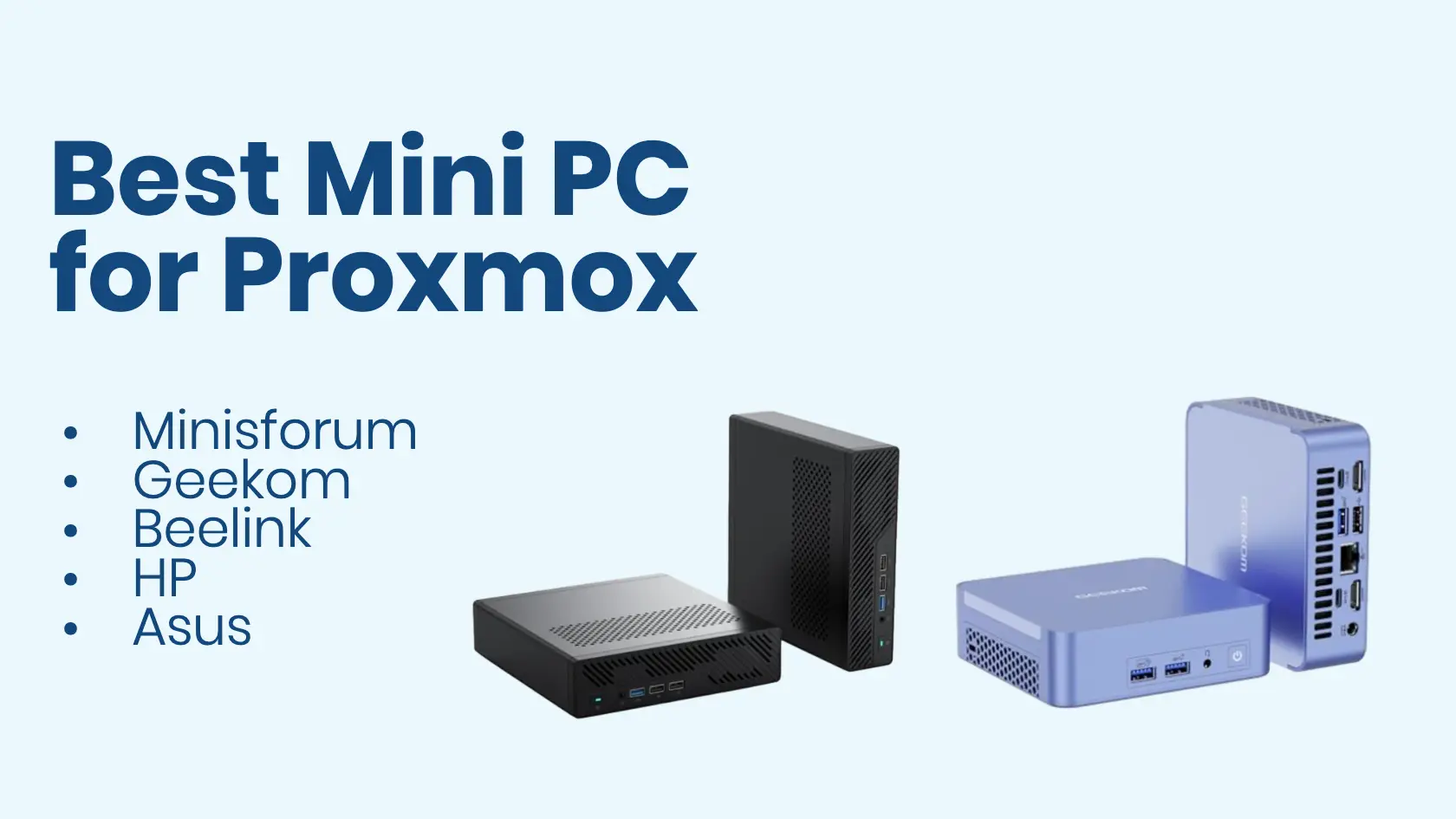
The Minisforum MS-01 offers the best overall performance with dual 10GbE ports and PCIe expansion. For budget builds, the Beelink SER8 offers excellent value with an AMD Ryzen 7 processor and 32GB of RAM. All models work well with Proxmox out of the box.
Whether you’re starting your first homelab or expanding into high-availability clusters, this article will help you choose the ideal mini PC, avoid common pitfalls, and get your lab running smoothly.
Mini PCs are perfect for home labs:
Mini PCs are a popular choice for running home server applications due to their low energy consumption. Whether you’re testing virtual machines, running home automation, or building a high-availability cluster, a mini PC is a smart starting point.
If you’re weighing a mini PC against a full tower or rack server, my guide on the best server for home lab covers the bigger hardware options side by side.
I measured real power consumption across several homelab devices in my low power home server comparison, including the Minisforum MS-01.
Not sure what to run once it’s set up? My 25 homelab project ideas cover what to build on your mini PC, from your first VM to backups and monitoring.
A mini PC like this is not only for Proxmox. With enough network ports, it also makes a great homelab firewall running OPNsense or pfSense.
Proxmox VE (Virtual Environment) is an open-source platform for running multiple virtual machines and Linux containers on a single physical computer. It includes a powerful web interface and supports enterprise features such as clustering, high availability, and backup scheduling—all at no additional cost.
It’s an excellent choice if you’re new to virtualization or building a homelab. And because it’s open-source and hardware-flexible, you can run it on everything from repurposed desktops to ultra-compact mini PCs.
Want to learn more about virtualization platforms? Check out my in-depth comparison: Best Hypervisor for Home Lab. If you are still choosing your hardware, my Best Server for Home Lab guide covers refurbished tower and rack options tested in my own lab
If you’re new to the concept of running everything virtually on one box, my guide on what a virtual homelab is explains the full picture, including whether local or cloud makes more sense for your situation.
Before picking a model, make sure the mini PC supports the following:
Building a home lab using mini PCs requires careful consideration of both storage and memory capacity. Some models allow dual M.2 drives or room for a 2.5″ SATA drive, making them flexible for running multiple VMs or containers.
Also, check if the BIOS allows enabling virtualization extensions. Some OEMs disable them by default.
Here are my personal recommendations after testing and researching mini PCs for virtualization:
Compare specs, features, and prices to find your ideal homelab mini PC
| Model | CPU | Max RAM | Network | Storage | Special Features | Price Range |
|---|---|---|---|---|---|---|
| Minisforum MS-01 BEST OVERALL | Intel Core i9-13900H | 64GB DDR5 | 2x 10GbE SFP+ 2x 2.5GbE |
3x M.2 slots | PCIe slot for GPU/NIC Enterprise networking |
~$624 |
| GEEKOM AX8 Pro | AMD Ryzen 7 8745HS | 32GB DDR5 | 2.5GbE | PCIe 4.0 NVMe | Silent operation Compact aluminum design |
~$700 |
| Beelink SER8 BEST BUDGET | AMD Ryzen 7 8845HS | 32GB DDR5 | Realtek NIC (Proxmox compatible) |
1TB NVMe PCIe 4.0 | Great value Out-of-box Proxmox support |
~$719 |
| HP Pro Mini 400 G9 | Intel i5-12500T | 32GB DDR4 | Intel NIC | 1TB PCIe SSD | Business-grade reliability Quiet thermal design 2x USB-C |
~$839 |
| ASUS NUC 14 Pro | Intel Core Ultra 7 155H | 96GB DDR5 | Intel NIC | Triple storage support 1TB Gen 4 NVMe |
Thunderbolt 4 VESA mount NPU support |
~$650 |
The Minisforum MS-01 is a premium option in the homelab community for its performance and networking options.

The Minisforum MS-01 is also available new or used on eBay.
I wrote a full Minisforum MS-01 review
The GEEKOM AX8 Pro is also available new or used, on eBay.
The Beelink SER8 is also available new or used on eBay.
The HP Pro Mini 400 G9 is also available new or used on eBay.

The ASUS NUC 14 Pro is also available new or used on eBay.
Proxmox supports most Realtek NICs out of the box. That’s a major advantage over VMware ESXi, which often requires patched drivers or USB NICs for Realtek-based systems.
If you plan to experiment with ESXi later, choose a mini PC with Intel i225 or i226-V NICs for maximum compatibility. Otherwise, Proxmox gives you the flexibility to use what’s available.
Using dual NICs can improve network performance in a Proxmox setup, especially if you’re planning to isolate traffic (e.g., storage, VM LAN, or WAN passthrough).
Before jumping in, make sure to review the following setup points:
Note:
Proxmox also supports Secure Boot and TPM inside guest systems such as Windows 11 and modern Linux distributions. If you’re planning to run such VMs, enabling these features in the BIOS ensures compatibility and unlocks full guest OS functionality.
How to install Proxmox Server 9
Once your mini PC is up and running, keeping Proxmox current is straightforward. Here is how to update Proxmox manually.
A running Proxmox box is just the starting point. My complete homelab guide walks through the network, storage, and services that turn one mini PC into a full home lab.
Absolutely! I run a three-node Proxmox cluster at home using mini PCs. It lets me:
Just make sure the nodes have matching specs and enough RAM for your needs. Dual-NIC models or SFP+ ports make cluster networking easier.
Proxmox really shines when used in a cluster. While a single-node setup works great for testing or light workloads, a true cluster of three or more nodes gives you:
Mini PCs make clustering more affordable and energy-efficient. You can run a full Proxmox cluster from your home office or lab with three compact devices and a dedicated switch or VLAN setup. If you’re serious about learning advanced virtualization or simulating enterprise scenarios, starting with a three-node cluster is the way to go.
Curious what hardware I run Proxmox on?
I created an Amazon storefront with all the gear I use and recommend.
Can I run Proxmox on a mini PC with only 8GB RAM?
Yes, but it’s suitable mainly for light workloads or LXC containers. For running several VMs or heavier services, 16 GB RAM or more is recommended.
Does Proxmox support Realtek network adapters?
Yes, Proxmox supports most Realtek NICs out of the box — unlike VMware ESXi, which often needs extra drivers. However, for best reliability, Intel NICs are still preferred.
Is Proxmox free to use?
Yes, Proxmox VE is open-source and completely free. You can optionally purchase a subscription for enterprise repository access and support, but it’s not required.
Can I use Proxmox on a mini PC without ECC memory?
Yes, you can — ECC RAM isn’t mandatory. It just adds extra data protection. For homelab or light virtualization, non-ECC memory is fine.
What kind of network speed can Proxmox mini PCs handle?
Proxmox supports 1 GbE, 2.5 GbE, and 10 GbE NICs if your mini PC hardware provides them. For small homelabs, 2.5 GbE offers the best balance of cost and performance.
If you’re serious about virtualization, the Minisforum MS-01 is hard to beat. It offers performance, expandability, and enterprise-grade networking in a mini-form-factor.
For a more affordable start, go with the Beelink SER8 or GEEKOM AX8 Pro. They offer enough power for several VMs and make great entry-level Proxmox nodes.
If you’re planning to use ESXi, make sure to check NIC compatibility. Proxmox is much more forgiving in this area.
Have questions or want to share your setup? Drop a comment or find me on Reddit at r/Navigatetech.
Hi, I'm Edy Werder. I write hands-on guides about servers, virtualization, NAS and WordPress, based on setups I run in my own homelab. Real configs and real results, no fluff.
Enjoying the content?