
By Edy Werder, a tech blogger with 20 years of experience in IT infrastructure
If you’re planning to virtualize your small business with Proxmox VE, the first big question is simple: what kind of server do you actually need to buy?
Yes, Proxmox runs on a wide range of hardware, from old desktops to high-end rack servers. But for production workloads, “it boots” is not the same as “this will be fast, reliable, and safe to run my business on.”
In this guide, I focus on real-world Proxmox system requirements for small businesses, not homelab experiments. I’ll walk you through:
I’ll also briefly touch on backup considerations, because a Proxmox server without a good backup plan (NAS, another server, or a backup appliance) is a risk you don’t want to take. I won’t go deep into Proxmox Backup Server here, but you’ll see where it fits into your overall hardware planning.
Let’s start with the quick answer.
Here’s a high-level view of Proxmox system requirements for different use cases. The first line is what you need to get Proxmox up and running; the others are what I’d actually recommend for a small business server.
official Proxmox VE system requirements
Scenario | CPU | RAM | Storage | Network |
|---|---|---|---|---|
Bare minimum to install Proxmox VE (lab only) | 64-bit CPU with Intel VT-x / AMD-V, 2+ cores. | 8–16 GB | 1× 120 GB+ SSD or HDD | 1× 1 GbE NIC |
Recommended single Proxmox server for a small business (≈20–40 users) | 8–12 core server CPU (Xeon / EPYC) with VT-x/VT-d or AMD-V/IOMMU | 64–128 GB ECC | OS on 2× SSD (mirror) + VM storage on 4× SSD/HDD in RAID or ZFS (2–4 TB usable) | 2× 1 GbE or 1× 1 GbE + 1× 10 GbE |
Per node in a small 2–3 node Proxmox cluster | 8–16 core server CPU | 64–128 GB ECC (or more for RAM-hungry VMs) | Local ZFS or shared storage sized for all VMs + replicas | 2× 1 GbE minimum, 10 GbE strongly recommended for storage/replication |
Think of this as a starting point, not a hard rule:
The remainder of this article explains how to transition from these generic Proxmox hardware requirements to a configuration tailored to your business needs.
Proxmox Virtual Environment is an open-source hypervisor that turns a physical server into a platform for running many virtual machines and containers. The underlying Proxmox server hardware decides:
For a small lab, almost any 64-bit box with enough RAM will do. For production, you want server-grade components with redundancy and error correction.

For production Proxmox requirements, I recommend:
Higher core counts matter more than tiny differences in clock speed. For example:
Proxmox lets you oversubscribe vCPUs, but if you push it too far, you’ll see high steal times and sluggish VMs. I prefer to stay within the range where the total vCPU count is at most 2–3 times the physical core count for business workloads.
A multi-core CPU is recommended for better performance when running multiple virtual machines.
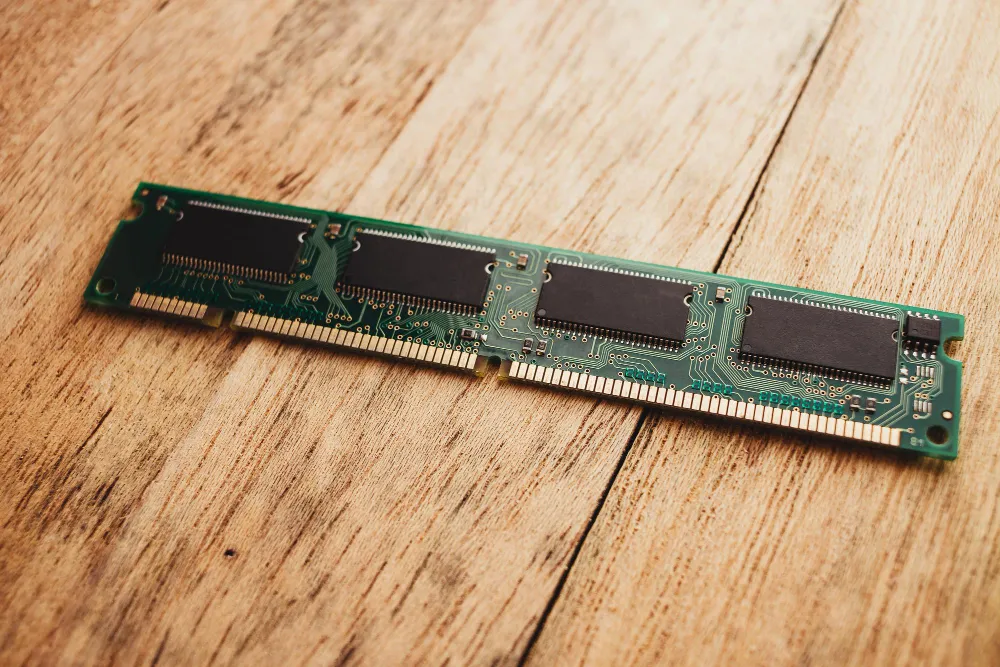
RAM is where most “it was fine in testing” installations fail.
For Proxmox, the minimum requirements are to run the host with 8–16 GB RAM and a couple of small VMs. For production, I recommend:
Rough starting point:
I also strongly prefer ECC RAM in any business setup. A single RAM bit flip can crash multiple VMs or introduce silent data corruption. ECC isn’t about performance – it’s about being able to sleep at night.
The minimum RAM requirement for Proxmox is 2 GB, with additional RAM recommended for running virtual machines.
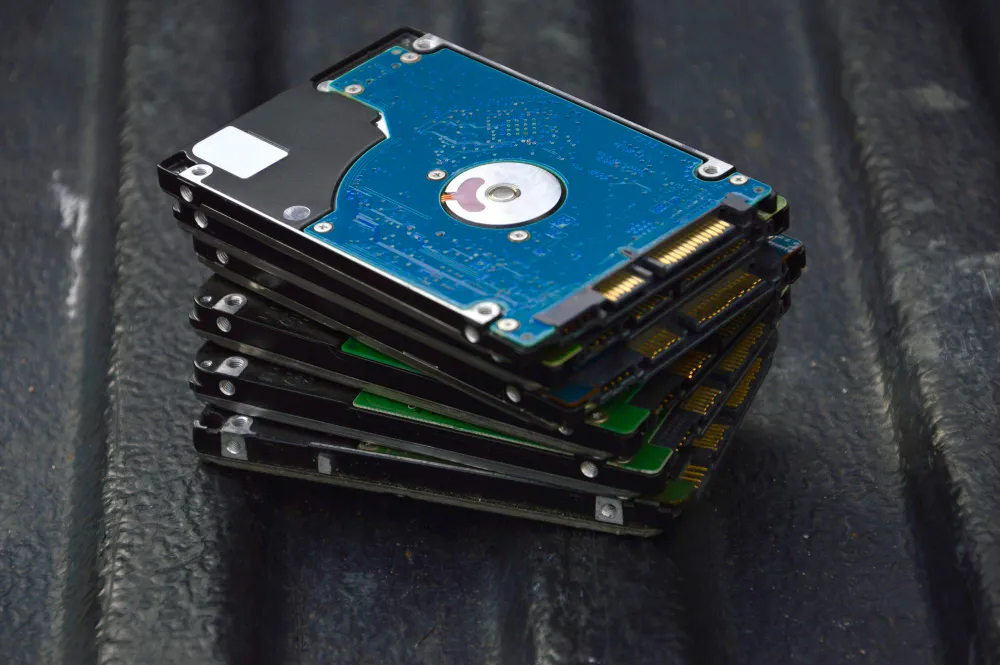
Your storage layout is just as important as CPU, RAM, and network configuration.
Simple comparison:
If using ZFS or Ceph file system, an additional 8 GB of RAM is required for every TB of used storage.
For virtual machines and containers, running Proxmox VE in a high-availability (HA) cluster is recommended.
Whether you choose a hardware RAID controller with BBU or pure ZFS on an HBA depends on your experience and preference. I like ZFS because of the built-in checksums, snapshots and self-healing.
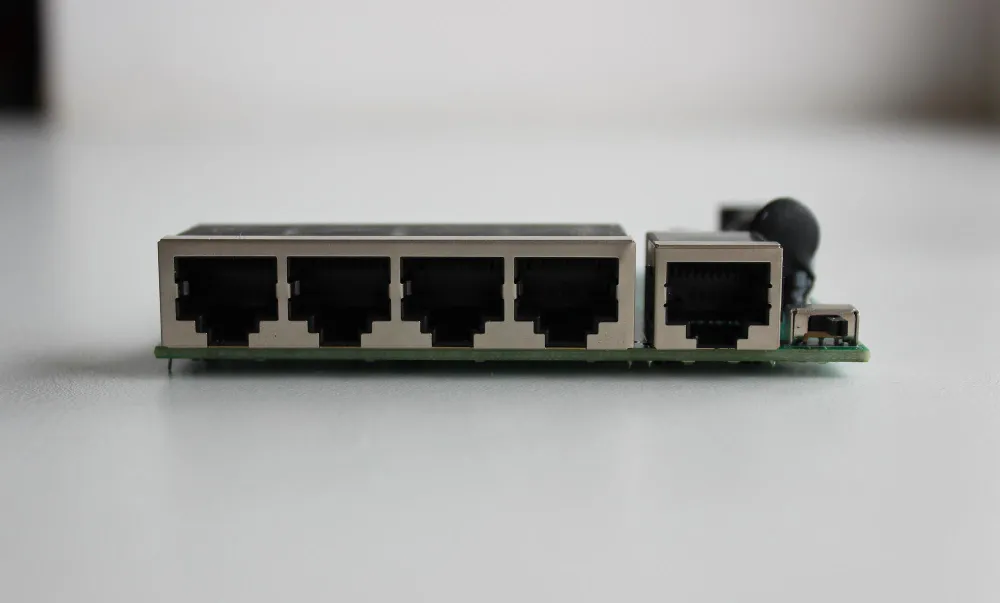
Proxmox will happily run on a single 1 GbE network card, but for production Proxmox hardware I’d plan:
I also prefer Intel or Broadcom NICs over cheap Realtek onboard chips. They save you troubleshooting time later.
Redundant network interface cards (NICs) are recommended for improved performance and reliability.
Now let’s go from theory to practice. Here’s how I usually size Proxmox recommended hardware for a small business.
Write down:
This helps you avoid guessing later.
Assign initial resources to each planned VM. Example:
Add everything up, then add 20–30% on top for host overhead and growth. That gives you a realistic Proxmox hardware requirement for CPU and RAM.
For each VM, estimate: (For further guidance on storage solutions, see the Proxmox Ceph vs ZFS: Top 5 Unbeatable Pros and Cons comparison guide.)
Sum it up, add at least 30% growth margin, and then map to a RAID/ZFS layout:
Finally, ask yourself:
If you’re already “close to the line” on CPU or RAM before you start, go one size up.
These are example Proxmox server hardware configurations I’d consider for typical small business environments. Prices are rough ranges and will vary by region and vendor.
Good for: small office, 10–20 users, a few light servers.
Good for: typical SMB with several Windows and Linux servers.
Good for: heavier workloads, databases, or many users.
My detailed server recommendations for home labs and small environments
For branch offices with just a couple of light VMs, a mini PC with a 6–8 core CPU, 32 GB RAM, and a good SSD can be an option. I still see this as edge/homelab territory, though. For your main production Proxmox server hardware, I’d stay with proper rack or tower servers.
I also have an article for Mini PC recommendation, which works with Proxmox.
My favorite Mini-PC for Proxmox small business environments is the Minisforum MS-01. I have written a real-world review. There is also an AMD version available with same spec. The only difference is the CPU.
Your budget will often determine whether you opt for new or refurbished servers.
New hardware gives you:
If the Proxmox host will run business-critical workloads, new gear is easier to justify.
Refurbished Dell/HPE servers cost 50–70% less than new and still deliver:
I’d consider refurbished when:
Watch out for:
Refurbished Dell PowerEdge and HPE Proliant Proxmox server on Amazon
| Product Name | View on Amazon |
|---|---|
| Dell PowerEdge Dell R630 Server | 2X E5-2690 v4 = 28 Cores | 128GB RAM | 2X 1TB SSD (Renewed) | View on Amazon |
| Dell PowerEdge R730 Server 2X E5-2680v4 2.40Ghz 28-Core 128GB 8X 4TB 12G H730P (Renewed) | View on Amazon |
| ProLiant MicroServer Gen11 Tower Server w/one Intel Xeon E-2434, 3.4GHz 4-core 1P 32GB-U VROC 4LFF‑NHP 4TB HDD iLO KIT 180W External PS (HPE Smart Choice P74440-005) | View on Amazon |
| HPE ProLiant DL20 Gen11 Rack Server w/one Intel Xeon E-2436 Processor, 2.9GHz 6‑core 1P 32GB‑DR MR408i‑o 4SFF 2x500W RPS | View on Amazon |
| Dell PowerEdge R830 Server 2.20Ghz 56-Core 128GB 16x 300GB 15K H730P Rails (Renewed) | View on Amazon |
| Dell PowerEdge R440 Server 2X Gold 6126 2.60Ghz 24-Core 96GB 960GB SSD + 3.6TB (Renewed) | View on Amazon |
| HPE ProLiant DL380 Gen9 2U RackMount 64-bit Server + 2×8-Core E5-2640v3 Xeon 2.6GHz CPUs + 64GB PC4-2133P RAM + 8×600GB 10K SAS SFF HDD, P440ar RAID, 4×GigaBit NIC, 2×Power Supplies, NO OS | View on Amazon |
| HPE Proliant DL380 Gen10 8B SFF 2U Server, 2X Intel Xeon Gold 6126 2.6Ghz (24-cores Total), 192GB DDR4 RAM, 8X 1.2TB 2.5” 10K SAS 12Gbps, P408i-a SR 2GB RAID, No Operating System | View on Amazon |
Before you hit “order”, go through a simple checklist.
CPU
Memory
Storage
Network
Physical
I know this article is about Proxmox system requirements, not backup software, but hardware planning is incomplete without a backup target.
At minimum, plan for:
Proxmox Backup Server is one option here. It has its own Proxmox Backup Server requirements and typically runs on more cost-effective, capacity-oriented storage. Even if you use other backup software, the principle is the same: don’t store all backups on the same disks as your production VMs.
Another option is the Veeam Plug-in for Proxmox VE supports Proxmox Virtual Environment
Yes, for testing and home labs. For business use I don’t recommend it. Desktop hardware usually lacks ECC RAM, redundant PSUs and proper remote management.
There’s no hard limit. In practice, a typical SMB server hosts around 10–30 VMs, depending on CPU, RAM and storage. Start with 2–4 GB RAM per Windows VM and 1–2 GB per Linux VM and adjust from there.
In my opinion, yes. Memory errors affect every VM on the host. ECC is cheap insurance for uptime and data integrity.
For many business VMs, 20–50 GB is fine for OS + apps. File servers and databases need much more. Always add at least 20–30% extra capacity for growth.
You can run a small cluster on 1 GbE, but 10 GbE is strongly recommended once you use shared storage, replication or heavy backup traffic.
Yes. You can usually add RAM, disks and NICs later. Just make sure the board has enough slots and bays so you’re not boxed in.
Choosing the right Proxmox hardware requirements is less about hitting a magic number and more about matching your workloads, growth plans, and budget.
To move forward:
Once the hardware is sorted, you can focus on the fun part: installing Proxmox VE, building your cluster, and tuning storage for your specific workloads.
A step-by-step guide to creating your first Ubuntu VM on Proxmox.
I’d love to hear from you. Was this article helpful? Share your thoughts in the comments below. If you prefer, you can also reach me by email or connect with me on Reddit at Navigatetech.
I want to draw your attention to another insightful blog post of mine. You might also be interested in a comparison I made between Proxmox and ESXi.
This post delves into their respective features, performance, and overall efficiency. Whether you’re trying to decide between the two for your small business or looking for a more environment-friendly option, this blog post provides a comprehensive analysis that could help you make an informed decision.
Hi, I'm Edy Werder. I write hands-on guides about servers, virtualization, NAS and WordPress, based on setups I run in my own homelab. Real configs and real results, no fluff.
Enjoying the content?