By Edy Werder, a tech blogger with 20 years of experience in IT infrastructure
If you’re new to virtualization, this question comes up fast. What is the key difference between a Hypervisor Type 1 vs Type 2?
Here is my simple answer.
A Type 1 hypervisor runs directly on the physical hardware of a physical machine. It is also called a bare-metal hypervisor. A Type 2 hypervisor runs on top of a host operating system. That host OS can be Windows, macOS, or Linux.
That one detail changes almost everything. It impacts performance, security, and the number of VMs you can run reliably.
Virtualization lets one physical machine run multiple operating systems simultaneously. A hypervisor is the software layer that creates and manages each virtual machine. It splits CPU, memory, and other hardware resources between your VMs.
A Type 1 hypervisor installs on a physical server like an operating system. After the install, the machine becomes a dedicated virtualization solution.
This is why people call them bare-metal hypervisors. They run directly on the underlying hardware. There is no extra software layer like a whole desktop OS sitting underneath.
In a Type 1 setup, the stack looks like this:
Physical hardware → Type 1 hypervisor → VMs → guest operating systems
The hypervisor is often described as a virtual machine monitor (VMM). You may also see the term virtual machine monitor used for the core component that schedules CPU and memory for each virtual machine.
I try not to turn this into a big list, but it helps to anchor the concept:
A type 2 hypervisor is also called a “hosted” hypervisor. It runs as an application on your host operating system.
In a Type 2 setup, the stack looks like this:
Physical hardware → host OS → type 2 hypervisor → VM → guest operating systems
So you get an extra layer. The hypervisor requests access to hardware resources such as CPU, memory, disk, and networking from the host OS.
The key difference is simple. A Type 1 hypervisor runs directly on the physical hardware. A Type 2 hypervisor runs on a host operating system like Windows, macOS, or Linux.
That one design choice affects everything else. Performance, security, and how well it scales when you run more VMs.
If the machine is a dedicated server, I choose Type 1.
If it’s my everyday desktop or laptop, I use Type 2 for quick testing.
If you want to keep it even tighter, delete the “That one design choice…” paragraph and go straight into the comparison table.
People often ask if Type 1 is always faster. In many real-world cases, it is more consistent. The reason is the extra layer.
With Type 2, the host operating system is always doing its own work. Updates, drivers, background processes, and other apps all share the same hardware resources. That can impact your VM workload.
With Type 1, the hypervisor controls scheduling more directly. It is built to share CPU, memory, and I/O across run multiple VMs in a predictable way.
In a Type 2 setup, you have a bigger attack surface because you have the host OS plus the hypervisor plus the VMs.
In a Type 1 setup, you remove that general-purpose desktop layer. This can reduce complexity and shrink the attack surface. It does not make you magically secure, but it is a cleaner base.
If you want to run one or two VMs, Type 2 is fine. If you want to run more over time, Type 1 usually wins on scalability.
Here is what I see in practice:
That is also why Type 1 platforms are common in data centers. They are designed for scale.
You might see people mention the first hypervisors in the context of mainframes. Historically, early virtualization concepts predated today’s home lab tools.
For your decision today, you do not need the full history lesson. What matters is the architecture and your use case.
This is my quick rule.
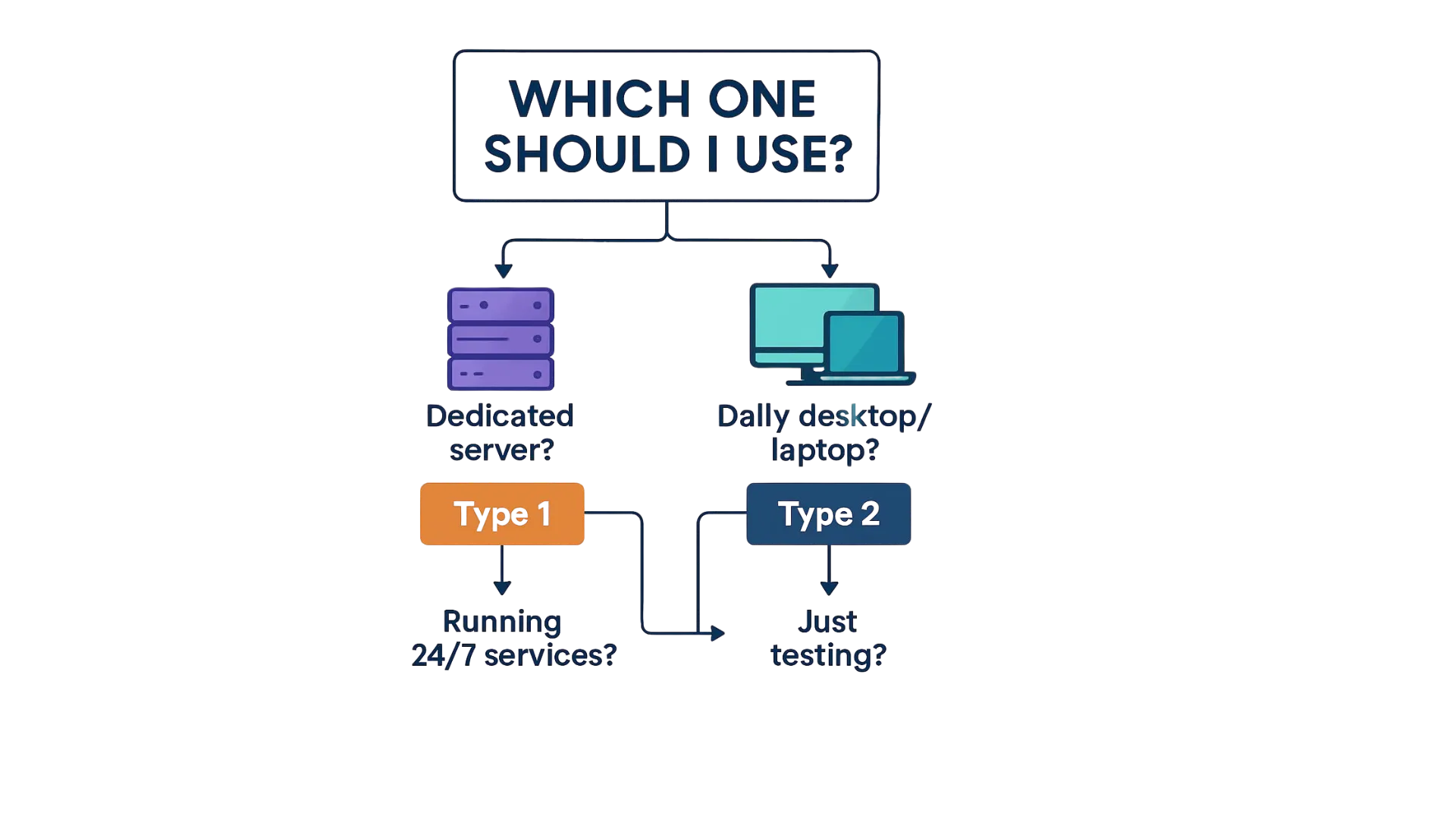
This is the typical use case for type-2 hypervisors such as VMware Workstation and Parallels Desktop.
This is where bare metal hypervisors shine. It is also where tools like VMware ESXi and microsoft hyper-v live.
I often get asked about Hyper-V and VMware because they exist in both “desktop” and “server” worlds.
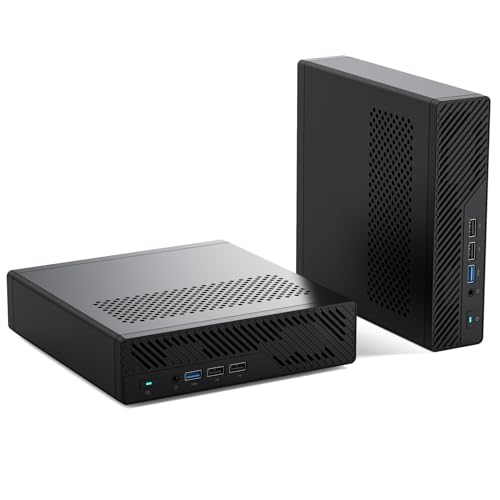
If you want to test Proxmox without spending a lot, a mini PC is the easiest starting point. The ones below are what I would recommend for a home lab or a small IT department.

I earn a commission if you make a purchase, at no additional cost to you.
If I had to sum it up:
A type 1 hypervisor runs directly on the physical hardware of a host machine. A type 2 hypervisor runs on a host operating system. That is the key difference.
If you want my practical picks for a home lab and how I compare platforms, I wrote it here:
https://edywerder.ch/best-hypervisor-for-home-lab/
I’d love to hear from you. Was this article helpful? Share your thoughts in the comments below. If you prefer, you can also reach me by email or connect with me on Reddit at Navigatetech.
If you found the differences between Type 1 and Type 2 hypervisors helpful, you might be thinking about setting up your own virtualization environment. Choosing the right hardware is just as important as understanding the software side. That’s why I recommend checking out the best server for home lab. It’s a practical guide to selecting the ideal server setup based on your goals.
Hi, I'm Edy Werder. I write hands-on guides about servers, virtualization, NAS and WordPress, based on setups I run in my own homelab. Real configs and real results, no fluff.
Enjoying the content?