

By Edy Werder, a tech blogger with 20 years of experience in IT infrastructure
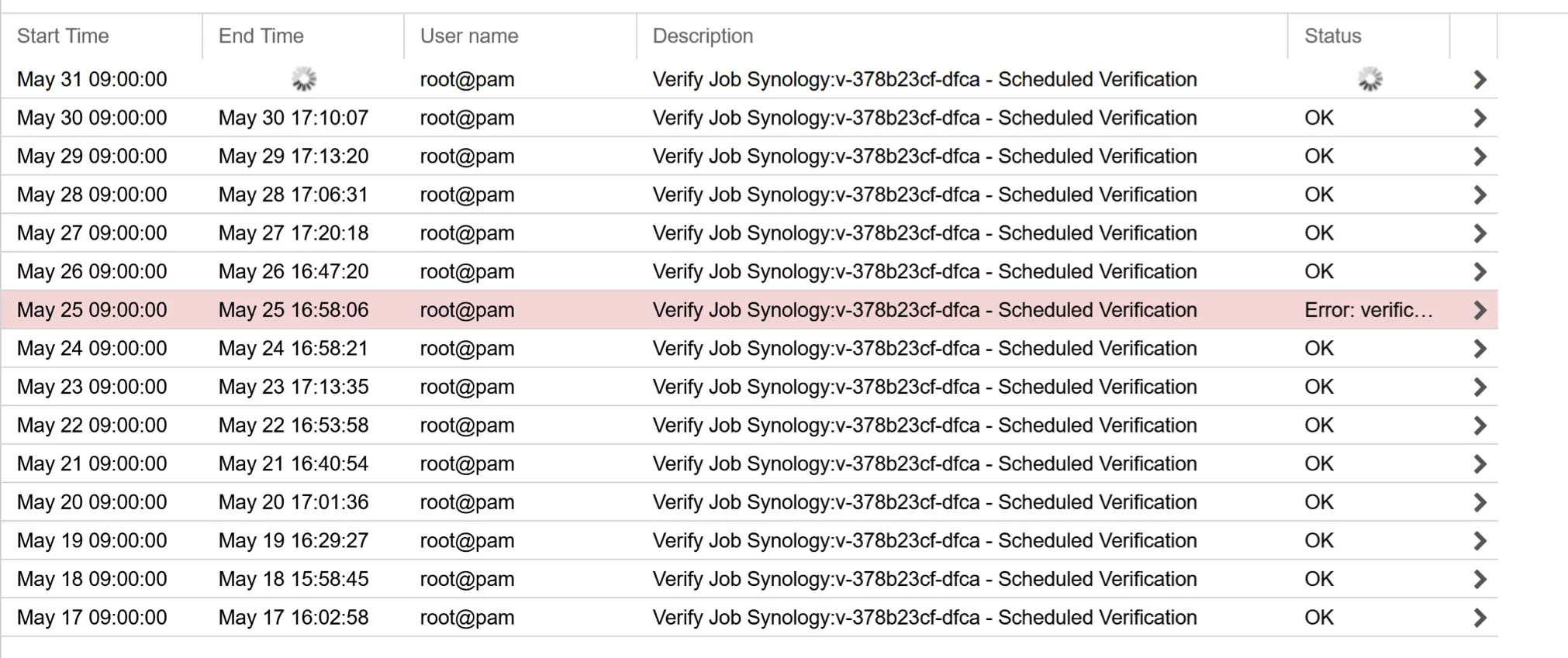
Is your Proxmox Backup Server verify slow? Mine ran for 8.5 hours every single day. Backups were fine. Restores worked. But the daily verify dragged on from morning into late afternoon. I assumed it was my gigabit network. I was wrong.
This is the full story: what I tested, what the r/Proxmox community taught me, and the real numbers from my homelab. If your PBS verify runs slow on an NFS share, this is for you.
Proxmox Backup Server verify is slow on NFS because verify reads thousands of small random chunks, and spinning HDDs cannot serve those reads fast enough. It is an IOPS limit, not a network or NFS problem. The fix is to move the chunk store to an SSD. In my homelab, a $175 USB SSD dropped a full verify from 8h 35m to 1h 54m, and daily verify to 2 seconds.
I run Proxmox Backup Server bare metal on an XCY mini-PC. Intel Celeron J4125, 8GB RAM, about $150 from AliExpress. The backup storage is a Synology DS712+ with two SATA HDDs, mounted via NFS over a gigabit. It is a typical homelab setup, nothing enterprise about it.
The numbers: 21 VMs, 2 containers, 243 snapshots, 1.77TB used, deduplication factor of 25x.
The verify job runs daily with Skip Verified enabled and a 30-day re-verify window. Out of 243 snapshots, 218 get skipped because they were verified recently. Only about 25 get checked each run. But those 25 include several large VMs ranging from 100 to 400GB. So PBS reads roughly 855GB from Synology every run at 20-35 MiB/s. That works out to 8.5 hours.
The short answer: random read IOPS, not your network. Proxmox Backup Server verify reads thousands of small chunks scattered across the datastore, and spinning HDDs cannot serve those fast enough.
I thought gigabit was the bottleneck. It made sense on the surface. Big VMs, slow network, long verify.
But the math did not add up. At 28 MiB/s, I was using only about 25% of a gigabit link. The network was not saturated. Something else was holding things back.
I posted my numbers on r/Proxmox and asked for help. The thread took off, and the answer became clear fast: it is the IOPS, not the bandwidth.
PBS verifies data in chunks of around 4MB. Each chunk is stored in the datastore, sharded across folders by the first bytes of its SHA-256 hash. When verify runs, it reads these chunks and recalculates the checksum. Because the chunks are scattered, these are random reads, not sequential ones.
Reading 855GB in 4MB chunks means roughly 200,000 separate read operations. A spinning HDD over NFS sustains maybe 7 to 10 of these per second once you add disk seek time and NFS round trips. Do the math and you land almost exactly at my 28 MiB/s.
One commenter put it bluntly: PBS hates spinning drives and loves SSDs. He cut his own verify from 7 hours to 7 seconds by moving from HDD to NVMe. Even the official PBS documentation discourages HDD usage for the chunk store.
The conclusion: my Synology HDDs could not serve small random reads fast enough. The network was never the problem.
Before buying anything, I tested whether more read threads would help. The verify job lets you set the number of read threads.
| Read Threads | Storage | Verify Time |
|---|---|---|
| 1 | Synology NFS (SATA HDD) | 8h 35m |
| 2 | Synology NFS (SATA HDD) | 6h 50m |
| 3 | Synology NFS (SATA HDD) | 6h 41m |
Going from 1 to 2 threads saved almost 2 hours. The Synology could handle two parallel reads. But going from 2 to 3 threads saved only 9 minutes. I had hit the IOPS ceiling of the HDDs. No amount of threading makes spinning disks seek faster.
The community also suggested NFS tweaks. Larger packet sizes, NFSv4 instead of v3.
I checked my mount. The read and write sizes were already at 128KB, far above the 32KB someone suggested. I enabled NFSv4.1 on the Synology and loaded the nfsv4 module on PBS, but the mount failed with “Protocol not supported.” The DS712+ is from 2011. It has the NFSv4 checkbox in DSM, but the old hardware cannot properly serve it.
I increased the NFS packet size on the Synology anyway. It made no measurable difference to verify time. This confirmed it again: the protocol was never the bottleneck. The disks were.
The solution was to move the chunk store from the HDDs to an SSD. I bought a Lexar SL300 2TB USB SSD for 175 Swiss francs. With current NAND prices climbing, that was a fair deal for 2TB.
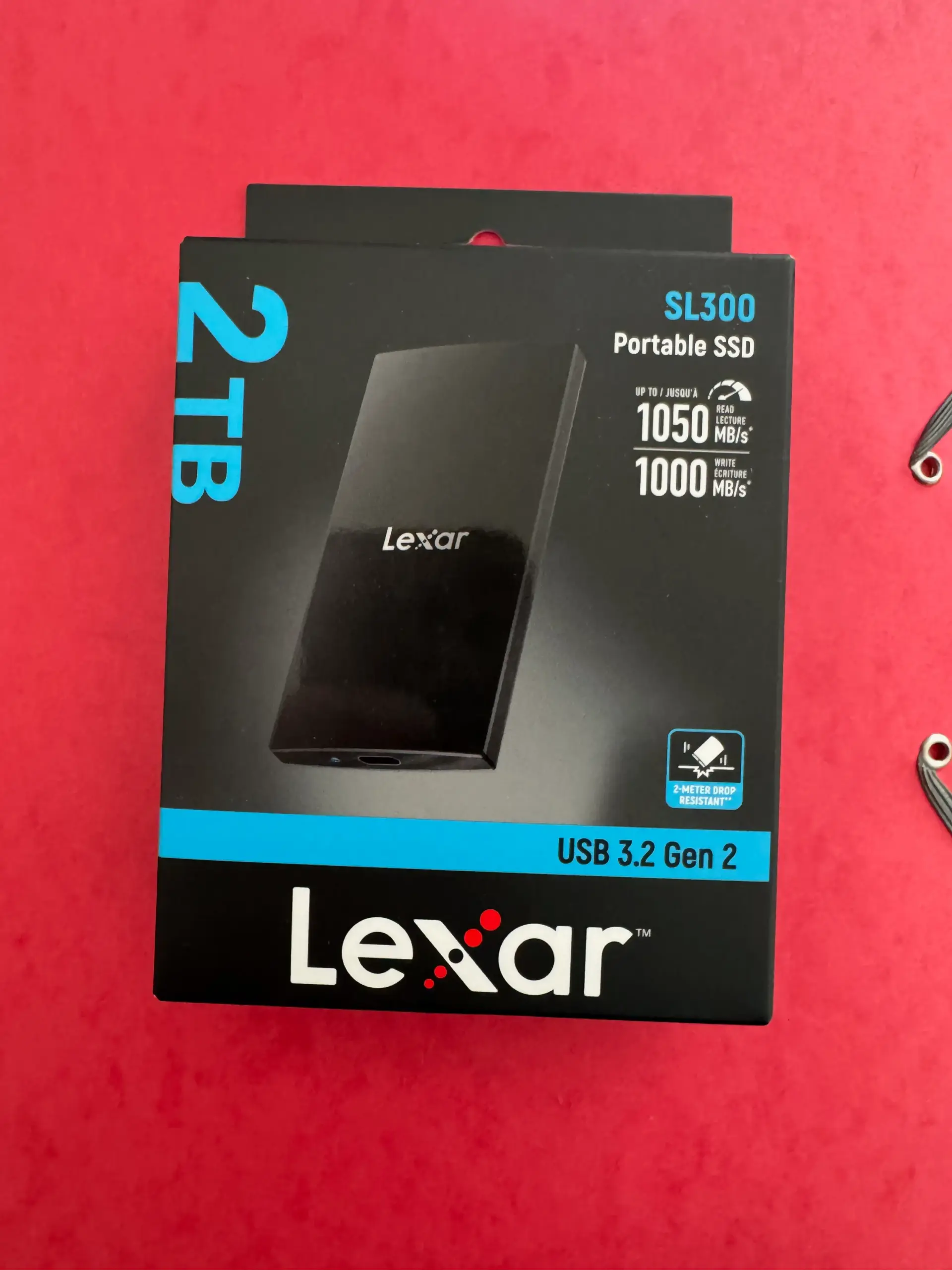
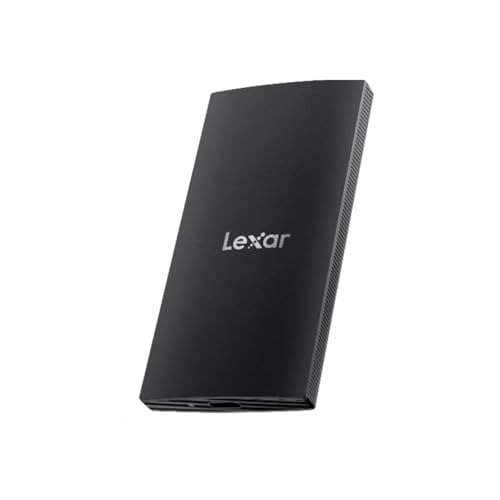
Amazon carries the SL300 in 1TB. I bought the 2TB version from a local retailer.
I plugged it into the mini-PC’s USB 3.0 port. No USB-C needed, the drive ships with a USB-A adapter. No external power, it draws from the USB port. I formatted it as ext4 and created a second datastore called localUSB-ssd.
One thing I would avoid: a used SSD. For a backup datastore, write endurance matters, and a used drive with unknown wear is a risk I would not take for something this important. Buy new.
Then I set up a pull sync job to copy everything from the Synology datastore to the SSD. The initial full sync of 1.77TB took 4h 54m. After that, I ran a full verify on the SSD datastore with Skip Verified turned off, so every chunk got read and checked.
| Read Threads | Storage | Verify Time |
|---|---|---|
| 1 | Synology NFS (SATA HDD) | 8h 35m |
| 2 | Synology NFS (SATA HDD) | 6h 50m |
| 3 | Synology NFS (SATA HDD) | 6h 41m |
| 1 | Lexar SL300 USB SSD | 1h 54m |
A full verify dropped from 8h 35m to 1h 54m. That is a 77% reduction, using a single read thread, on a USB SSD plugged into a $150 mini-PC.
And the daily reality is even better. With Skip Verified enabled, the daily verify on the SSD now finishes in 2 seconds. It only checks the new chunks from each sync, and an SSD serves those instantly.
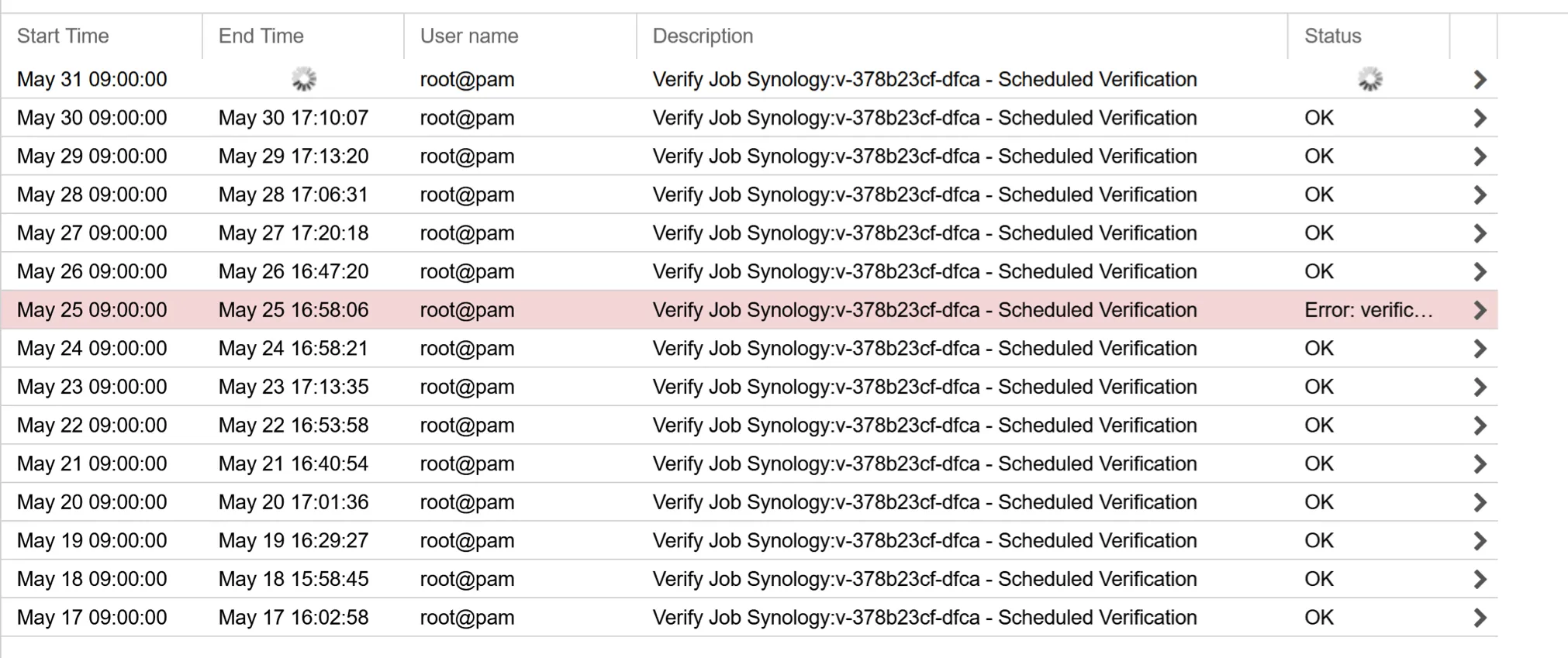
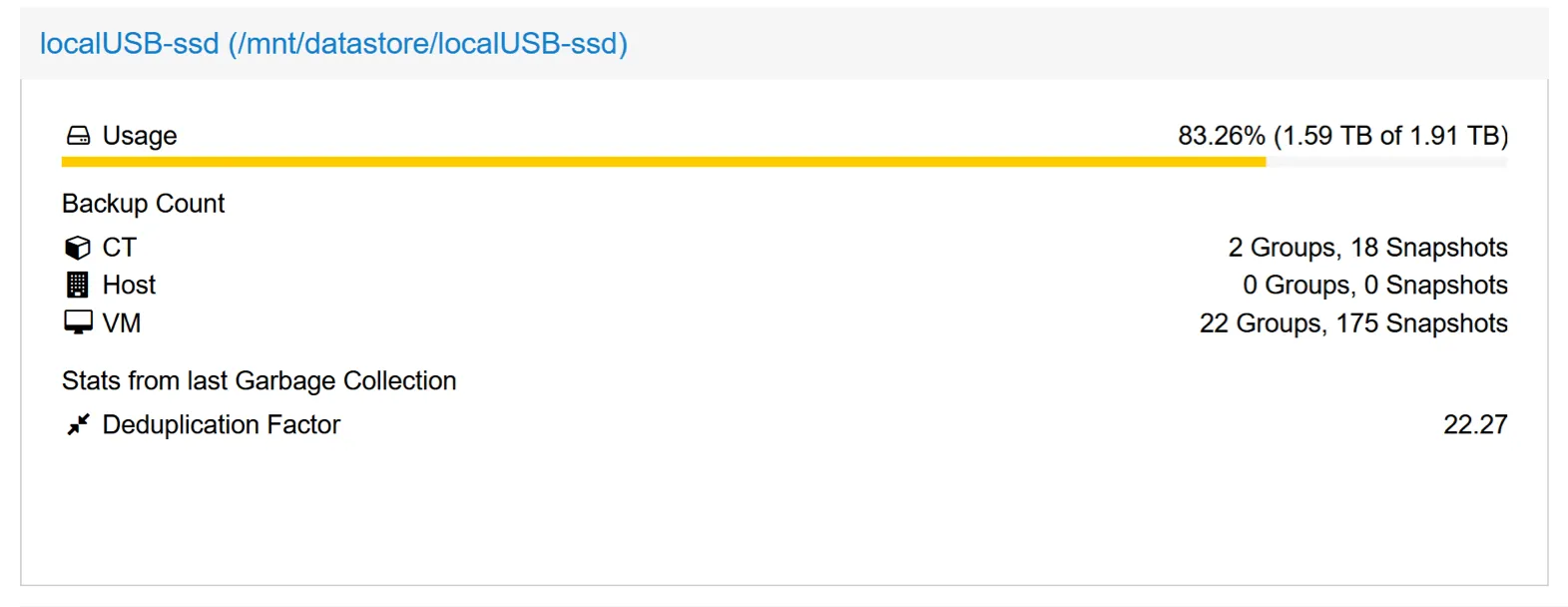
The SSD runs as a second datastore alongside the Synology. The daily schedule looks like this:
Backups from Proxmox VE land on the Synology overnight. At 5pm, a prune job runs on the SSD, followed by garbage collection at 5:30 pm. At 6pm, a sync job pulls the day’s new chunks from the Synology to the SSD, which takes about 4 minutes. At 8pm, the SSD verify runs and finishes in seconds.
The Synology still keeps the full retention (14 daily, 4 weekly, 4 monthly). The SSD keeps a leaner set (7 daily, 2 weekly) to stay within its 2TB. I get fast verify on local SSD plus the redundancy of two separate storage targets. If the mini-PC dies, the backups are safe on the Synology. If the Synology dies, the SSD has a working copy.
The bottleneck for PBS verify is random read IOPS, not network bandwidth and not NFS settings. Spinning disks cannot serve thousands of small random chunk reads quickly, no matter how you tune the connection.
If your verify is slow, check what your chunk store sits on. If it is HDDs, an SSD is the fix. You do not need NVMe or a fast network. A cheap USB SSD on a mini-PC took my verify from 8.5 hours to under 2, and daily runs to 2 seconds.
If you want help designing a Proxmox backup setup for your homelab or small business in Switzerland, I offer consulting. Sometimes the cheapest fix is the one nobody expects.
I’d love to hear from you. Was this article helpful? Share your thoughts in the comments below. If you prefer, you can also reach me by email or connect with me on Reddit at Navigatetech.
Curious what hardware I run Proxmox on?
I created an Amazon storefront with all the gear I use and recommend.
Hi, I'm Edy Werder. I write hands-on guides about servers, virtualization, NAS and WordPress, based on setups I run in my own homelab. Real configs and real results, no fluff.
Enjoying the content?


