
By Edy Werder, a tech blogger with 20 years of experience in IT infrastructure
SolidWP, formerly known as iThemes, has built a strong reputation in the WordPress ecosystem. If you’ve used iThemes Security or Backup Buddy before, you’re likely familiar with their website protection and backup solutions expertise.
Now rebranded as SolidWP, this comprehensive suite offers a robust solution designed to secure WordPress websites, provide reliable backups, and simplify site management. As one of the best WordPress security options available, SolidWP combines powerful features to protect your entire WordPress website while streamlining management tasks.
My SolidWP reviews highlight its effectiveness in safeguarding multiple WordPress websites through enhanced security measures and an intuitive user interface. Managing multiple websites with Solid Central and protect with the Nextgen backups.
The SolidWP Suite includes:
SolidWP Suite is an all in one solution for all your websites.
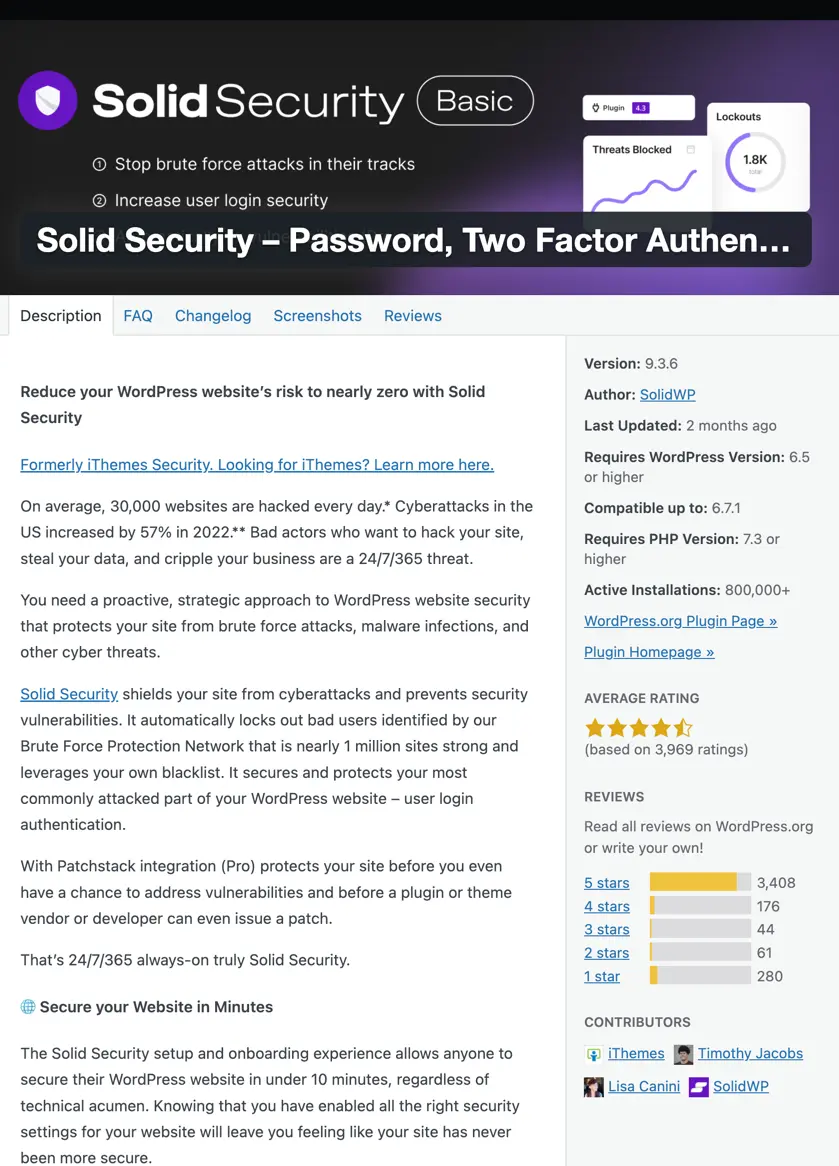
Solid Security Pro (formerly iThemes Security) is the flagship security plugin in the SolidWP Suite, built to defend your WordPress site from evolving cyber threats. With WordPress being a prime target for hackers, having a robust security solution is essential. Solid Security Pro offers advanced protection, from login security to patching vulnerable software, ensuring your site stays protected at every level.
Solid Security Pro is an all-in-one WordPress security plugin that safeguards your site against brute-force attacks, malware, and unauthorized access. Whether managing a personal blog or a business website, security vulnerabilities can put your data and users at risk.
The plugin makes it easy to:
✔ Set up strong passwords
✔ Block repeated failed login attempts
✔ Protect against vulnerable software exploits
✔ Secure entry points with modern authentication methods
If you’re looking for basic security, SolidWP also offers Solid Security Basic, a free version available in the WordPress plugin repository. While it provides essential security features, Solid Security Pro unlocks advanced protections, making it a more substantial choice for businesses and high-traffic sites.
If you ever need to secure your site, there are steps and tips for recovering from a WordPress hack and preventing future attacks.
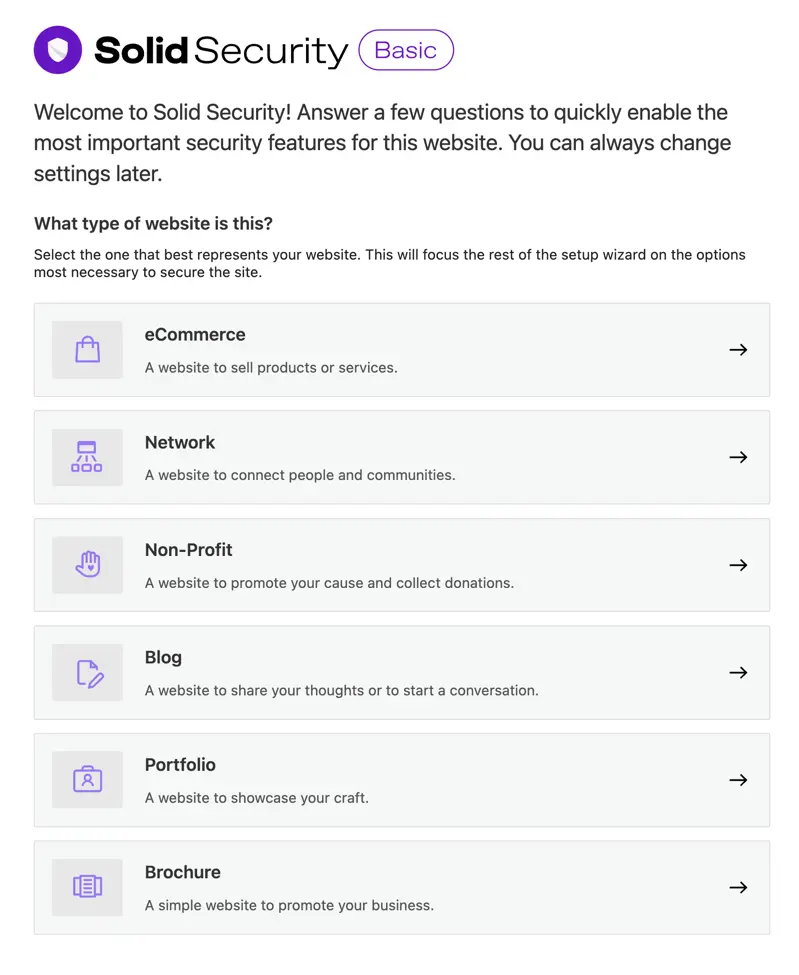
An easy-to-understand Setup Wizard helps you install SolidWP Security
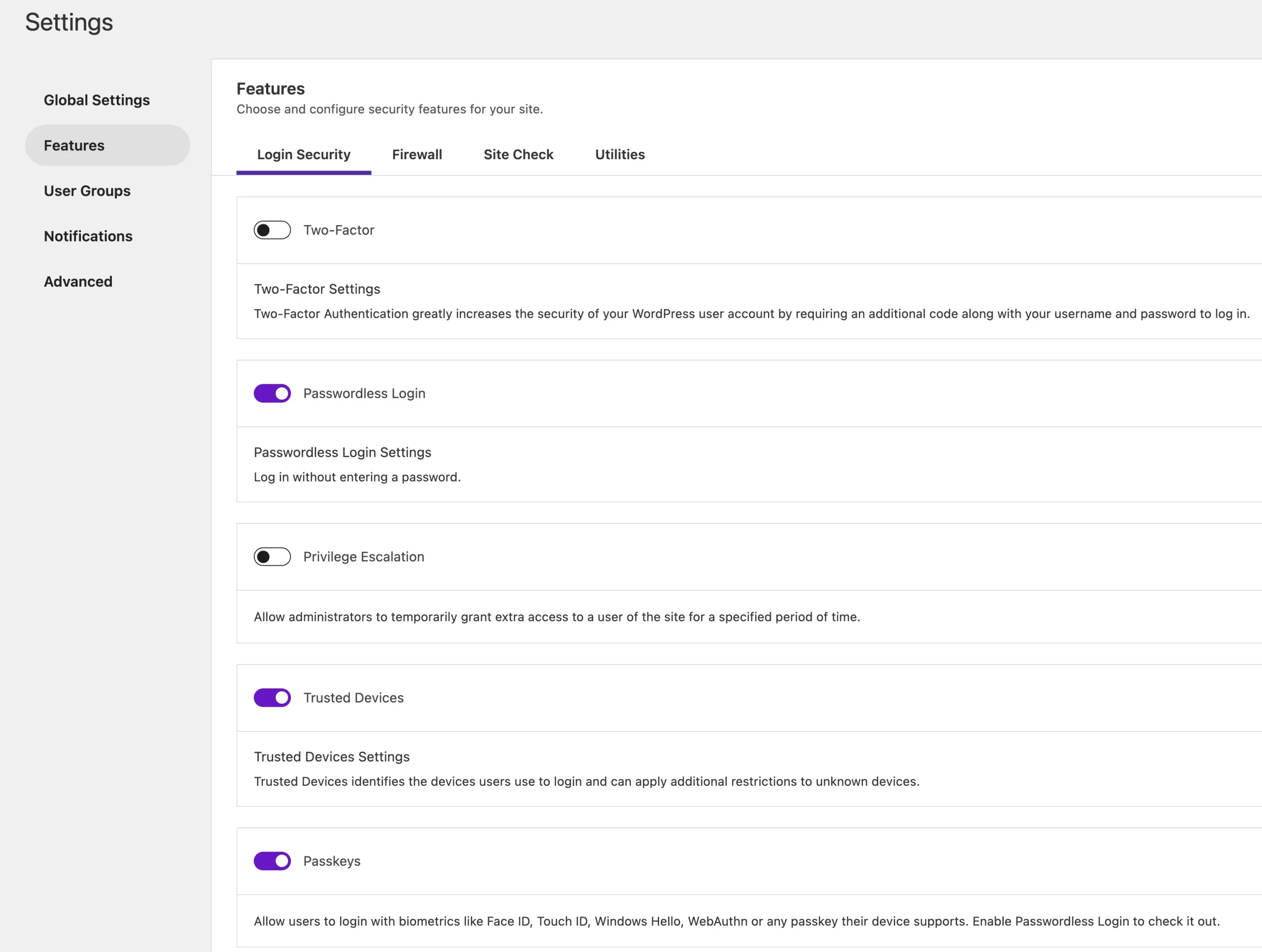
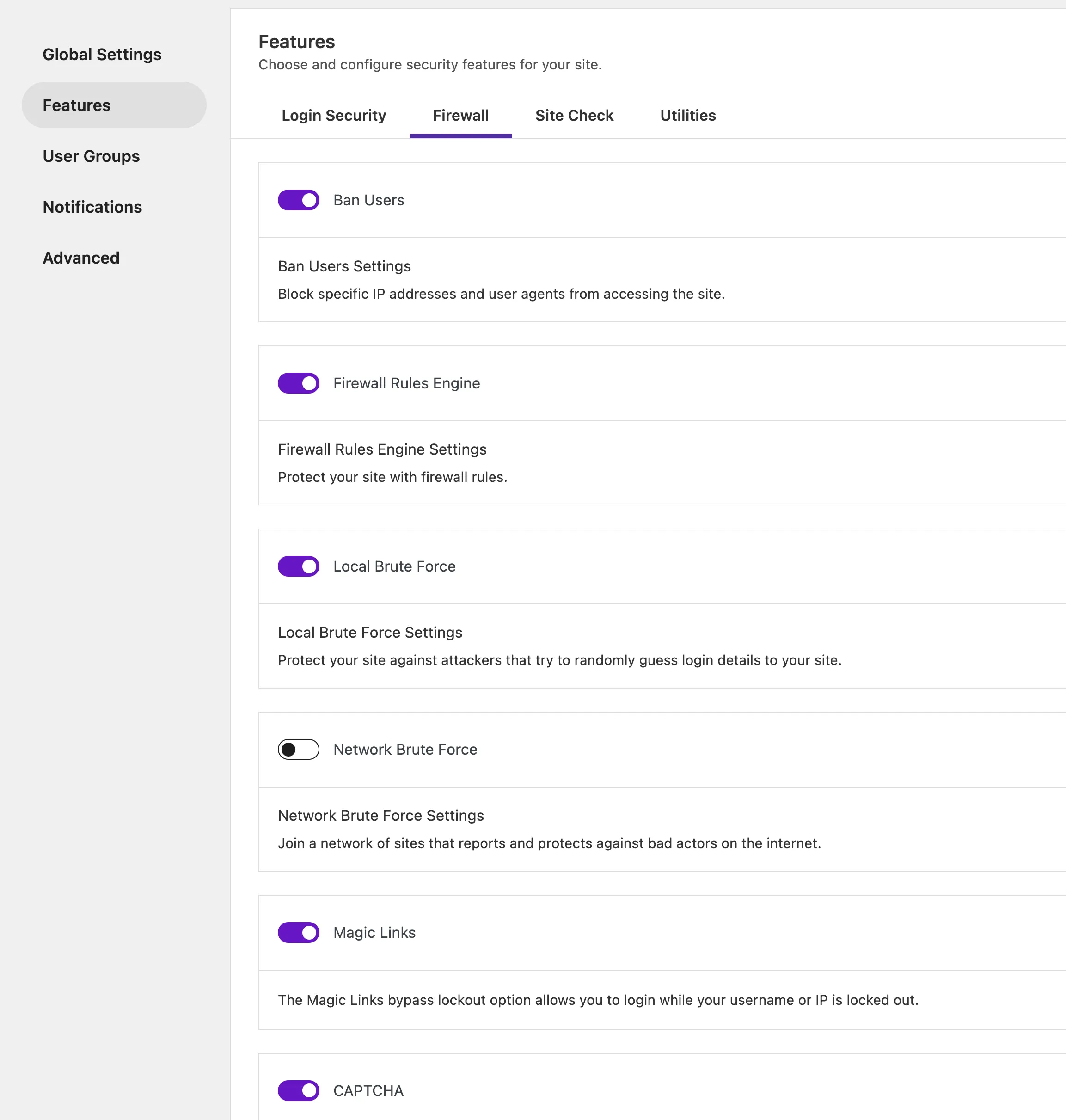
Solid Security Pro faces competition from other popular solutions, such as Wordfence Security and Sucuri Security, regarding WordPress security plugins. Both offer comprehensive protection, with Wordfence providing a free version and premium upgrades, while Sucuri offers a cloud-based firewall and malware protection.
However, Solid Security Pro integrates deeply with the rest of the SolidWP suite, giving you a unified experience for site management and security.
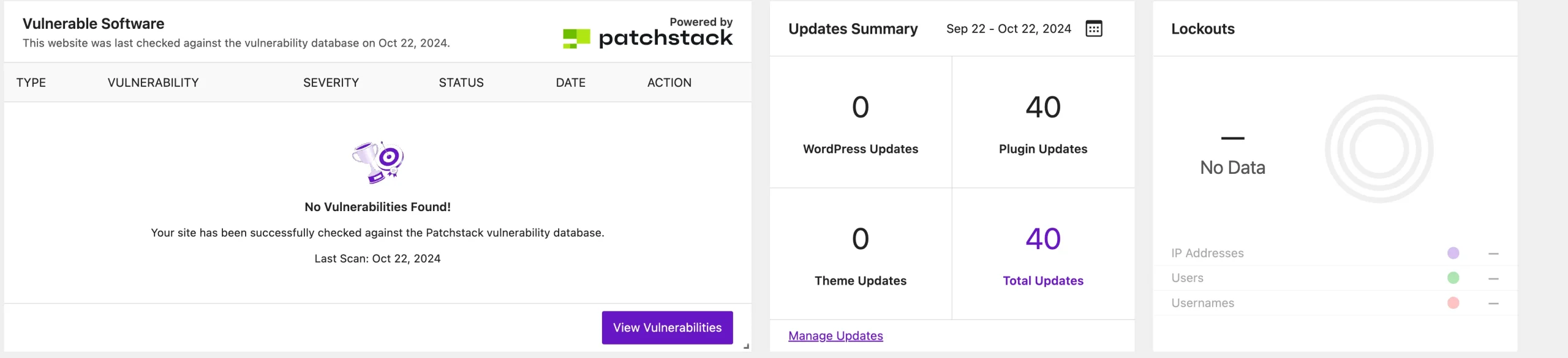
Moreover, Solid Security Pro’s combination of Patchstack virtual patching, two-factor authentication, and brute force attack prevention makes it one of the most effective solutions for safeguarding against the latest cyber threats.
Solid Security uses fewer resources since it won’t constantly scan the website for known vulnerabilities; instead, virtual patching from Patchstack is used when needed.
Managing multiple WordPress sites can quickly become overwhelming, but Solid Central makes it effortless. Whether you’re maintaining one site or dozens, Solid Central brings everything into one place, streamlining the process so you can focus on what matters—growing your online presence.
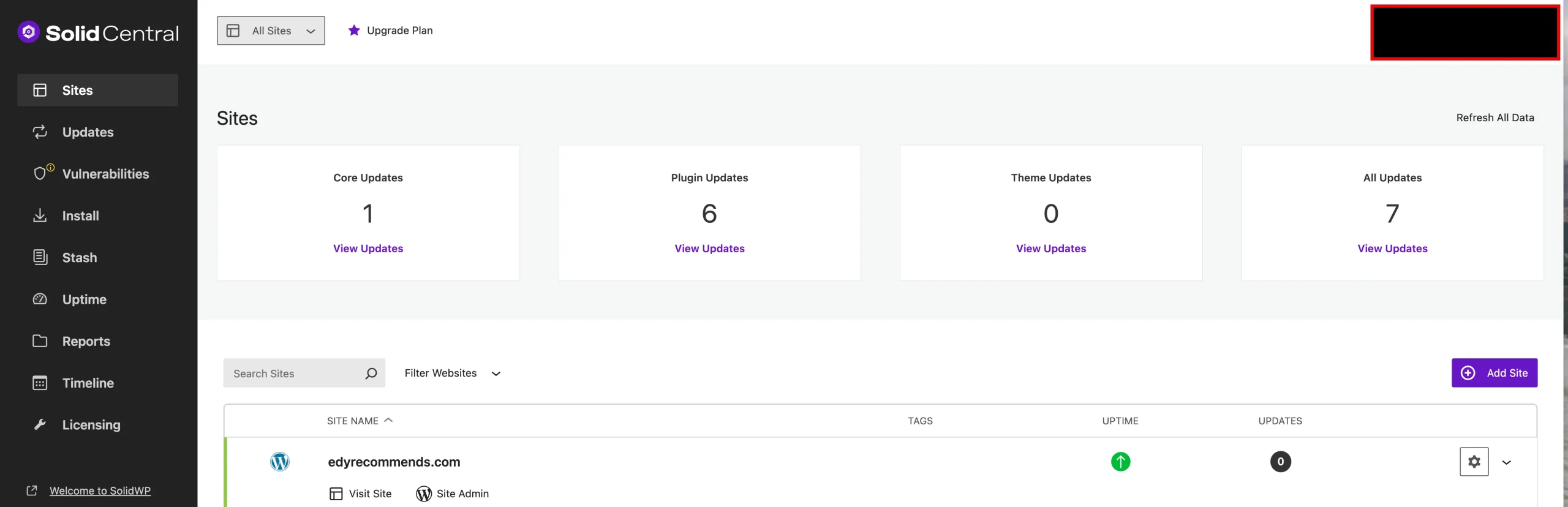
Solid Central is a powerful tool designed to simplify the management of multiple WordPress sites from a single dashboard. Instead of logging in and out of each site to make updates or install new plugins, Solid Central allows you to perform these tasks across all your sites at once. It’s perfect for managing agencies, developers, or anyone with multiple WordPress sites. The intuitive onboarding experience makes it easy to set up, even if you’re managing several sites.
Solid Central handles version management efficiently, helping you keep track of WordPress core updates, plugins, and themes. You’ll no longer worry about outdated software, as Solid Central ensures all your sites are running the latest versions.
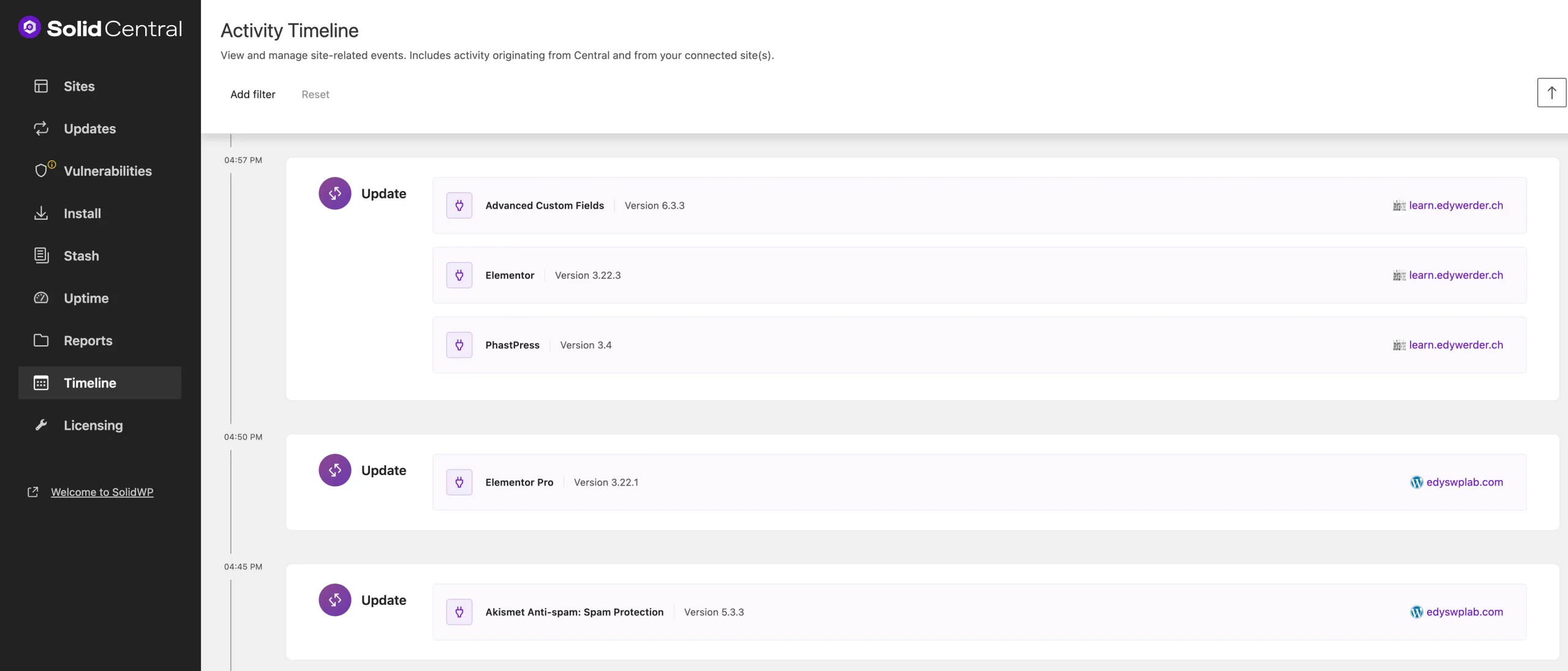
While Solid Central is a great solution for WordPress site management, other tools offer similar features, such as ManageWP and WP Umbrella. ManageWP provides free basic tools with paid add-ons for features like automated backups and uptime monitoring. WP Umbrella focuses on performance and uptime monitoring with a user-friendly interface and flexible pricing. However, Solid Central’s integration with the broader SolidWP suite—especially Solid Security Pro and Solid Backup—gives it an edge for those seeking an all-in-one site management and security solution.
Solid Backups—NextGen isn’t like the backup plugins you’re used to. In fact, it’s not a plugin at all. SolidWP has completely re-engineered how backups are handled by shifting the entire process to the cloud. This means backup tasks no longer slow down your website or consume your hosting server’s resources. Instead, you get faster, more efficient backups that ensure your data is always safe.
Traditional backup solutions rely on your hosting environment to handle backups, which can strain server resources, slow down performance, and create complications during busy times. Solid Backups—NextGen takes a different approach by offloading the entire backup process to SolidWP’s cloud infrastructure. Whether you’re performing a complete site backup or running a backup before installation of new plugins or updates, the process is quick and seamless. Your server stays free to handle visitor traffic and other tasks while backups are managed efficiently in the cloud.
With Solid Backups—NextGen, your backups are initiated from SolidWP’s cloud, offering faster performance and eliminating the need for heavy server-side processes. This saves space and ensures your backups are more reliable and consistent.
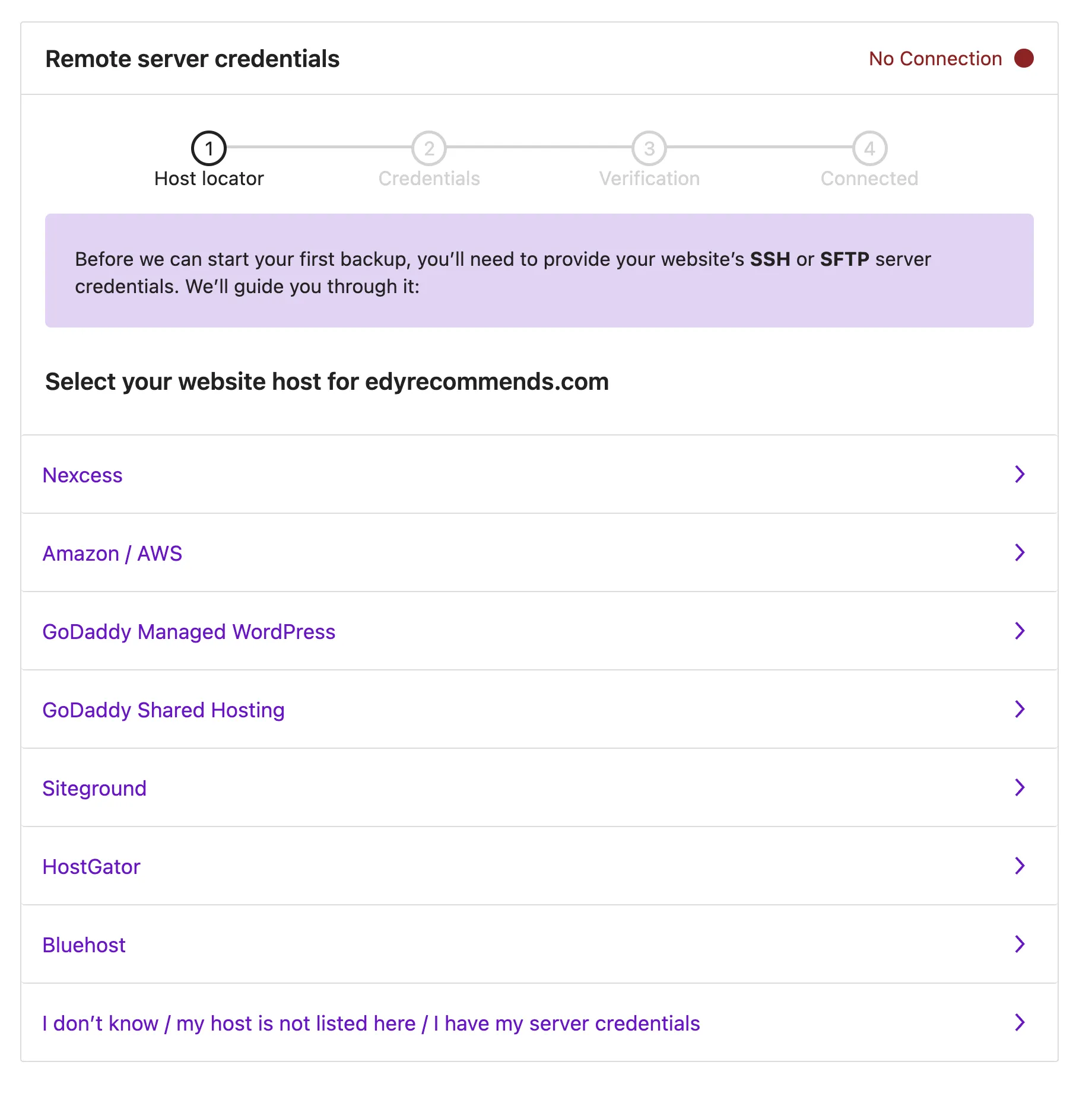
While Solid Backups—NextGen is a unique cloud-first solution, other popular WordPress backup tools may come to mind:
While these alternatives offer robust features, Solid Backups—NextGen is a cloud-first solution that minimizes server load while ensuring efficient, reliable backups. It is perfect for anyone looking for a streamlined, modern backup system.
SolidWP isn’t just about providing tools for managing and securing your WordPress site; it’s also about empowering you to grow through learning and support. That’s where Solid Academy comes in. It offers a range of premium courses designed to help you master WordPress management, security, and optimization, no matter your level of experience.
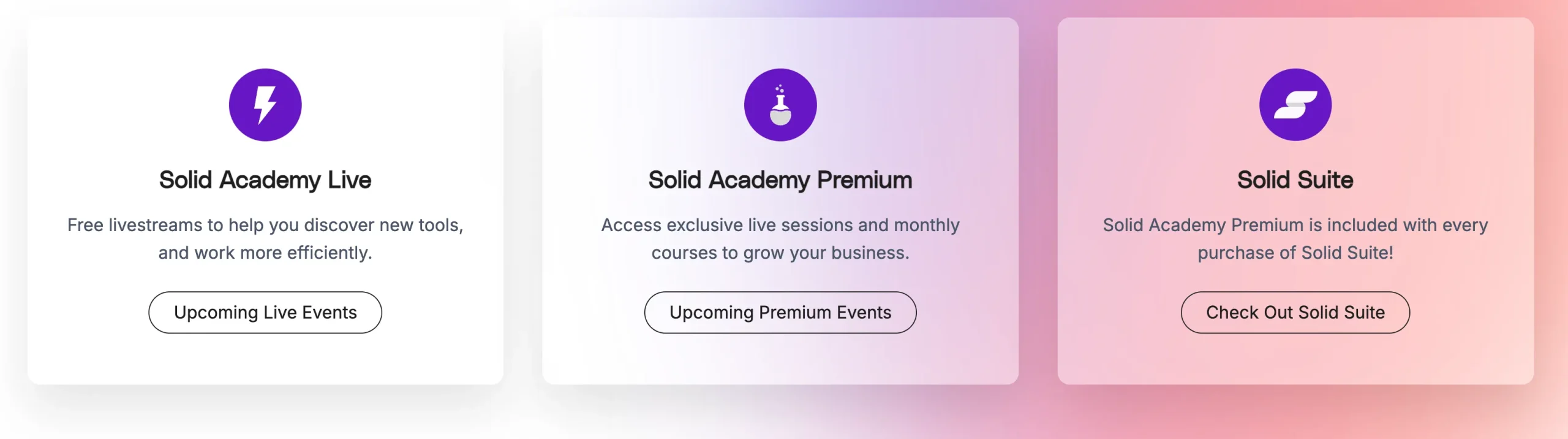
Solid Academy’s premium courses are practical and easy to follow, covering everything from WordPress setup to advanced optimization techniques. Each course is designed with real-world applications, so you can immediately implement what you learn to improve your site.
One unique feature of Solid Academy is the weekly office hours, where you can get personalized support. Here’s how it works: you submit your questions online ahead of time, and during office hours, Nathan—a WordPress expert—answers by providing solutions and showing how to implement them. It’s a hands-on approach that helps you fully understand and apply the process. This interactive element sets Solid Academy apart, giving you the support that most online courses don’t offer.
By joining Solid Academy, you gain more than just access to high-quality courses—you become part of a trusted community where you can learn, ask questions, and grow alongside other WordPress users.
Regarding pricing, SolidWP Suite offers great value, especially if you’re managing multiple WordPress sites. Here’s a breakdown of the pricing:
If you manage more than one aspect of your site—like security, backups, and updates—I recommend purchasing the SolidWP Suite. It bundles all the key tools together for one price, making it more cost-effective than buying each tool separately. Plus, you get access to Solid Academy’s premium courses and office hours as part of the deal.
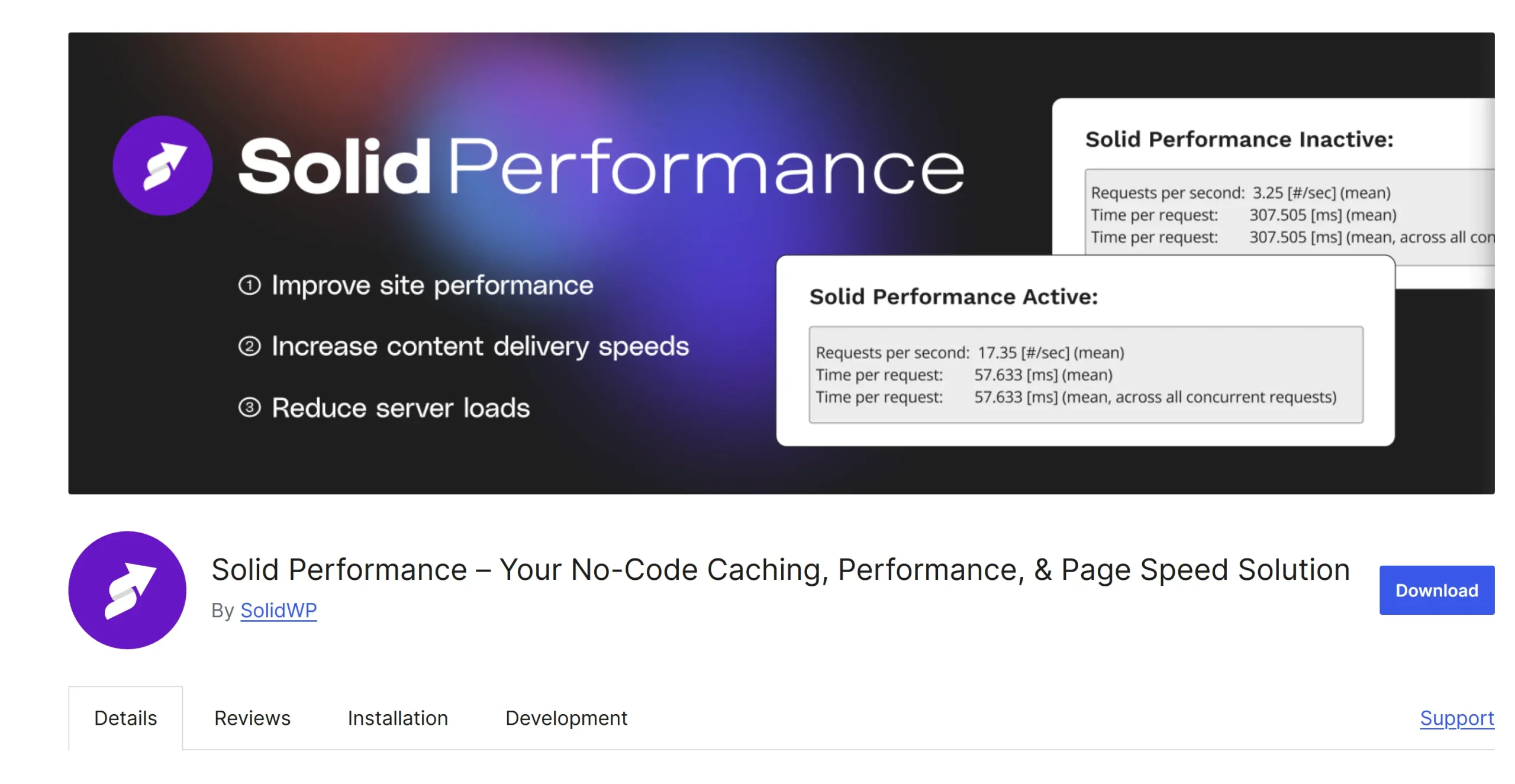
Solid Performance offers a simple, one-click solution for improving your WordPress site’s speed through page caching. Unlike more advanced solutions like Cloudflare, which leverages a global content delivery network (CDN) to cache your site’s files across various servers worldwide, Solid Performance optimizes caching directly on your hosting server. While Cloudflare is ideal for global performance and security, Solid Performance is perfect if you’re looking for an easy, free plugin to boost Core Web Vitals and improve load times without external services or complicated setup.
I’ve enjoyed working with the Solid Suite from the SolidWP Team. They’re a great group of people; some are actively involved in Solid Academy, where they’re available for Q&A sessions when needed. I’ve found that Solid Security Pro is a must-have for anyone with a WordPress site. It offers solid protection and keeps you informed with email alerts when something happens. One standout feature is the passphrase logins, which are unique in the WordPress space. They’ve worked seamlessly with my Mac’s fingerprint reader, though I haven’t tested them with Windows Hello yet. While Solid Security Pro has a lot of features, which can feel overwhelming at first, the setup wizard makes it easy to get started.
Solid Backup, however, is still relatively new and has a few rough edges. I’m using SiteGround as my hosting provider, and the setup instructions weren’t entirely clear, but I managed to get it working. During my first backup, I received several Cron Daemon emails from SiteGround stating, “Resource temporarily unavailable,” and my monitoring tool reported brief downtime. It was not the best onboarding experience, but on the second try, everything ran smoothly. To connect Solid Backup with your provider, you can use either SFTP or SSH keys. I opted for SSH, and I appreciate that all major providers are supported.
One thing worth noting is that SolidWP’s cloud servers are based in the US, which might concern some European customers. However, I’m confident the SolidWP Team will continue to improve the tool over the coming months.
Finally, Solid Academy is one of the main reasons I recommend subscribing to the SolidWP Suite. It’s a fantastic resource filled with seminars and office hours. Even if I don’t have a specific question, I always learn something new by listening to others’ issues and solutions.
Solid Academy also offers a monthly news and plugin roundup to inform you about what’s new in WordPress. Plus, there are premium webinars almost every month, usually divided into two 2-hour sessions and covering a variety of interesting topics.
I’d love to hear from you. Was this article helpful? Share your thoughts in the comments below. If you prefer, you can also reach me by email or connect with me on Reddit at Navigatetech.
Before you go, if security and management is a top concern after reading about SolidWP, you might want to explore how Elementor Free vs Pro compares for building WordPress sites. While SolidWP focuses on protecting your site, Elementor’s features—especially in the Pro version—can impact design flexibility.
Hi, I'm Edy Werder. I write hands-on guides about servers, virtualization, NAS and WordPress, based on setups I run in my own homelab. Real configs and real results, no fluff.
Enjoying the content?