

By Edy Werder, a tech blogger with 20 years of experience in IT infrastructure
I have written over 30 homelab guides on this blog. Guides on servers, Proxmox, Synology, networking, and security. This page brings them all together in one place, organized by topic.
Whether you are just getting started or looking to expand an existing setup, use this as your map. Each section links to a detailed guide that covers the topic.
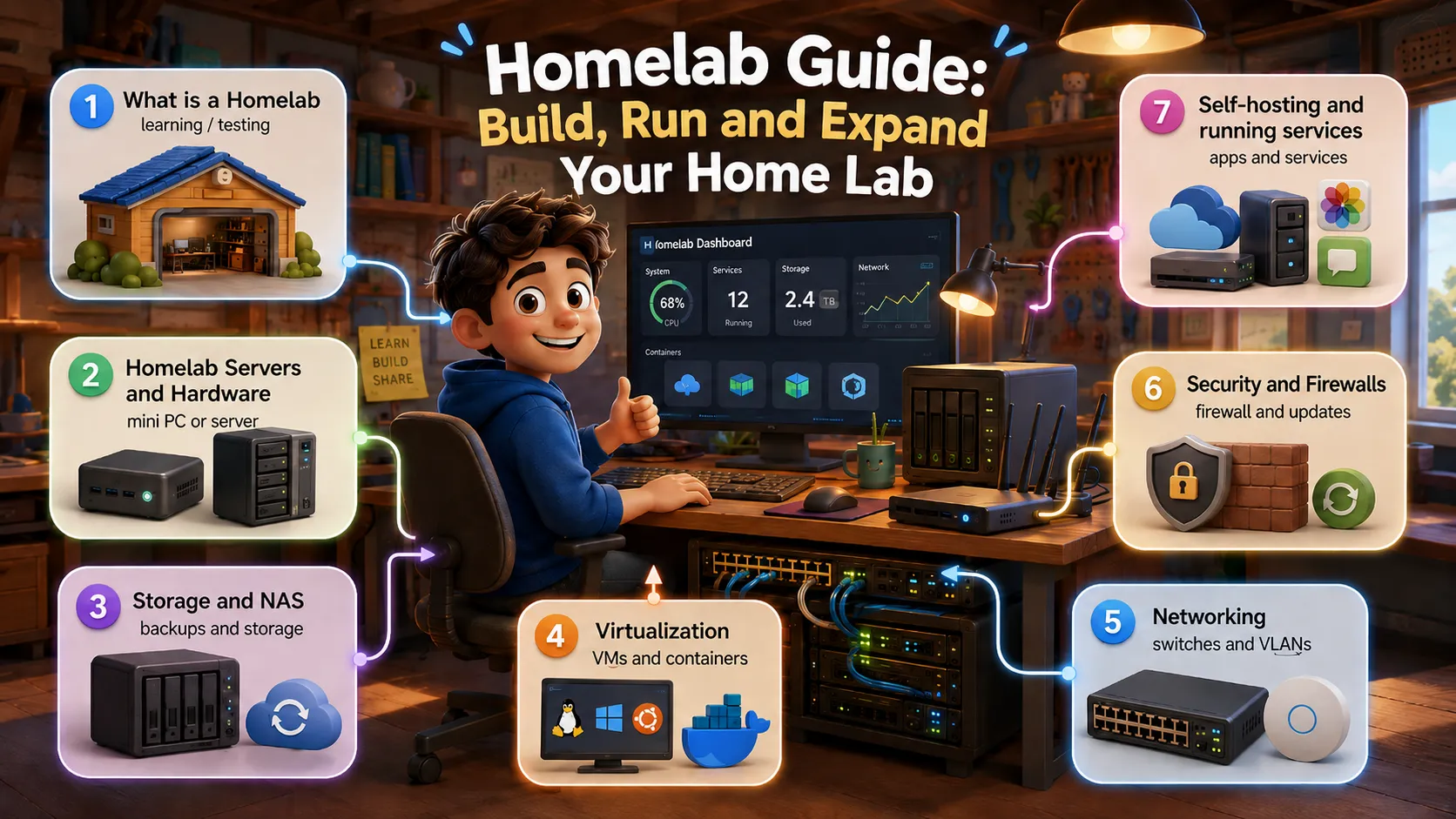
What you will find in this homelab guide
This page links to over 30 hands-on guides I wrote about building and running a homelab. Topics include server hardware, Proxmox, Synology NAS, networking, security, and self-hosting. Each section gives you a short intro and links to the detailed article. Start with the topic that matters most to you.
A homelab is a personal lab environment you run at home to learn technology hands-on. It can be as simple as a mini PC running a hypervisor, or as complex as a full rack with enterprise switches and NAS devices. The key is that it is yours. You control the hardware, software, network, and experiments.
Your hardware decides what you can run, how much noise and power you deal with, and how much you spend. The most important decisions come down to compute power, RAM, and storage. In my experience, a machine with 64 GB of RAM and a fast NVMe drive will get you much further than a powerful CPU with only 16 GB.
Whether you store VM images, backups, or documents, you need storage that is reliable and well-organized. A NAS device is the most practical solution for most home labs. I use Synology and recommend it for the polished OS and strong app ecosystem.
Virtualization turns a single physical machine into a whole lab. Instead of buying 10 servers, you run 10 virtual machines on a single host. Proxmox VE has become the go-to hypervisor for home labs. It is free, open source, and supports both full virtual machines and lightweight containers.
If you are new to Proxmox, start with my installation guide. If you are coming from VMware, I wrote a migration walkthrough.
A well-designed homelab network makes everything else easier. I run VLANs to separate lab traffic from my home network and host my own public DNS server. If you are building your network from scratch, start with my complete network guide. If you already have a working network and want to add VLANs, I have guides for both Proxmox and ESXi.
Security is easy to overlook in a homelab. But if you are exposing any services to the internet, running a VPN, or simply want to build good habits, getting security right matters. Start with a solid firewall, lock down SSH access, and make sure your hypervisor is not running as root.
My firewall comparison covers both software and hardware options.
Once your infrastructure is in place, the real fun begins: running your own services. File sync, backups, and cloud storage can all run on your own hardware, under your own control, without monthly subscription fees. I cover Nextcloud on Proxmox and several Synology backup options below.
A homelab is never finished. It grows with your skills and curiosity. If you are just getting started, pick one piece of hardware, install Proxmox, and spin up your first VM. Not sure what to build after that? My 25 homelab project ideas walk through what to run, from your first VM to backups and monitoring.
Once your services are running, do not skip the security layer. I cover both Fail2ban and CrowdSec in a hands-on comparison if you are not sure where to start.
If you want to see what a working setup looks like, check out my homelab software and hardware page. I update this guide as I publish new articles, so it always reflects the blog’s current state.
I’d love to hear from you. Was this article helpful? Share your thoughts in the comments below. If you prefer, you can also reach me by email or connect with me on Reddit at Navigatetech.
Hi, I'm Edy Werder. I write hands-on guides about servers, virtualization, NAS and WordPress, based on setups I run in my own homelab. Real configs and real results, no fluff.
Enjoying the content?
