

By Edy Werder — IT Consultant & Tech Blogger
A virtual homelab is a test and learning environment where you run virtual machines instead of separate physical servers. One box, one hypervisor, multiple isolated VMs, that’s the core idea.
The next question most people ask is where to run it: on local hardware at home, or on a cloud VPS. In this article, I cover both approaches, compare them honestly, and show you what my own hybrid setup looks like.
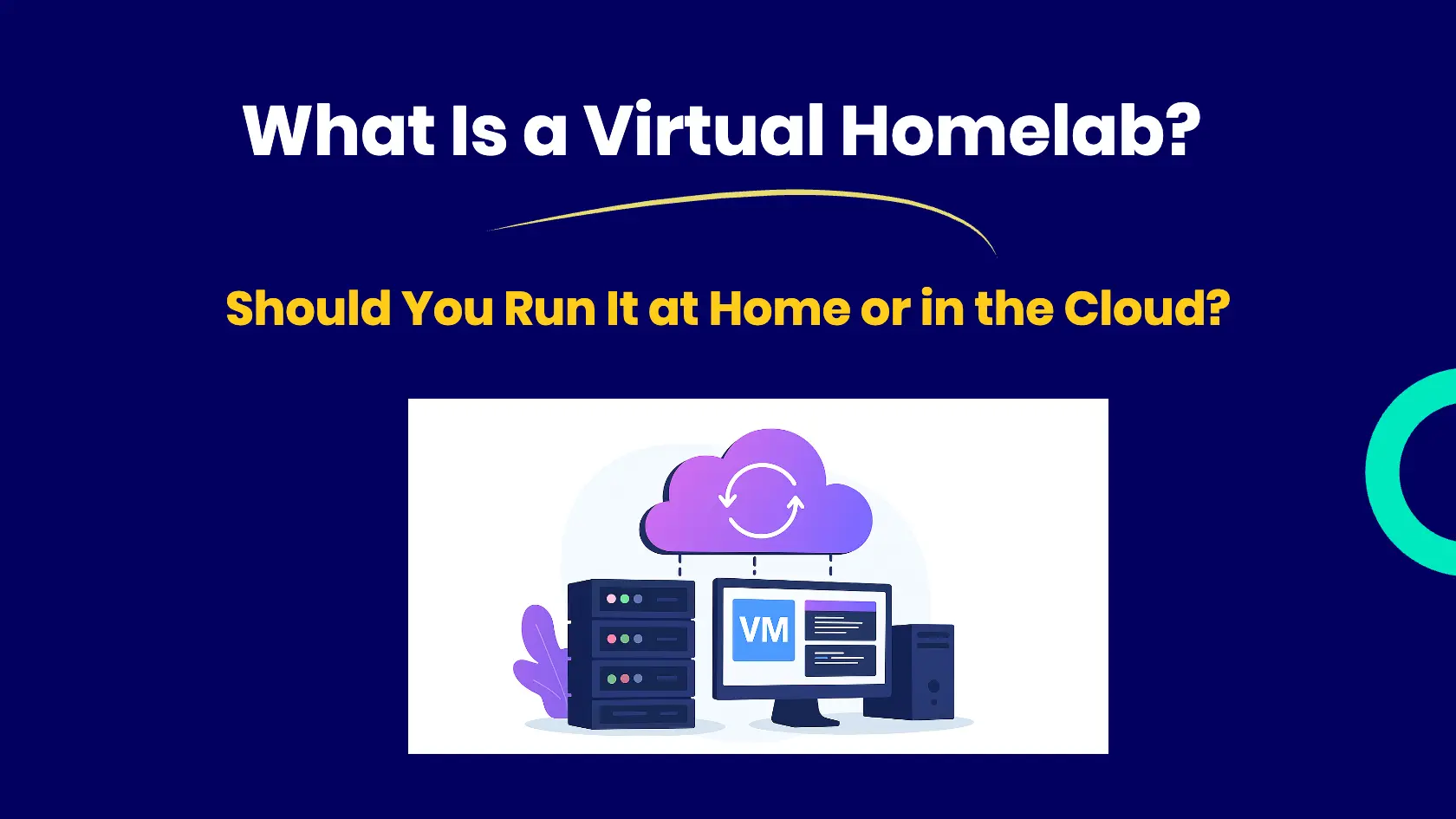
A virtual homelab is a test and learning environment where you run multiple virtual machines on a single physical host using a hypervisor like Proxmox. Instead of buying separate servers for each service, one box handles everything. You can run it on local hardware at home or on a cloud VPS, depending on your goals and budget.
A virtual homelab is a test or learning environment where you run virtual machines (VMs) instead of physical servers. This can take two forms:
Both options qualify as a virtual homelab. The right choice depends on your goals, budget, and available hardware.
If you have some hardware available, you can install Proxmox, VirtualBox, or VMware Workstation and build your own homelab server locally. It doesn’t need to be a rack full of enterprise servers.
Even a $500 mini PC can run several VMs smoothly. If you want to keep costs down, check refurbished mini PCs on eBay, and you can often find solid hardware for well under that budget.
VMware ESXi was once a popular free option for homelabbers. That changed when Broadcom acquired VMware. The free ESXi license is gone, and getting an NFR license now involves jumping through hoops that make it impractical for home use. Proxmox is the better choice today, and honestly, the stronger one regardless.
In contrast, software like VirtualBox or VMware Workstation is a Type 2 hypervisors, which run on top of an existing operating system like Windows or macOS. This means the host OS runs directly on the hardware, offering better performance and control than software-based (Type 2) hypervisors like VirtualBox or VMware Workstation.
Instead of hosting your lab at home, you can rent virtual servers from a VPS provider. For budget-friendly options with good value, I use RackNerd and HostHatch, both affordable and reliable for homelab purposes. Hetzner is also widely used in the community. Oracle Cloud Free Tier exists but rarely comes up in homelab discussions for good reason: the free tier is limited and the signup process is frustrating.
This setup is handy to host websites, game servers, or development environments with public access. Cloud-based labs are also ideal for running real-world scenarios without exposing your home network.
I run several VPS instances myself for websites and staging environments. If you want to know how that works in practice, here’s why I switched to VPS hosting for WordPress
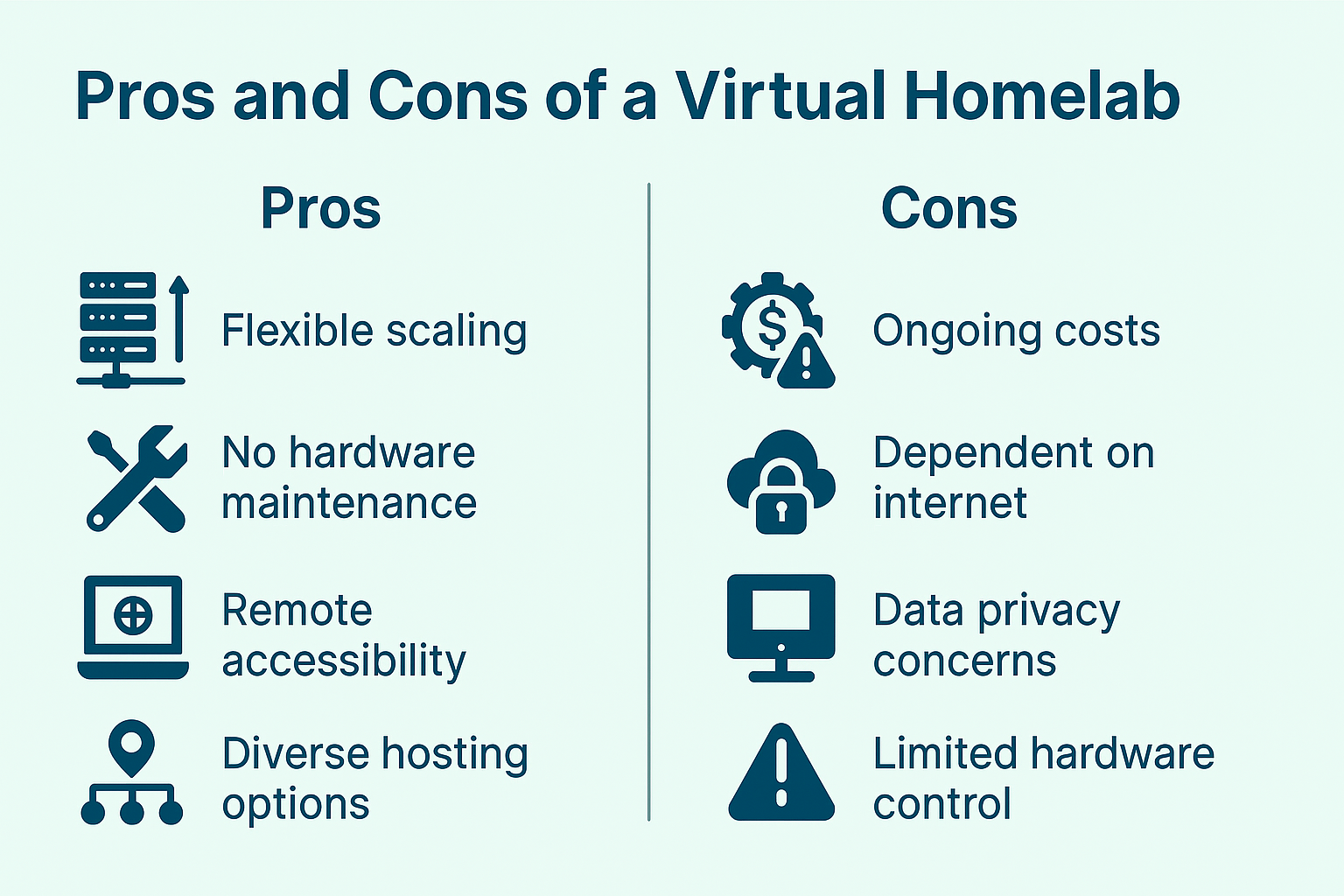
Feature | Local Virtual Homelab | Cloud-Based Virtual Homelab |
|---|---|---|
Cost | One-time hardware cost | Monthly recurring cost |
Access | Local access or VPN needed | Accessible globally |
Control | Full control over everything | Shared infrastructure |
Maintenance | You handle it | Provider handles uptime & power |
Scalability | Limited by hardware | Easy to scale up |
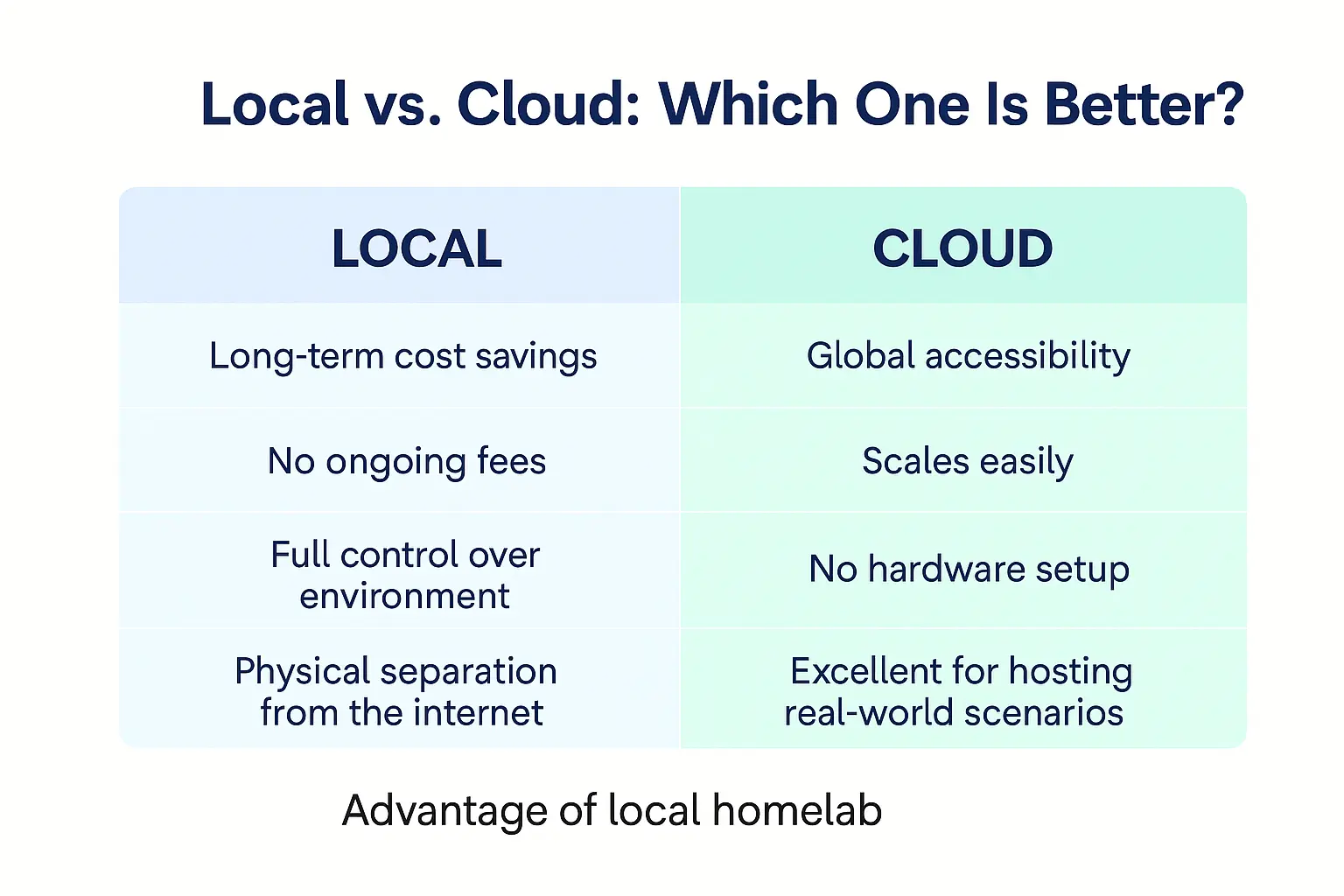
In short:
Once you’ve picked a direction, the real planning begins. My in-depth homelab guide covers the hardware, network, and storage decisions for a physical or hybrid setup.
I use a hybrid strategy:
This lets me keep my infrastructure flexible while separating internal tests from public services. It’s an outstanding balance between cost, privacy, and availability.
Best Mini-PC to run Proxmox or VMWARE
A virtual homelab doesn’t need expensive hardware or a complicated setup. One mini PC, Proxmox, and a couple of VMs are enough to start learning — and you can always grow from there.
If you’re not sure which hardware to run it on, check out my Best Mini PC for Proxmox guide or the Best Hypervisor for Home Lab comparison. Both will help you make the right call for your situation.
I’d love to hear from you. Was this article helpful? Share your thoughts in the comments below. If you prefer, you can also reach me by email or connect with me on Reddit at Navigatetech.
Hi, I’m Edy Werder. I write hands-on guides about Proxmox, homelab servers, NAS, and WordPress, based on real setups I run and document.
No sponsors, no fluff—just real configs and results.
Enjoying the content?


