
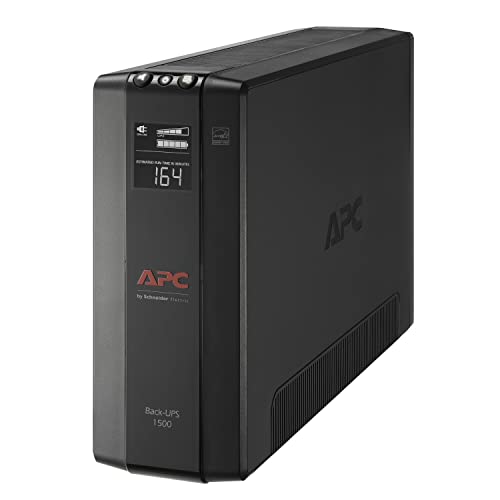
The UPS I use in my homelab
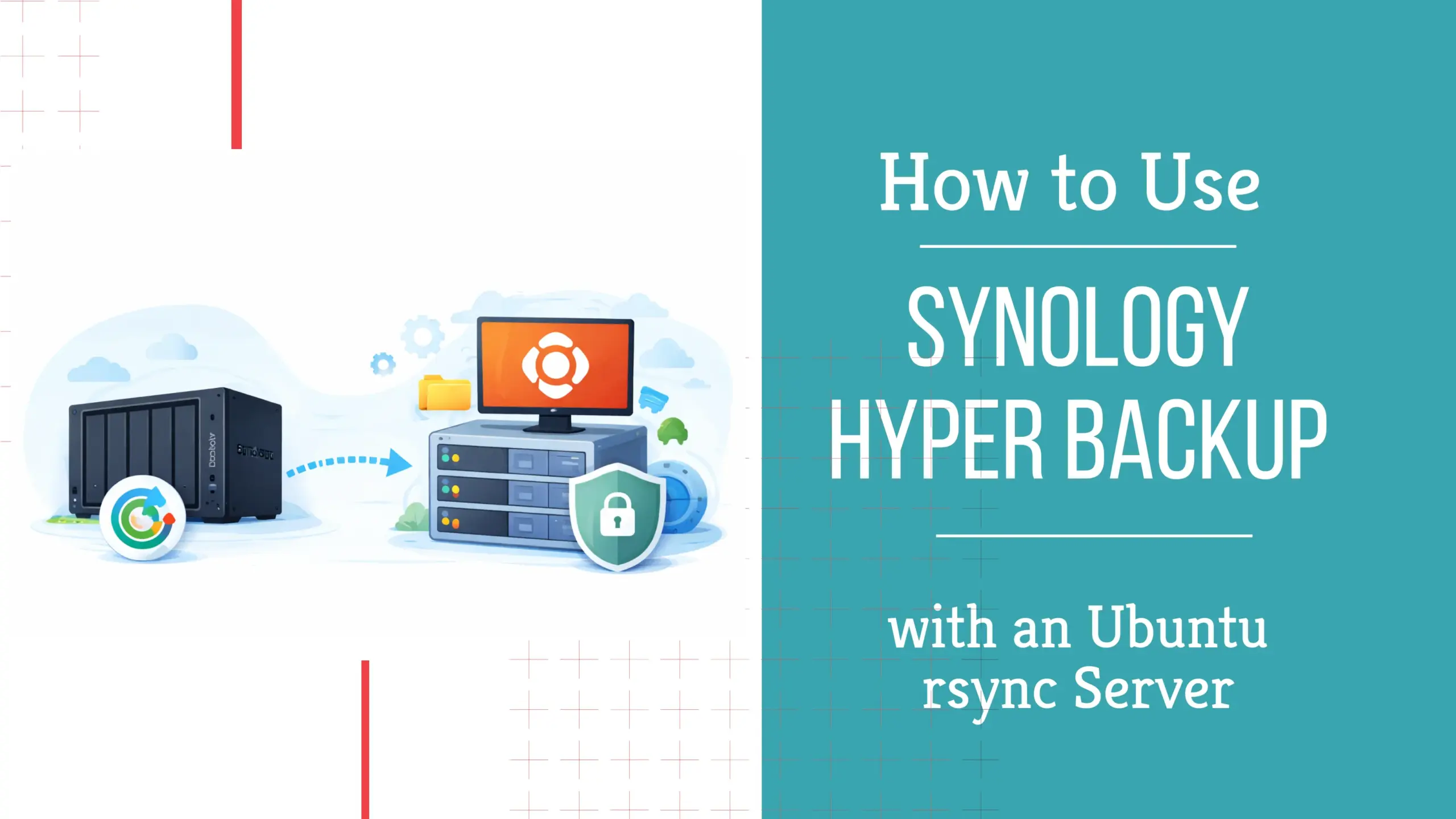
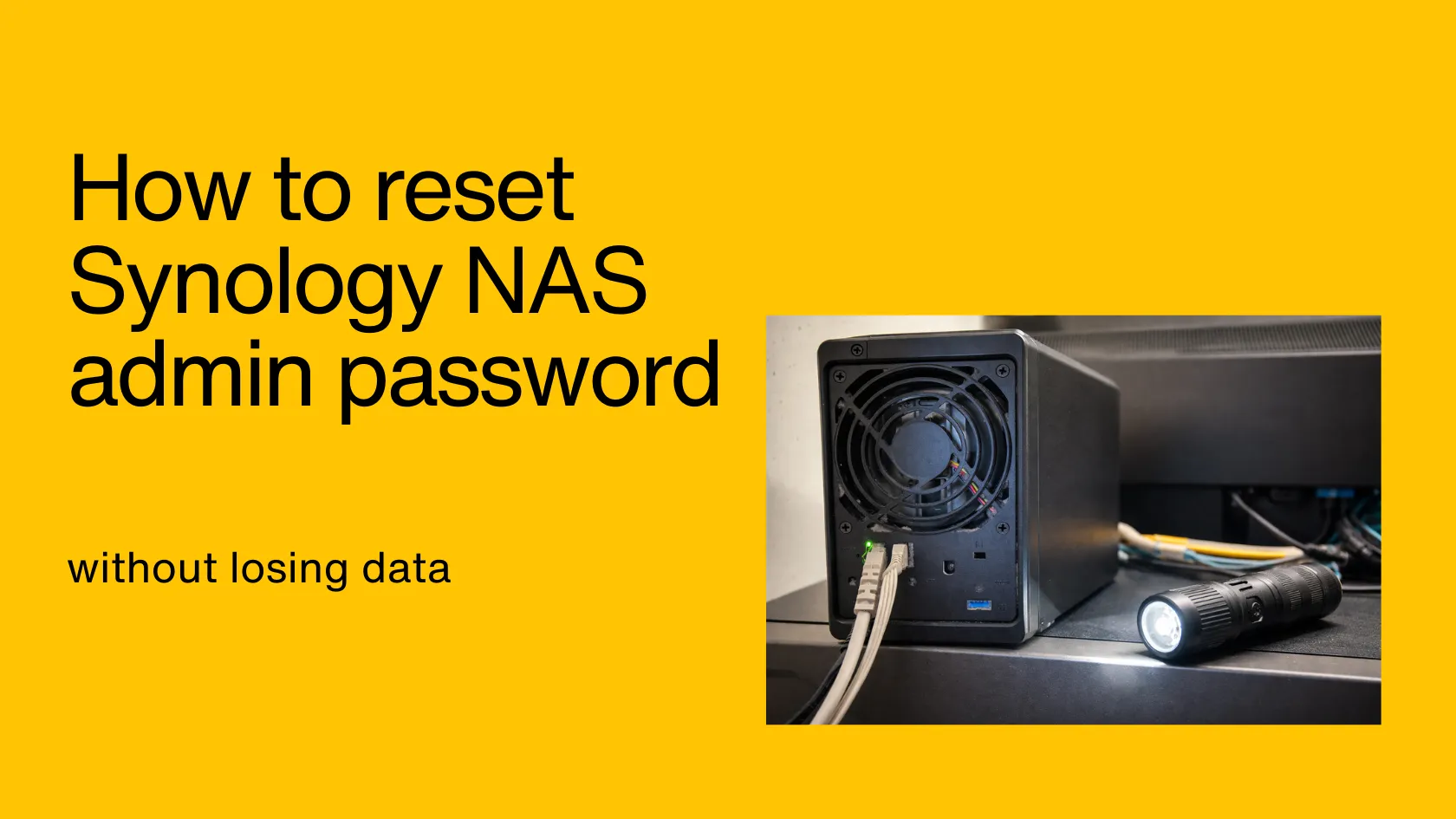
I use Synology for backups, file sharing, and home lab storage. This hub collects my best DSM tutorials, real-world setup notes, and the mistakes to avoid.
On this page, you’ll find my best Synology guides, practical setups, and the “gotchas” I wish I knew earlier.
New to Synology? Start with these guides to get DSM, storage, and backups right from day one.
My best Synology tutorials and setups once you’re past the basics.
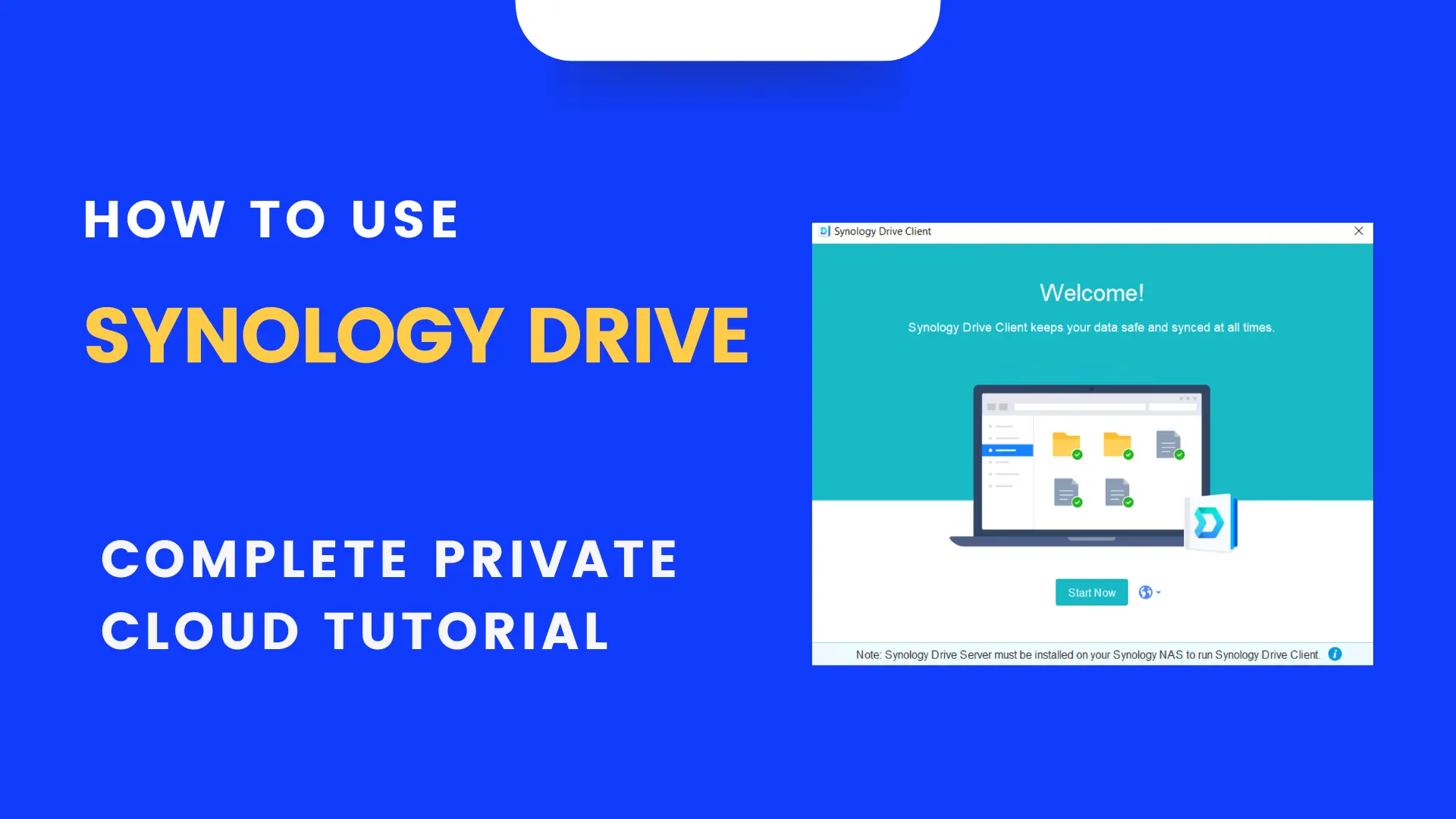
Turn your NAS into a private cloud for file sync and sharing — with the settings I use to keep it simple and reliable.
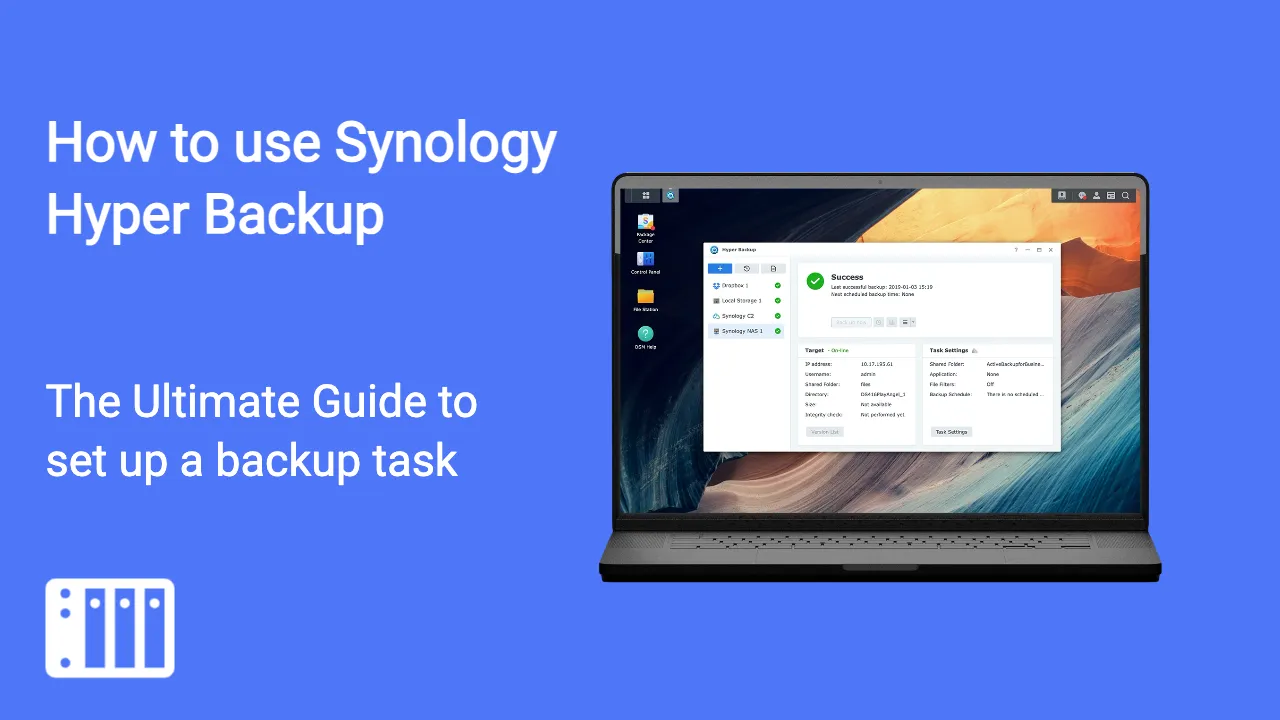
Set up proper backups on your Synology (versions, schedules, retention) so you can restore fast when something breaks.
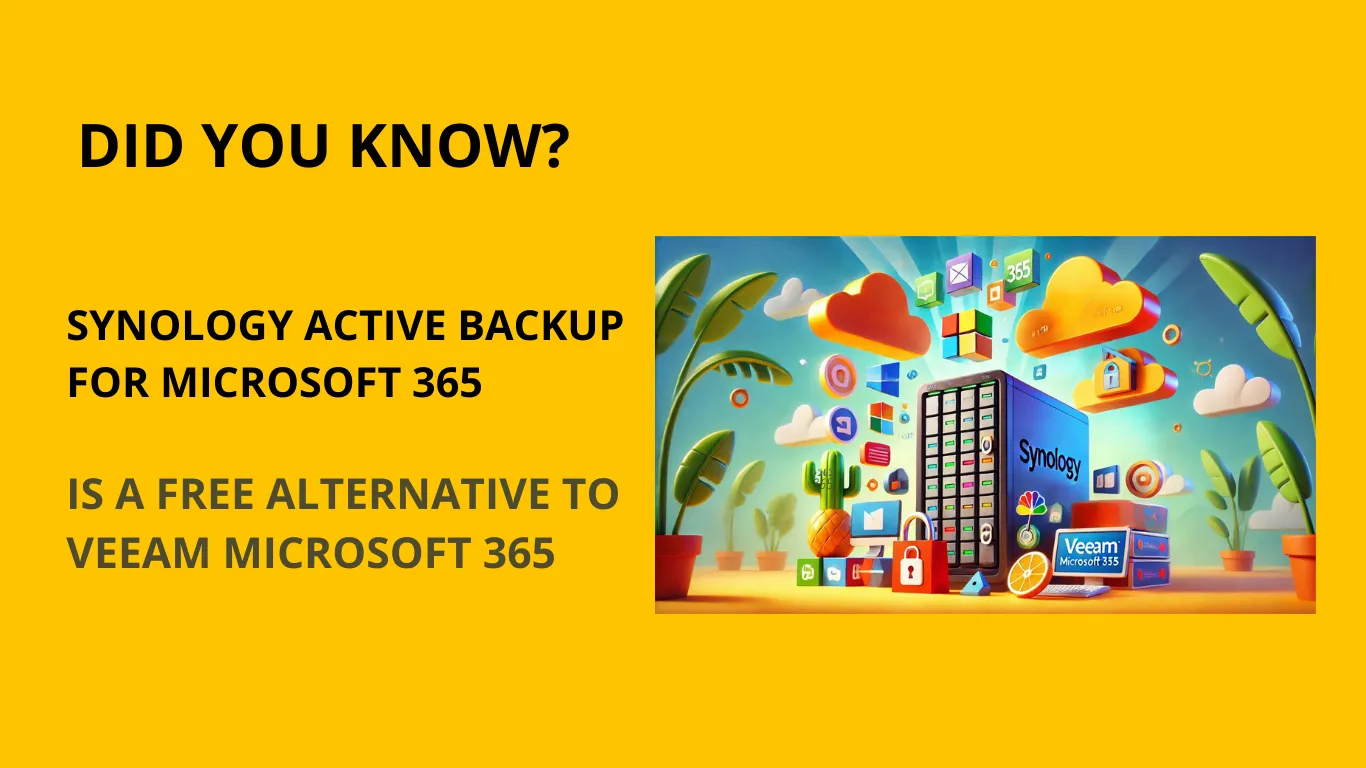
Back up Microsoft 365 to your Synology using Active Backup — a practical, budget-friendly alternative if you don’t want a separate backup platform.
Recommended gear: UPS for your Synology NAS

Edy Werder is a participant in the Amazon Services LLC Associates Program, an affiliate advertising program designed to provide a means for sites to earn advertising fees by advertising and linking to Amazon.com.
Edy Werder is a participant in the ALIEXPRESS Affiliate Network, an affiliate advertising program designed to provide a means for sites to earn advertising fees by advertising and linking to ALIEXPRESS properties and associated sub-sites.