





Blogs

Welcome to Edy's Tech Toolkit: Reviews, Tutorials, and Best Picks

👋 Hey there, tech enthusiast!

Tired of sifting through incomplete guides, biased reviews, or overly complicated tutorials? You’ve come to the right place. Welcome to my toolkit, where I give you the whole story on tech—no steps left behind.


Here’s what you can expect from my blog:

🔍 In-Depth Reviews: I dive deep into servers, firewalls, and more, providing you with the pros, cons, and everything in between.

🛠️ Step-by-Step Tutorials: Whether you’re a beginner or a seasoned pro, my tutorials are foolproof. I walk you through each step, ensuring you come out the other side with new skills and confidence.

🏆 Best Picks: Confused about what to buy? My curated lists of best servers, firewalls, and other tech essentials are here to guide you.

So go ahead, explore my articles, and arm yourself with the knowledge you need to confidently navigate the tech world. I’ve got your back every step of the way.

Edy's tech blog
Looking for homelab ideas? Here are 25 projects I either run in my own lab or have planned next, organized by where you start and how your lab grows.
When I started building my home lab, choosing the right server was only half the story. The other half? Picking the best hypervisor. After all, it’s the hypervisor that actually runs your virtual machines—so it plays a huge role in how flexible, efficient, and manageable your home lab setup is.
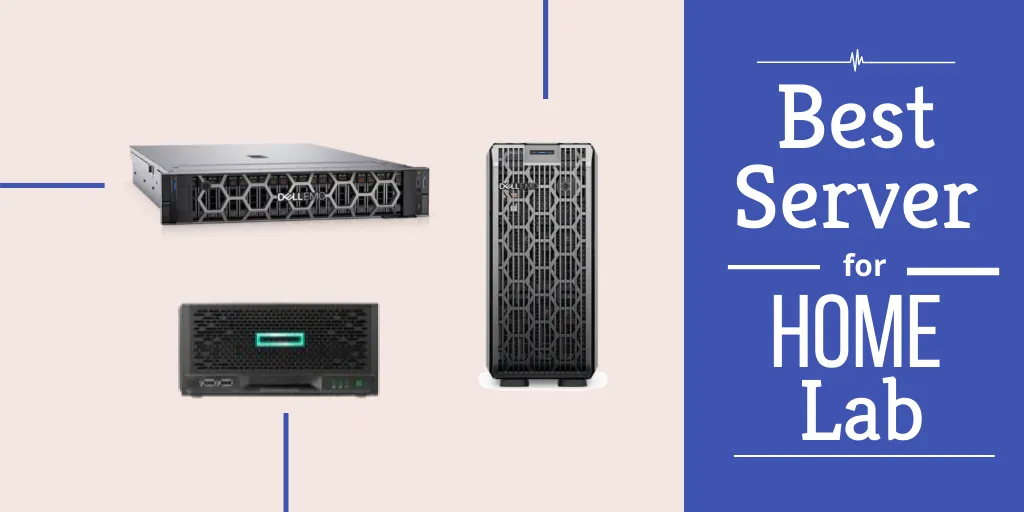
If you are looking to run the best mini PC for Proxmox, you are not alone. Mini PCs are increasingly popular among homelab enthusiasts seeking a powerful, compact, and energy-efficient virtualization setup.
Are you building your own homelab and wondering how to keep it secure? Whether you're testing virtual machines, hosting services, or segmenting your smart devices, a firewall is one of the most important components in your setup.
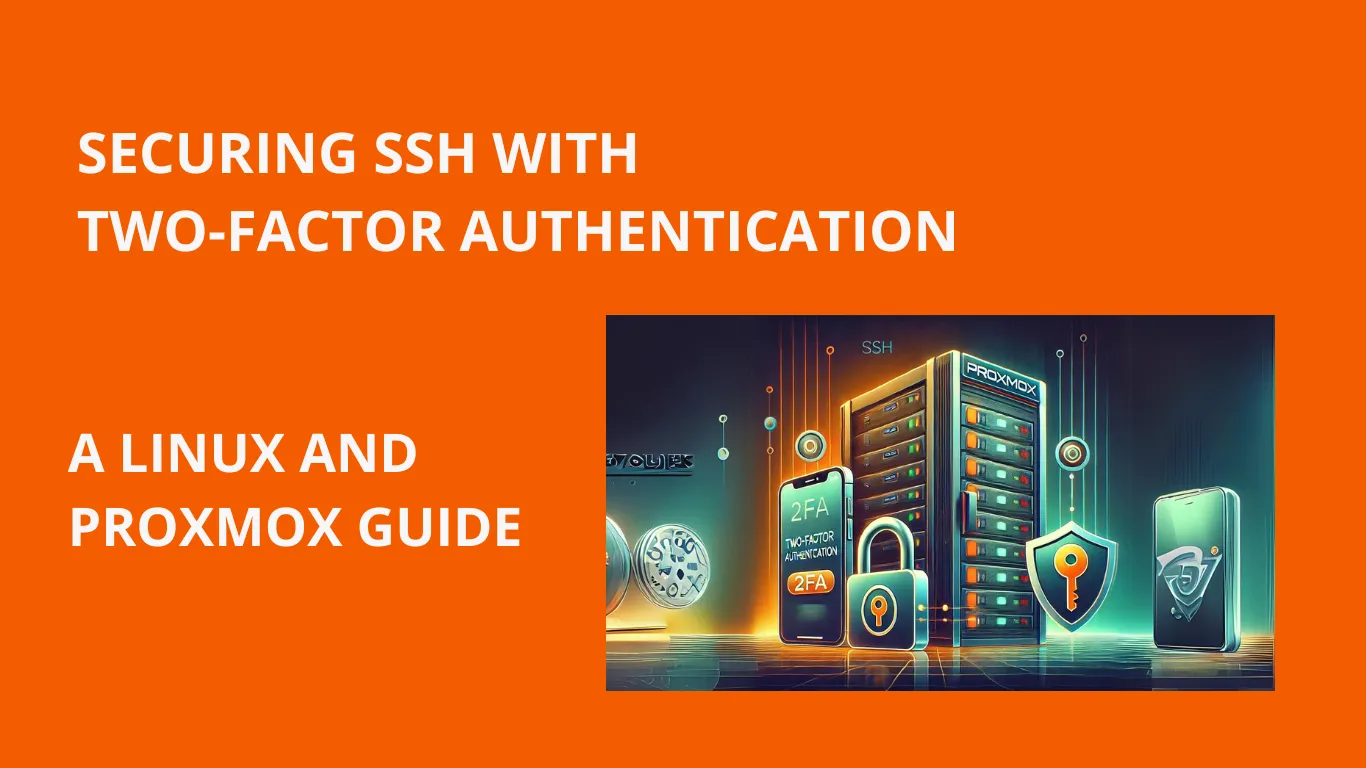
As a system administrator, securing SSH access is crucial for protecting my servers. That's why I've implemented two-factor authentication (2FA) on my Linux and Proxmox systems. In this guide, I'll walk you through the process of securing SSH with 2FA, step by step.
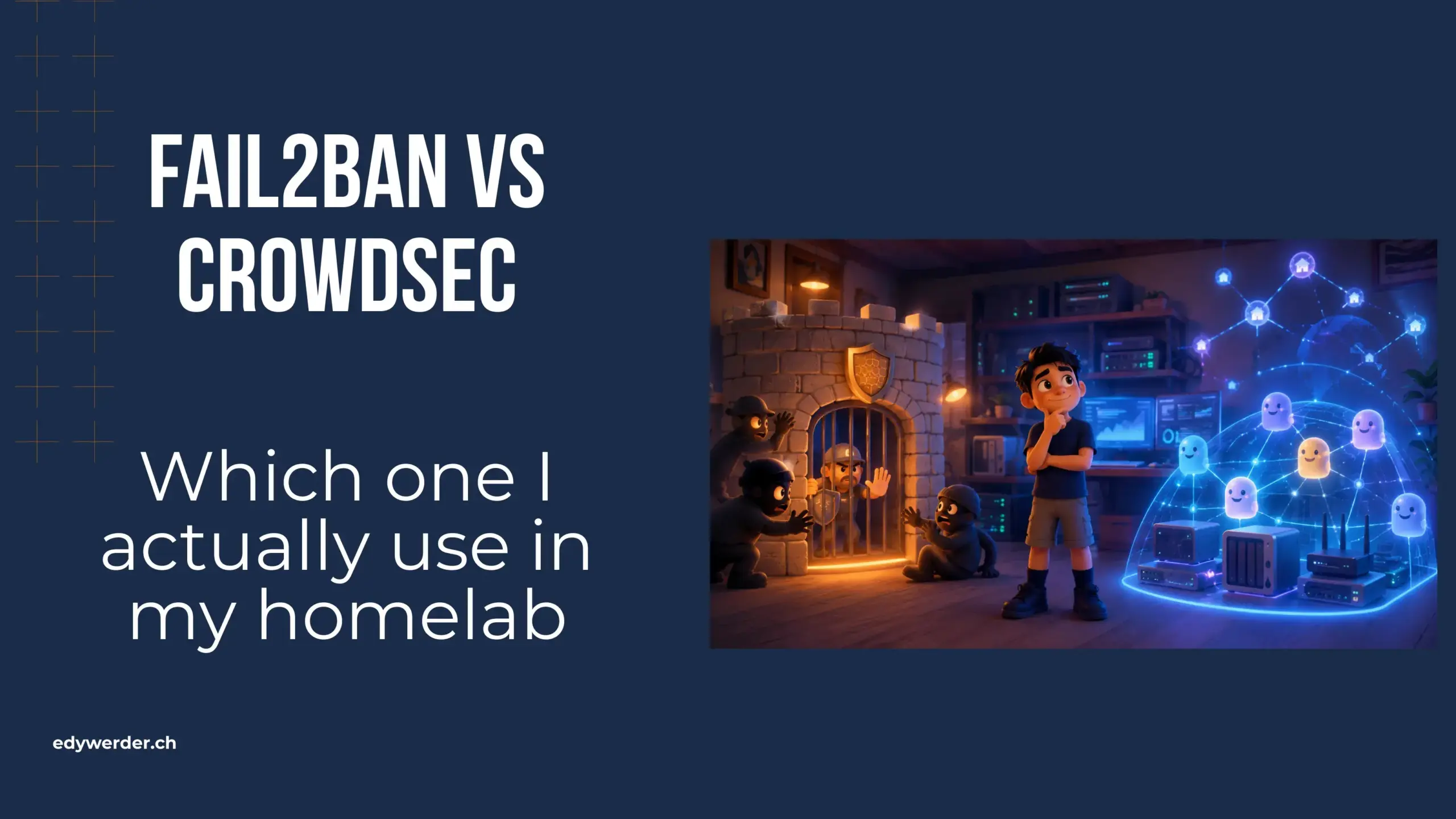
For years, Fail2ban was the first thing I installed on any server I put online. It is light, it is simple, and it just works. I never had a reason to look further. Then CrowdSec kept coming up in homelab circles, and I wanted to know if it was hype
A home lab is great for getting hands-on experience with different technologies. It is the ideal setup for testing products or configurations in a quiet environment.
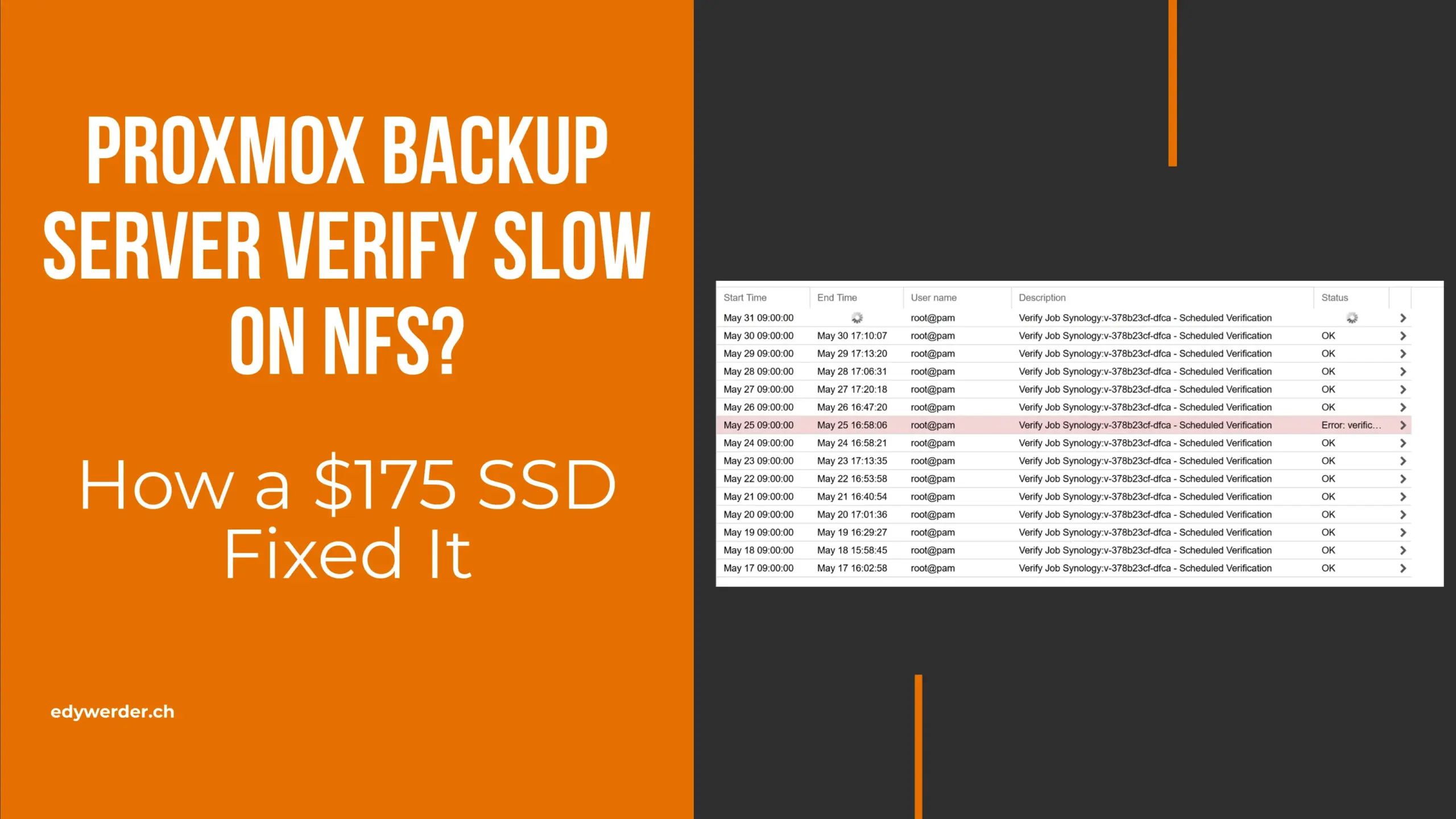
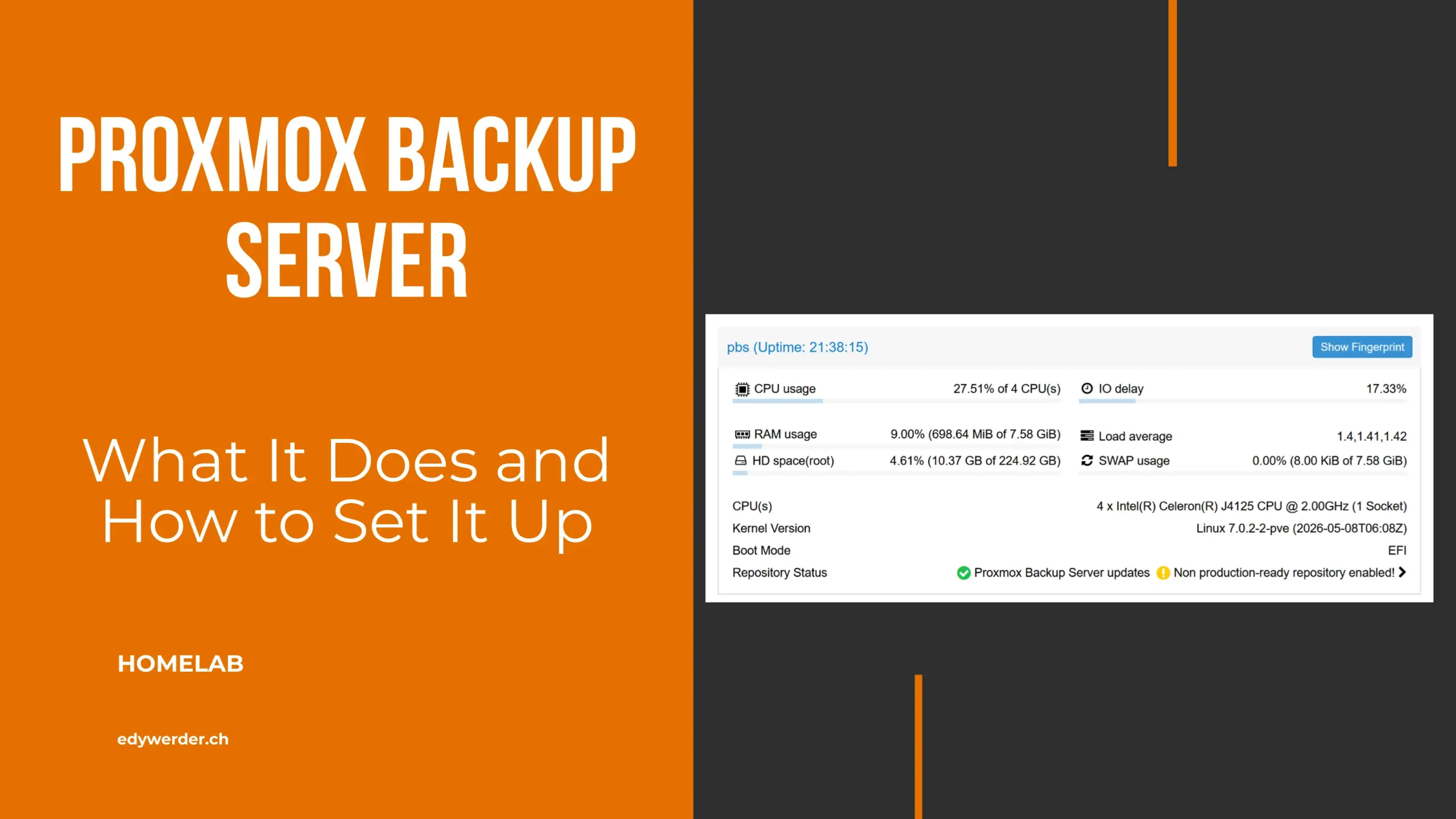
Is your Proxmox Backup Server verify slow? Mine ran for 8.5 hours every single day. Backups were fine. Restores worked. But the daily verify dragged on from morning into late afternoon. I assumed it was my gigabit network. I was wrong.
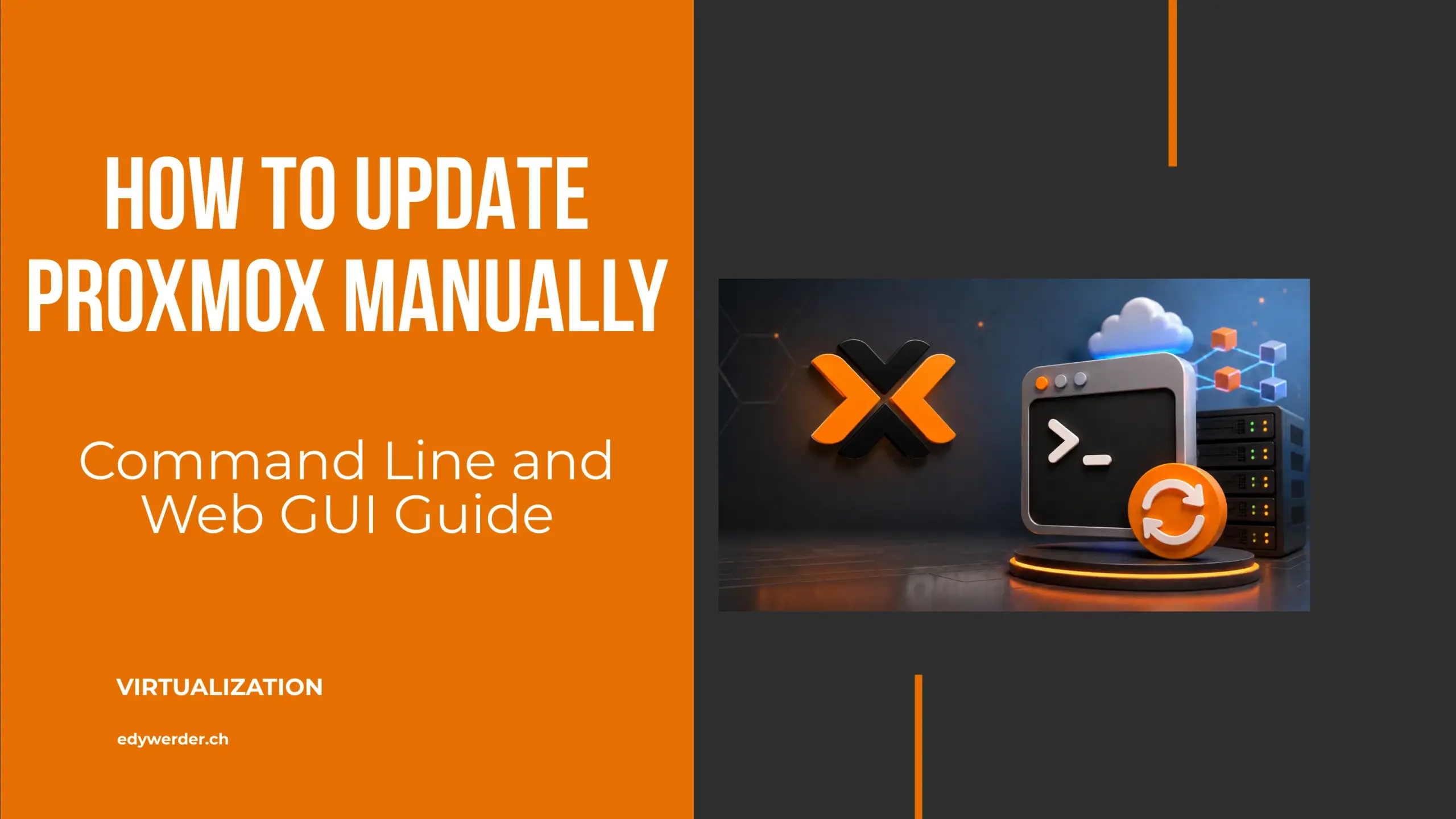
Knowing how to update Proxmox manually keeps you in control of when patches and kernel updates hit your server. This guide covers both the command-line and the web GUI approaches.
If you run a homelab or manage a few servers for a small business, Proxmox Backup Server is the solution for data protection. Without a dedicated backup server, your virtual machines live on a single node. One disk failure and you rebuild everything from scratch.
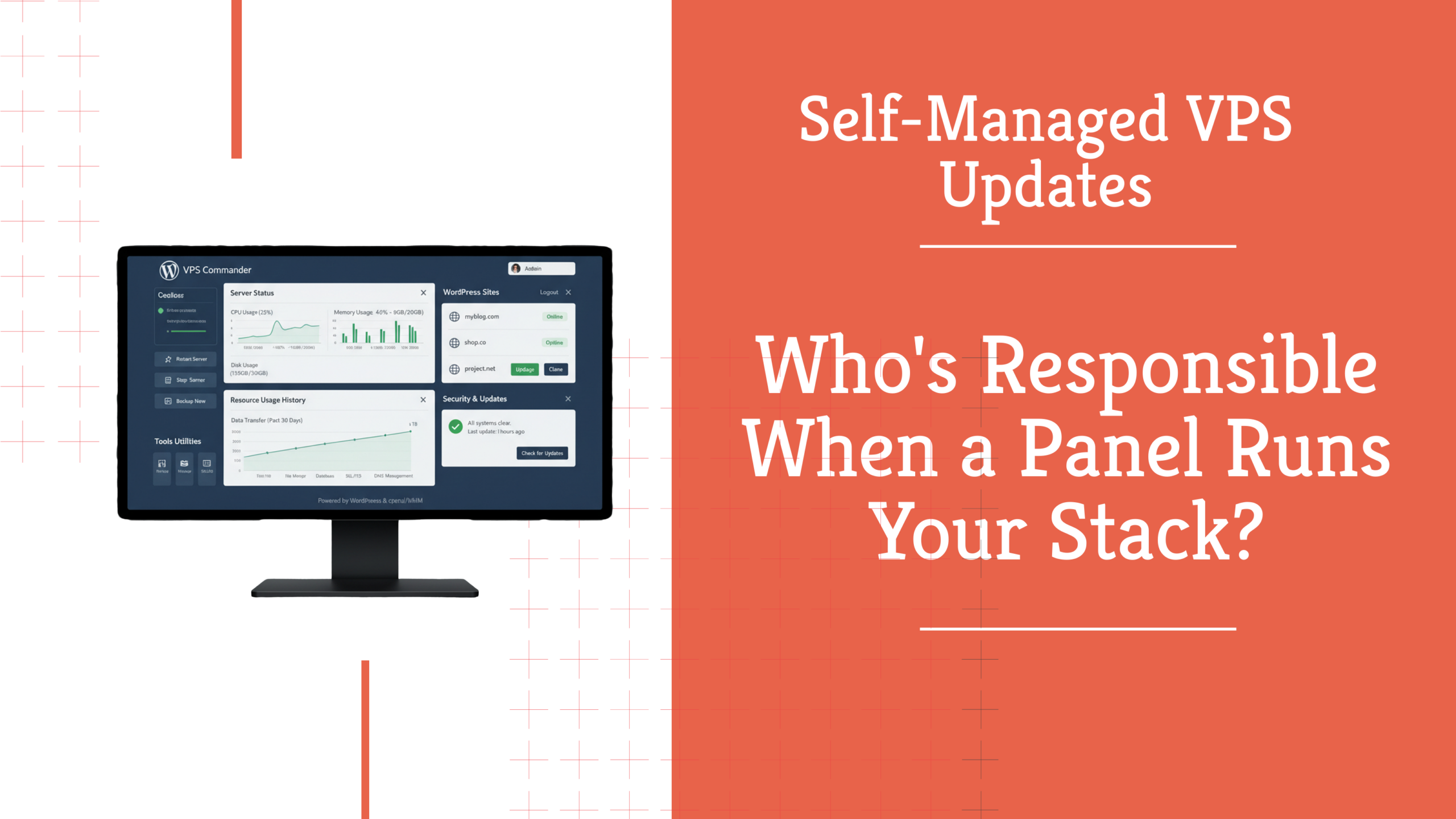
I SSH'd into my self-managed VPS last week, ran apt-get update && apt-get upgrade -y, and immediately hit two errors. That moment made me realize I had no clear idea who's actually responsible for keeping this server updated.
I have written over 30 homelab guides on this blog. Guides on servers, Proxmox, Synology, networking, and security. This page brings them all together in one place, organized by topic.
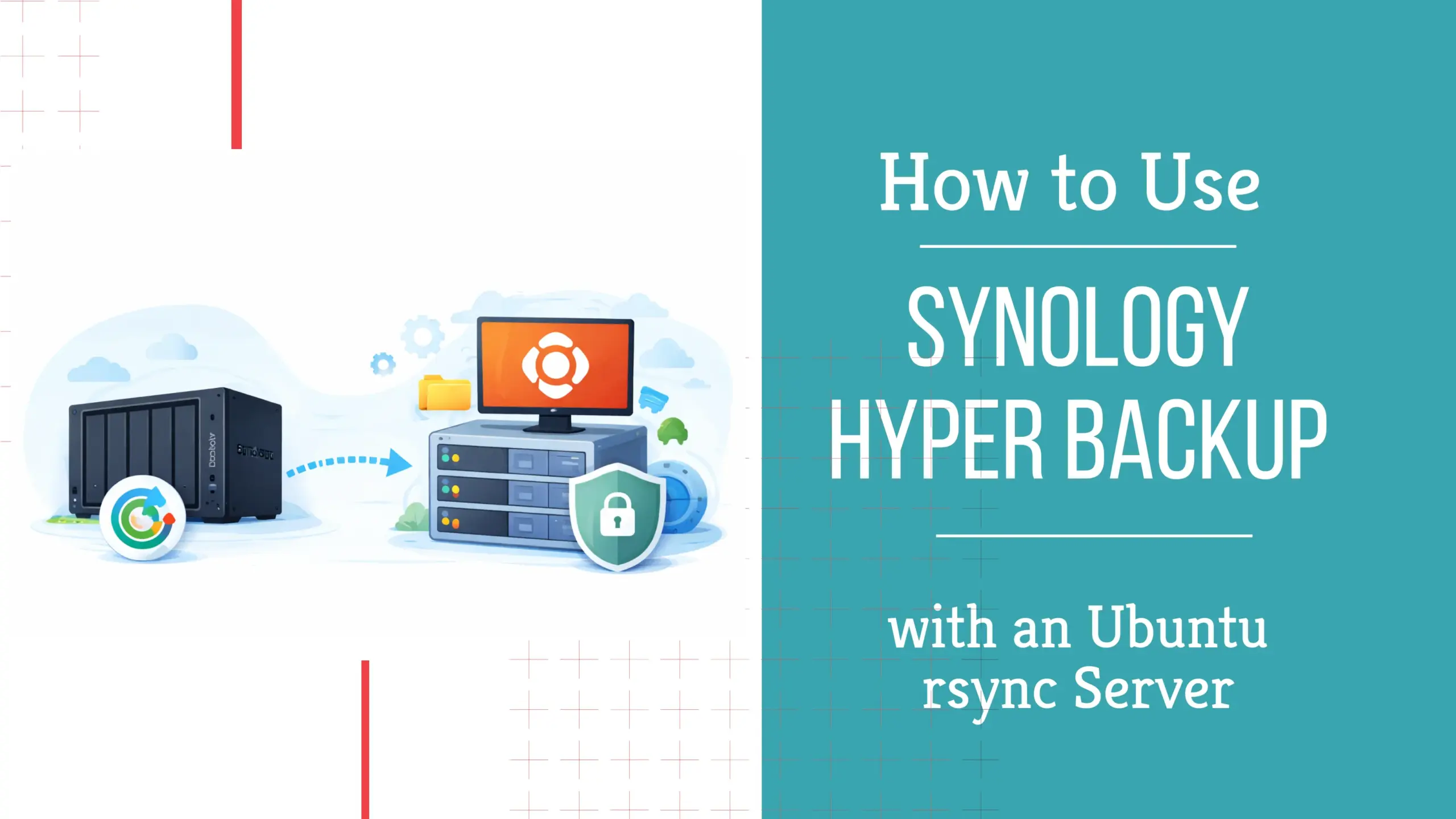
If you want an off-site backup destination you control, using Synology Hyper Backup to an rsync server can work very well. I recently set this up with an Ubuntu server and learned that the process is not quite as simple as creating a folder and testing SSH access.
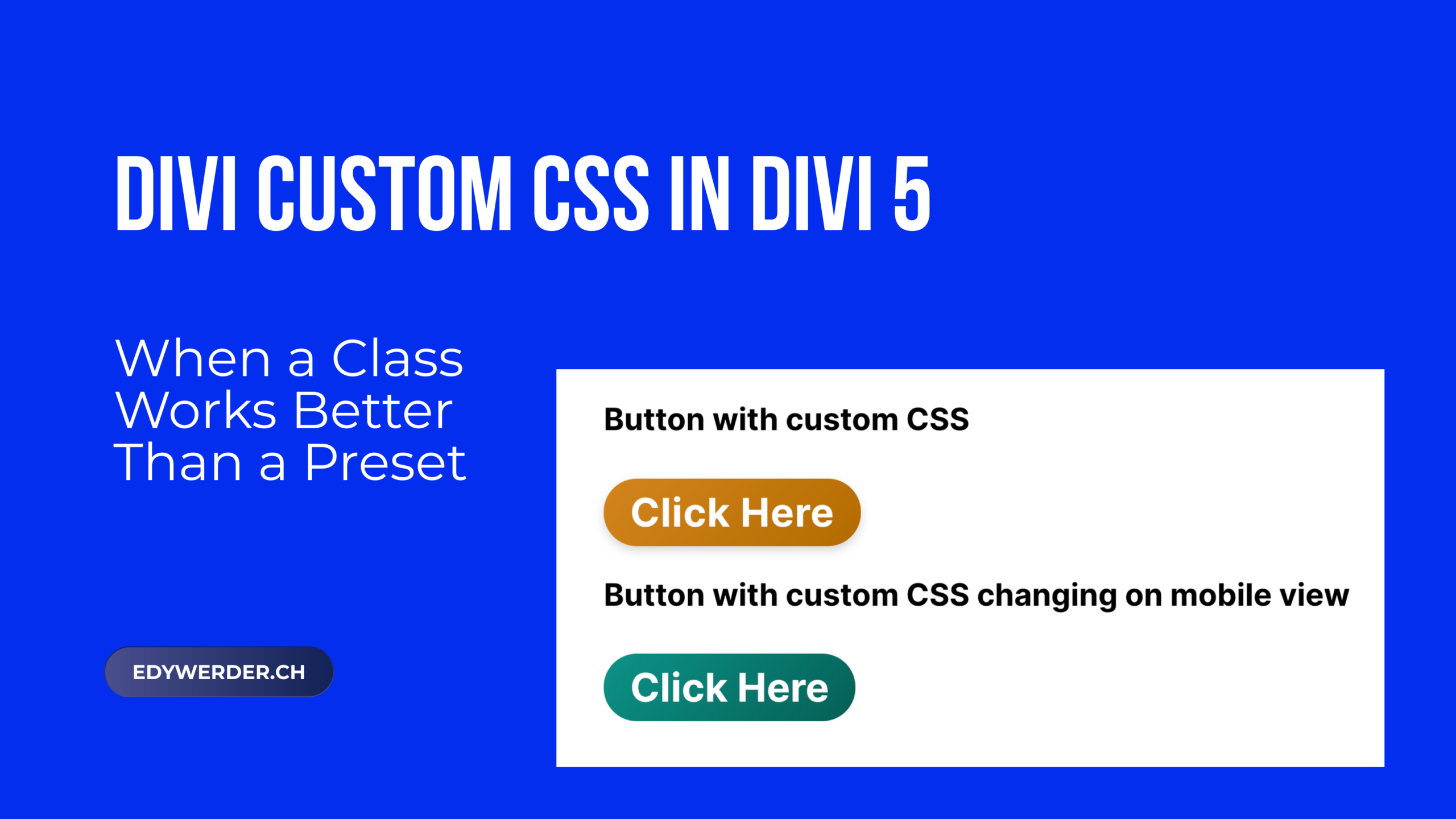
Divi 5 gives you a powerful design system with presets and variables. But not everything belongs in that system. Some styles are one-offs. Some need more control than the visual builder allows. That is where Divi custom CSS comes in.
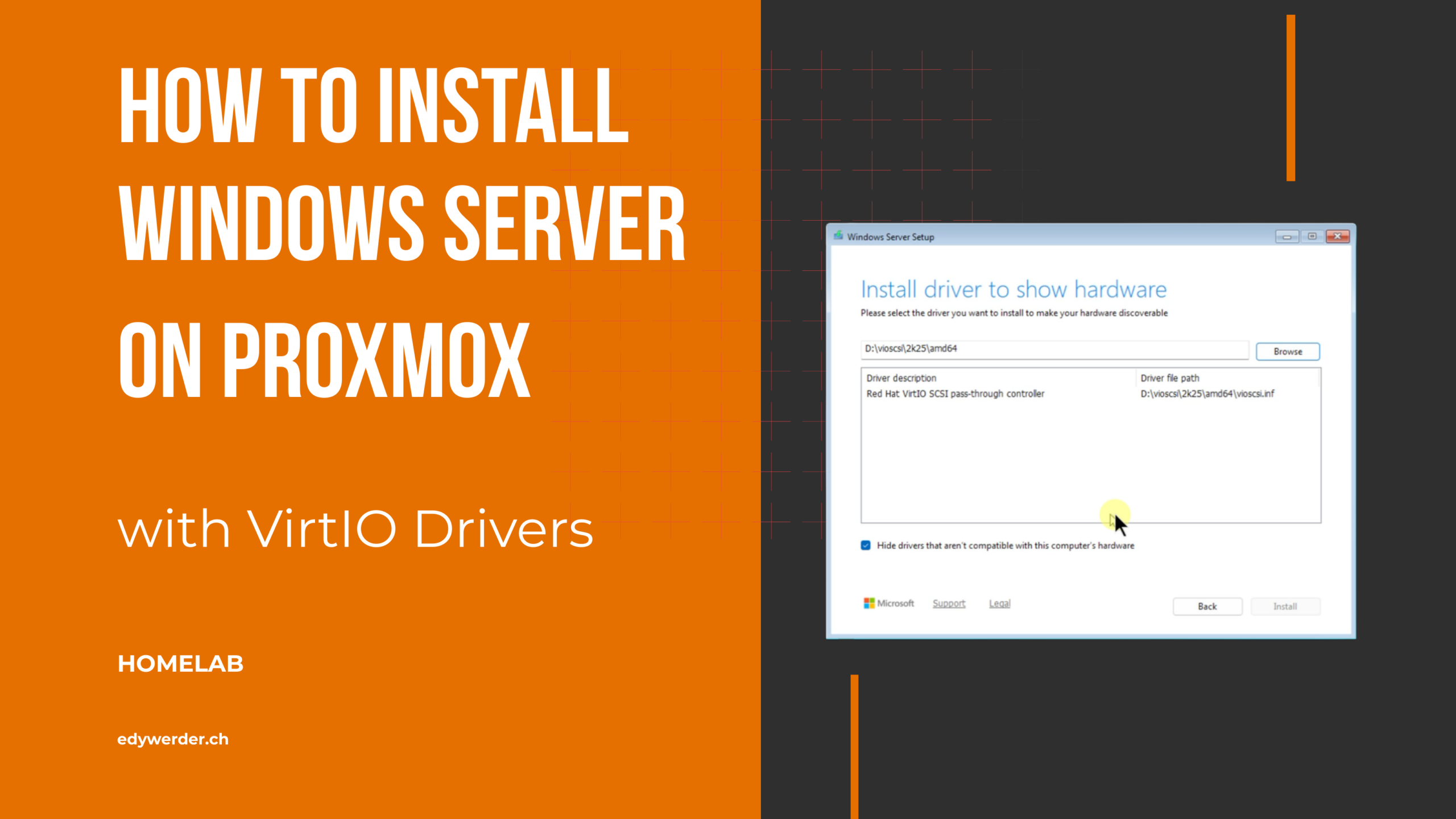
If you want to install Windows Server on Proxmox, I recommend using VirtIO drivers from the beginning. This gives your virtual machine better storage and network performance than using older default options.
I'm currently rebuilding a website with Divi 5. Along the way, I keep running into things that aren't obvious, aren't documented, or just work differently than expected. I collect them here.
Divi 5 design variables let you define colors, fonts, spacing, text, URLs, and more in one place and reuse them across your entire site. They are a new feature and a core part of the Divi 5 design system.
Divi 5 is officially out. After more than three years of development, Elegant Themes removed the beta label on February 26, 2026, and Divi 5 is now the recommended version for new projects.